
In the competitive markets of Western Pennsylvania and Eastern Ohio, small and midsize businesses (SMBs) are constantly searching for an edge. You're likely feeling the pressure to do more with less—automating repetitive tasks, uncovering critical business insights, and freeing up your team to focus on strategic growth instead of administrative overhead. The challenge isn't a lack of options; it's navigating the overwhelming number of ai productivity tools for business to find solutions that solve your specific problems without straining your budget or requiring a dedicated IT department to manage.
This guide is designed to cut through the noise. As a trusted advisor, our goal is to help you understand the practical applications of AI, not just the hype. We've compiled a list of effective and accessible AI platforms tailored to the needs of SMBs like yours. We’ll move beyond generic marketing claims to provide a practical analysis of each tool, focusing on real-world use cases, implementation considerations, and honest limitations. You'll find a detailed breakdown of tools like Microsoft Copilot, Google Workspace with Gemini, and automation platforms like Zapier, complete with screenshots and direct links to help your evaluation process.
Our goal is to give you a clear, actionable roadmap. Whether you're aiming to enhance team collaboration, automate workflows, or improve customer communication, this resource will help you identify the platforms that offer the best return on investment. For a broader look at how artificial intelligence can transform operations, explore these 12 Best AI Tools for Small Business. We will also discuss the critical decision of whether to self-manage these tools or partner with a managed service provider (MSP) to ensure they are deployed securely, efficiently, and in alignment with your long-term business strategy.
1. Microsoft Copilot for Microsoft 365
For businesses already standardized on the Microsoft 365 ecosystem, Copilot is less of a new tool and more of an AI-powered upgrade to the software your team uses daily. It stands out by deeply integrating into applications like Teams, Outlook, Word, and Excel, providing contextual assistance directly within your existing workflows. This native integration is its primary advantage over standalone AI tools that require context-switching and data exporting, which can be a major hurdle for busy SMBs.
Copilot acts as an intelligent assistant, capable of summarizing lengthy email threads in Outlook, generating entire presentations from a Word document, or creating data visualizations in Excel based on natural language prompts. Because it leverages your organization's own data through Microsoft Graph, its suggestions and creations are securely grounded in your company's context, making it a powerful and relevant AI productivity tool for business.
Key Details & Implementation
- Best Use Case: SMBs heavily invested in Microsoft 365 seeking to boost productivity without introducing disparate, third-party applications. Ideal for automating routine tasks like meeting summaries, email drafting, and data analysis.
- Pricing & Access: Copilot for Microsoft 365 is available as an add-on for users with qualifying Microsoft 365 Business Standard/Premium or E3/E5 licenses. It is priced at a flat rate of $30 per user per month.
- Security & Management: A major benefit is its centralized administration. All security, privacy, and compliance controls are managed through the familiar Microsoft 365 Admin Center. This ensures data remains within your tenant, a critical consideration for any organization. To learn more about securing your digital environment, explore robust cybersecurity solutions for businesses.
- Limitations: The primary drawback is its dependence on the Microsoft ecosystem. Businesses not using Microsoft 365 will find no value here, and the per-user cost requires a clear ROI strategy to justify the investment.
2. Google Workspace (Gemini in Workspace)
For organizations rooted in Google's cloud-native ecosystem, Gemini in Workspace is the parallel to Microsoft's Copilot, embedding AI directly into the tools your team already uses. Rather than a separate application, Gemini enhances Google Docs, Gmail, Sheets, and Meet, focusing on web-first collaboration and seamless information flow. This native integration is its key strength, preventing the workflow disruption common with third-party AI tools.
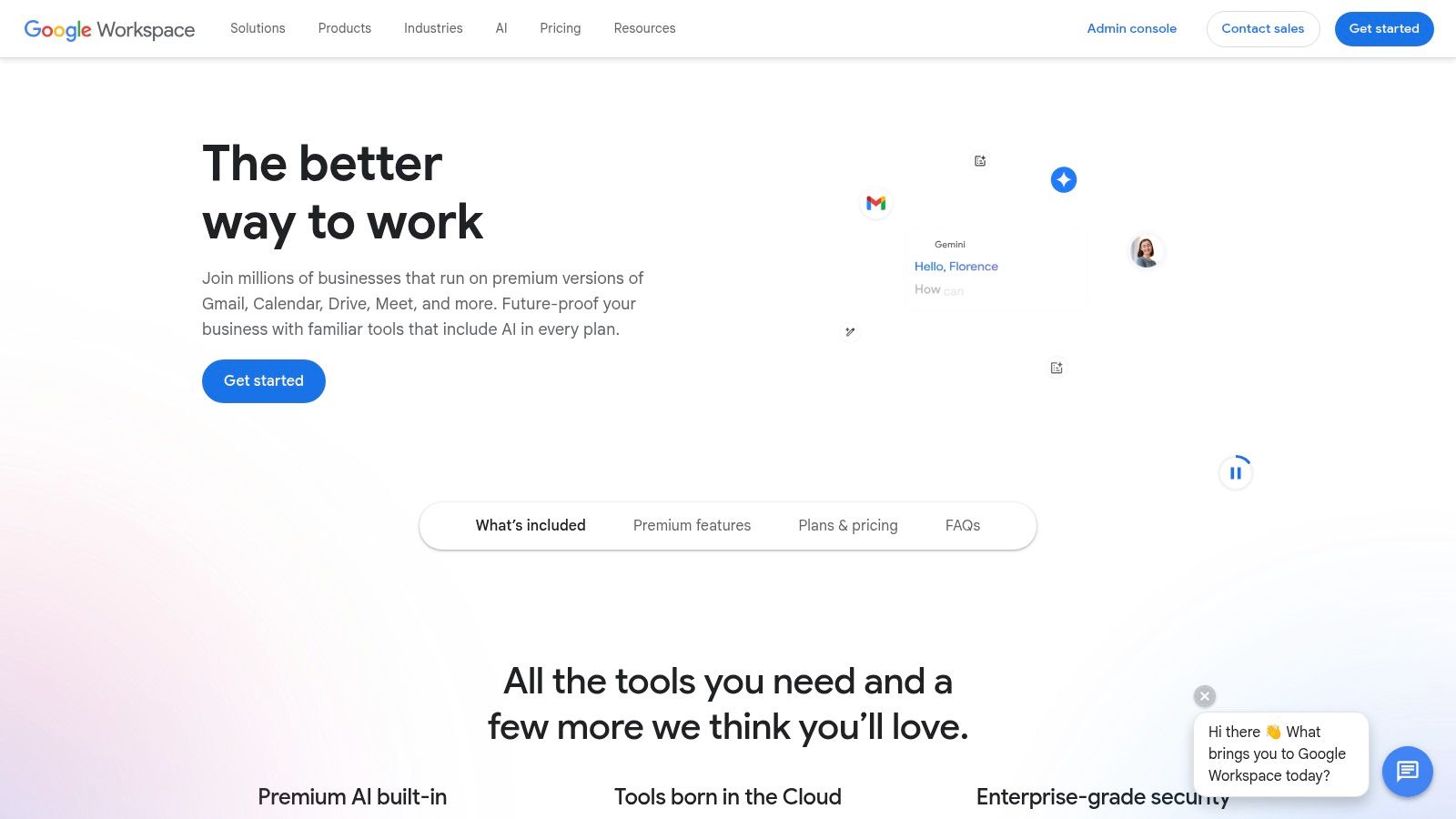
Gemini functions as a collaborative partner, capable of drafting and summarizing emails in Gmail, generating text in Docs from a simple prompt, or creating project plans in Sheets. It also powers features in Meet, like generating meeting notes and providing real-time translations. Because it operates within the secure Google Workspace environment, it leverages your business data with enterprise-grade data protections, making it a highly effective AI productivity tool for business teams that prioritize real-time, browser-based work.
Key Details & Implementation
- Best Use Case: Businesses heavily utilizing the Google Workspace suite who want to embed AI capabilities to accelerate content creation, data organization, and communication without leaving their primary applications.
- Pricing & Access: Gemini features are bundled into various Google Workspace plans and also available as add-ons. For instance, the Gemini for Google Workspace add-on is available for a per-user, per-month fee, with pricing tiers like Gemini Business and Gemini Enterprise.
- Security & Management: Administration is centralized through the familiar Google Admin console, ensuring that data governance, privacy, and security controls align with your existing organizational policies. Your data is not used to train Google's models without your consent. Aligning these tools with your broader goals is a key part of an effective IT strategic plan.
- Limitations: Its value is almost entirely confined to the Google ecosystem. Companies not using Workspace will find no utility here. Additionally, the availability of the most advanced AI features can vary by plan edition and the rollout schedule for new capabilities.
3. OpenAI ChatGPT for Business/Enterprise
For organizations looking to leverage the powerful generative AI of ChatGPT beyond public-facing versions, OpenAI's business-focused tiers provide the necessary security and administrative controls. Unlike the free consumer tool, ChatGPT for Business and Enterprise is designed to be a secure, private environment. It stands out by guaranteeing that your company's conversations and data are not used to train OpenAI's models, addressing a primary concern for any business handling sensitive information.
This makes it a versatile AI productivity tool for business, applicable across departments for drafting communications, summarizing complex documents, analyzing data, and even generating code snippets. By providing a managed platform with enhanced privacy, it allows teams to safely explore the efficiency gains of a large language model without the inherent risks of using a public, consumer-grade service.
Key Details & Implementation
- Best Use Case: Teams in marketing, sales, operations, and support that require a powerful general-purpose AI for content creation, research, and data analysis within a secure framework. It is also excellent for building internal assistants and workflows.
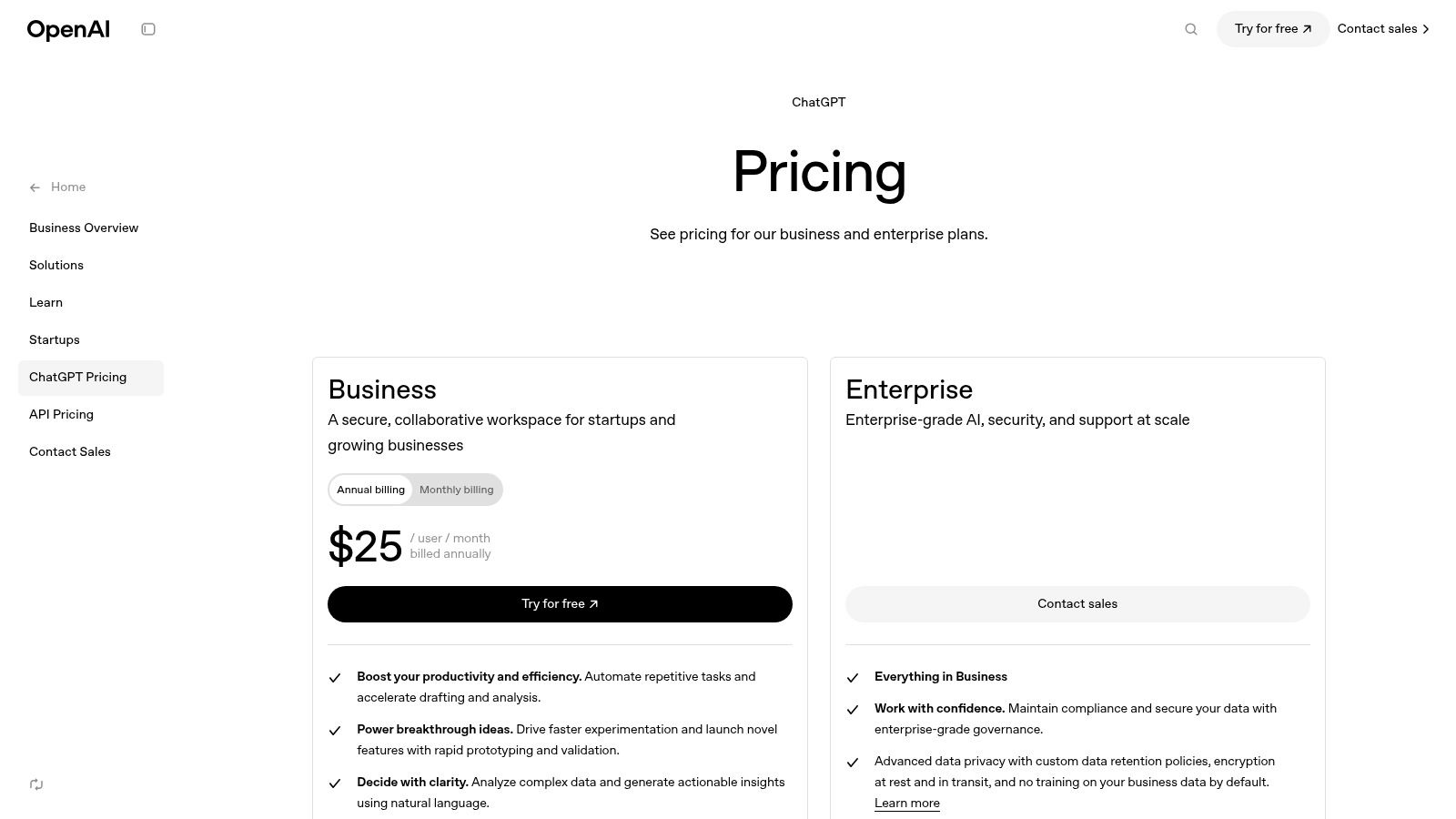
- Pricing & Access: ChatGPT Team is priced at $25 per user per month when billed annually. The Enterprise plan requires contacting sales for custom pricing and offers expanded features like unlimited higher-speed GPT-4 access and longer context windows.
- Security & Management: The business plans include a dedicated admin console for user management, SAML SSO for secure authentication, and critical privacy defaults. Data controls ensure you own and manage your information. To explore the broader ecosystem and specific vendors, you can delve into various ChatGPT companies that are powering business automation.
- Limitations: The per-seat cost can add up quickly for larger organizations. Successful deployment also requires strong internal governance and change management to prevent misuse and ensure employees understand best practices for interacting with the AI.
4. Slack (with AI features)
For teams whose daily operations live inside Slack, the platform’s new native AI features transform it from a communication hub into a smart workspace. Rather than bolting on a separate AI tool, Slack integrates AI directly into the conversations and channels your team already uses. This embedded approach is its key advantage, eliminating the need to copy-paste conversations into another application just to get a summary or find a key piece of information, thereby boosting workflow efficiency.
Slack AI acts as an on-demand assistant that can instantly summarize unread messages in a busy channel, recap a huddle you missed, or perform an intelligent search that understands conversational context to find answers buried in your archives. It can even help generate simple workflows to automate routine tasks. These features are designed to reduce the noise of constant communication and help your team focus on the most important information, making it an excellent AI productivity tool for business collaboration.
Key Details & Implementation
- Best Use Case: Businesses that rely on Slack as their primary internal communication tool. It is ideal for catching team members up quickly, finding critical information without manual searching, and automating simple, recurring communication tasks.
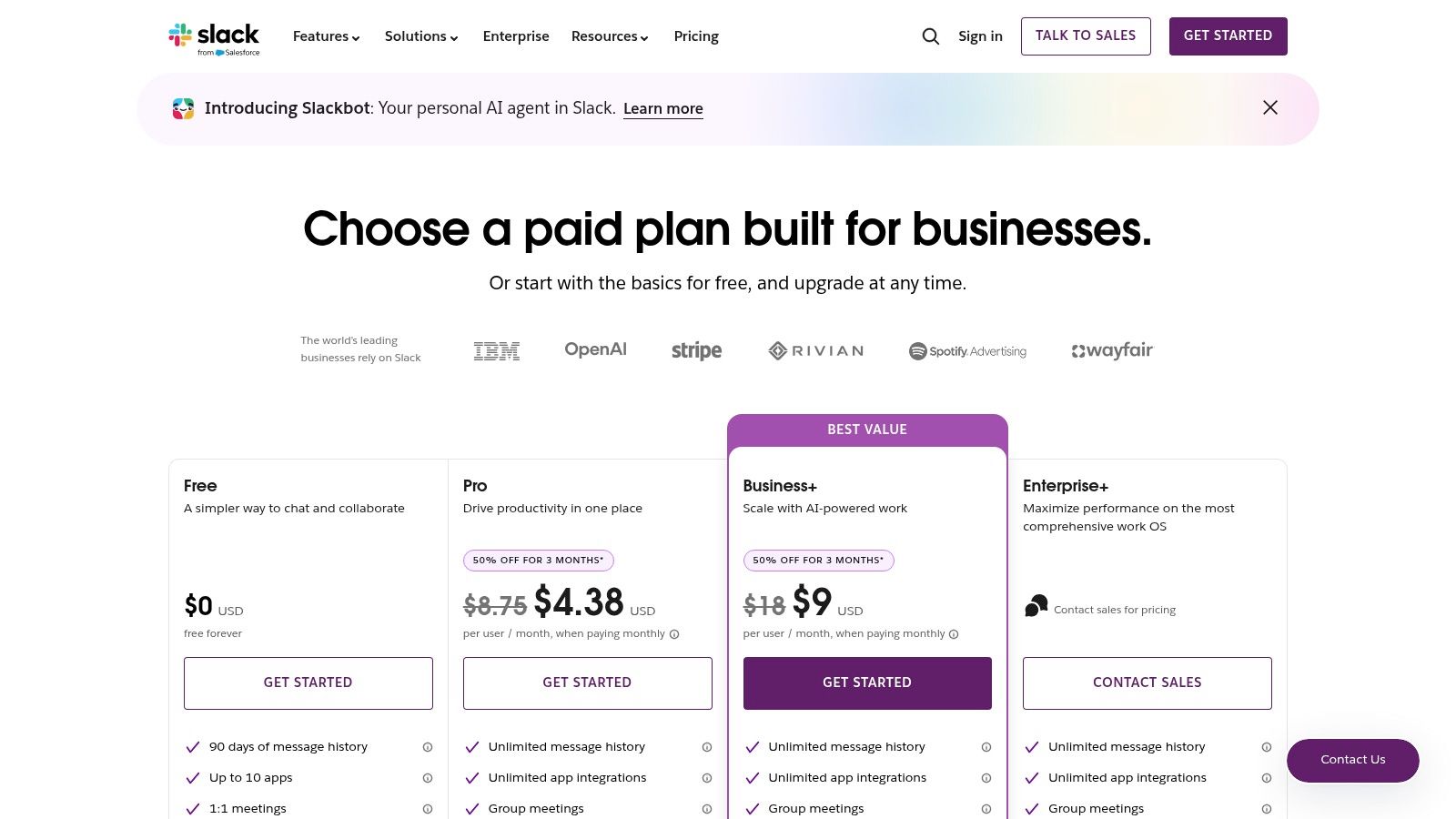
- Pricing & Access: Slack AI features are now included in paid plans (Pro, Business+, and Enterprise Grid), starting at $8.75 per user per month when billed annually. The previous AI add-on has been deprecated, and the availability of advanced features varies by tier.
- Security & Management: Administrators have granular control to enable or disable AI features across their workspace through the admin dashboard. Slack maintains its enterprise-grade security standards for its AI offerings, ensuring your conversational data is protected and not used to train their models.
- Limitations: The power of Slack AI is confined entirely within the Slack platform. Its value diminishes significantly for teams that do not use it as a central hub. Additionally, feature availability is tied to specific subscription tiers, which may require an upgrade for smaller businesses to access the full suite of AI capabilities.
5. Zoom Workplace with AI Companion
For companies where video conferencing is the backbone of daily operations, Zoom Workplace with AI Companion is a seamless addition. Rather than introducing a separate platform, it enhances the communication tools your team already uses. Its strength lies in integrating AI directly into Meetings, Team Chat, and Phone, focusing on making real-time collaboration and post-meeting workflows more efficient without requiring users to learn a new system.
AI Companion functions as a real-time meeting assistant. It can generate summaries and action items during a live call, allow attendees who join late to ask questions and catch up, and even help draft chat messages or emails. Since these core AI features are included at no additional cost with paid Zoom plans, it stands out as one of the most accessible and high-value ai productivity tools for business, offering immediate benefits with minimal change management.
Key Details & Implementation
- Best Use Case: Any SMB that relies heavily on Zoom for internal and external communication. It’s perfect for improving meeting efficiency, automating follow-ups, and ensuring clear communication across teams.
- Pricing & Access: Many AI Companion capabilities are included at no extra cost for customers with a paid Zoom user account. More advanced or custom AI capabilities may require a paid add-on, but the core features provide significant value out of the box.
- Security & Management: Zoom has a transparent privacy posture, stating they do not use any of your audio, video, chat, or other customer content to train Zoom’s or third-party AI models. Management is straightforward within the Zoom admin portal, allowing for granular control over feature enablement.
- Limitations: The most advanced AI features and custom integrations may require add-on subscriptions, adding to the cost. Additionally, feature availability can vary by region and the timing of Zoom’s rollout schedule.
6. Notion (Business plan with AI)
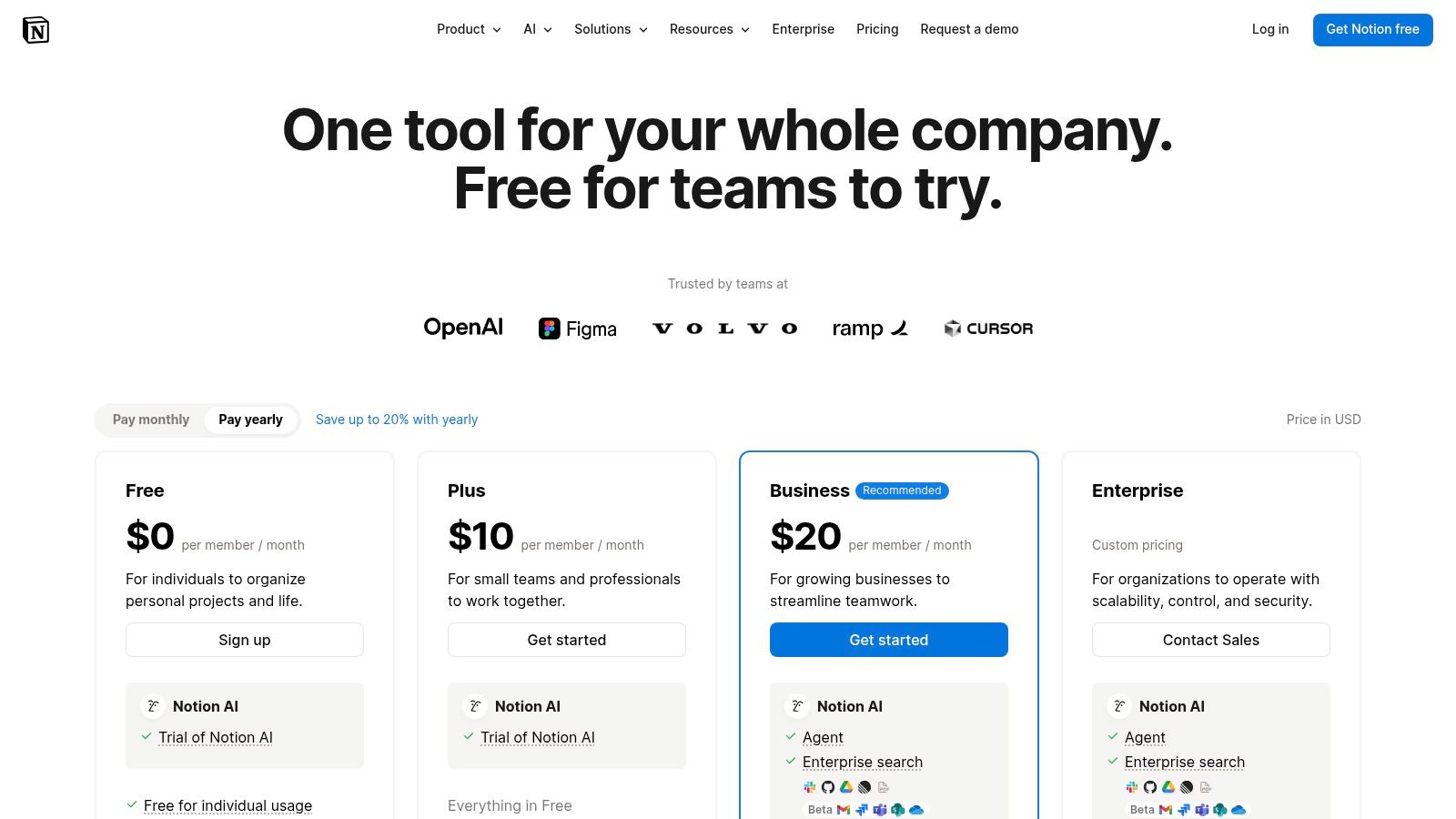
Notion has evolved from a simple note-taking app into an all-in-one workspace that consolidates documents, project management, and internal wikis. With the integration of AI, it now acts as a central nervous system for a company's knowledge, actively assisting teams rather than just storing information. Its strength lies in its ability to embed AI directly within the content your team creates and manages daily, making it one of the most contextually aware AI productivity tools for business.
Instead of switching to a separate AI application, teams can use Notion AI to summarize meeting notes, draft project proposals, or generate action items directly from their project boards. The AI agent can perform multi-step tasks using your workspace's content, and its Enterprise Search feature can even find information across connected tools like Slack and Google Drive. This cohesive approach helps reduce tool sprawl and keeps a team’s collective intelligence in one accessible place.
Key Details & Implementation
- Best Use Case: Teams looking to consolidate multiple tools (docs, tasks, knowledge bases) into a single platform with deeply integrated AI capabilities. It is ideal for creative agencies, startups, and product teams that thrive on collaborative documentation and project tracking.
- Pricing & Access: The AI features are available as an add-on to all plans, including the free tier. However, for business use, the Business Plan is recommended for its advanced collaboration and security features. Notion AI costs an additional $8 per user per month (billed annually).
- Security & Management: The Business and Enterprise plans offer advanced security controls, including SAML single sign-on (SSO) and audit logs. While Notion is SOC 2 Type 2 compliant, organizations with strict data residency or industry-specific compliance needs (like HIPAA) should carefully review Notion's policies or work with an MSP to ensure it meets their requirements.
- Limitations: The tool’s greatest strength is also a potential weakness; its effectiveness is directly tied to team adoption. If only a portion of your team uses Notion, the AI's ability to draw on collective knowledge is significantly diminished. Additionally, some of its most powerful AI features are still in beta.
7. Zapier (AI orchestration, Agents, MCP)
Zapier has long been the gold standard for no-code automation, connecting thousands of apps to streamline business workflows. Now, it has evolved into one of the most practical ai productivity tools for business by deeply integrating artificial intelligence into its core platform. This allows companies to not only connect their existing software but to inject intelligent decision-making, data processing, and content generation directly into those automated processes without writing a single line of code.
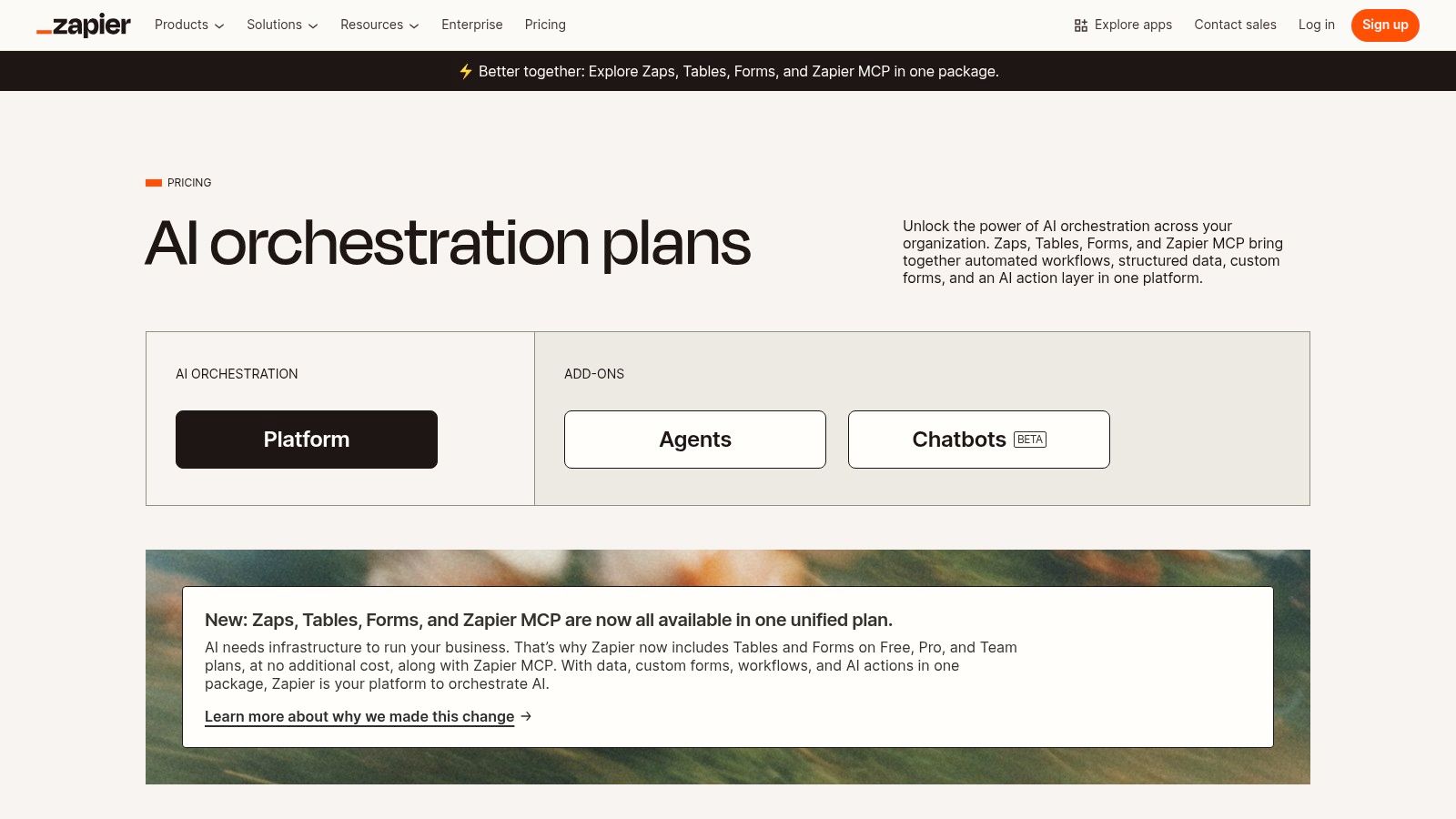
Unlike standalone AI models, Zapier's strength lies in orchestration. You can use its AI-powered "Zaps" to automatically analyze incoming customer support tickets, summarize them, and route them to the correct department in your CRM. Furthermore, its experimental "Zapier Agents" can perform multi-step tasks autonomously based on a simple instruction, like researching a topic and drafting a summary document. This combination of a mature integration ecosystem with accessible AI makes it a powerful force multiplier for SMBs.
Key Details & Implementation
- Best Use Case: Businesses that rely on multiple SaaS applications and need to automate complex, multi-app workflows with a layer of intelligence. Ideal for automating lead qualification, content creation pipelines, and internal data processing.
- Pricing & Access: Zapier offers a free tier for basic automations. Paid plans scale based on the number of "tasks" (automated actions) used per month, starting from around $19.99/month. AI features and Agents may require higher-tier plans.
- Security & Management: As a third-party integrator, managing access is crucial. Ensure you use service accounts with limited permissions rather than administrator accounts when connecting apps. An MSP can help configure these connections securely to minimize risk while maximizing automation potential.
- Limitations: The task-based pricing model can become expensive if workflows are not optimized, potentially leading to surprise costs. The new AI Agents feature is still evolving and may have limitations on its task execution quotas and complexity.
8. Atlassian (Confluence/Jira with Atlassian Intelligence/Rovo)
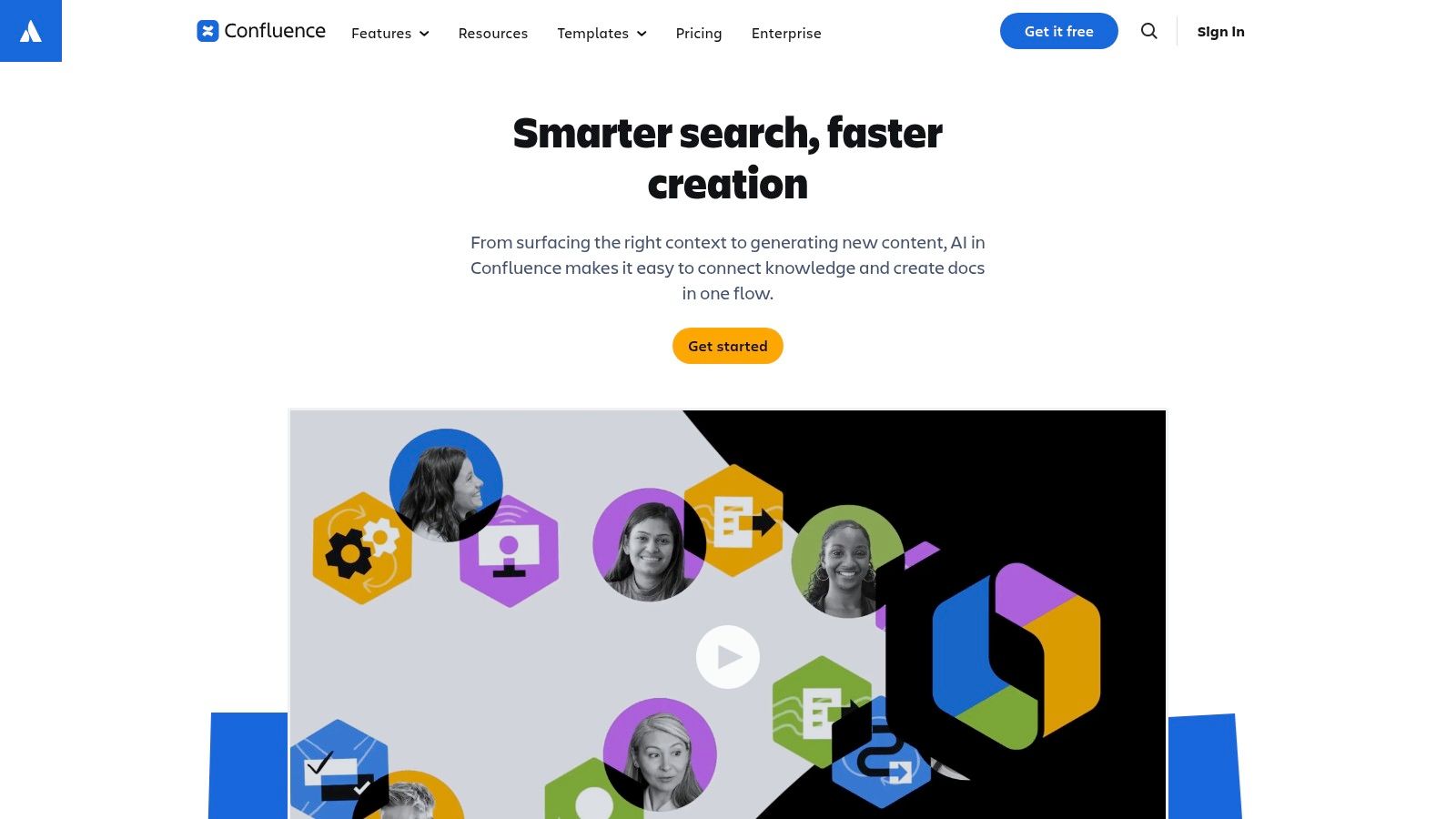
For organizations deeply embedded in Atlassian's ecosystem for project management and knowledge sharing, Atlassian Intelligence brings AI directly into the tools your teams already live in. Rather than being a separate application, its features are woven into Confluence and Jira, designed to accelerate documentation, summarize complex project threads, and answer questions using your company's own data. This native integration is its core strength, eliminating the need to context-switch between your knowledge base and a standalone AI.
Atlassian Intelligence functions as a collaborative partner within your workflow. It can draft entire Confluence pages from a simple prompt, summarize long meeting notes, or rewrite content for a different tone. With the addition of Rovo, it can search across all your Atlassian cloud products to find answers grounded in your projects and documentation. This makes it a highly relevant and powerful AI productivity tool for business, especially for technical, IT, and operations teams that rely on the Atlassian suite.
Key Details & Implementation
- Best Use Case: Development, IT, and operations teams already using Atlassian Cloud products who want to accelerate workflows, improve documentation quality, and quickly find information across their projects.
- Pricing & Access: Atlassian Intelligence features are included at no additional cost for customers on Cloud Premium and Enterprise editions of Jira Software, Jira Service Management, and Confluence. Availability may vary during the rollout phase.
- Security & Management: Administration is centralized within the Atlassian Cloud admin console. Administrators have opt-in and opt-out controls, ensuring they can manage AI feature adoption according to their organization's governance and data privacy policies.
- Limitations: The benefits are entirely confined to the Atlassian ecosystem. Furthermore, feature availability is tied to specific subscription tiers (Premium/Enterprise), so teams on Standard or free plans will not have access without an upgrade. A clear governance strategy is needed before broad adoption.
9. AWS Marketplace (AI productivity solutions)
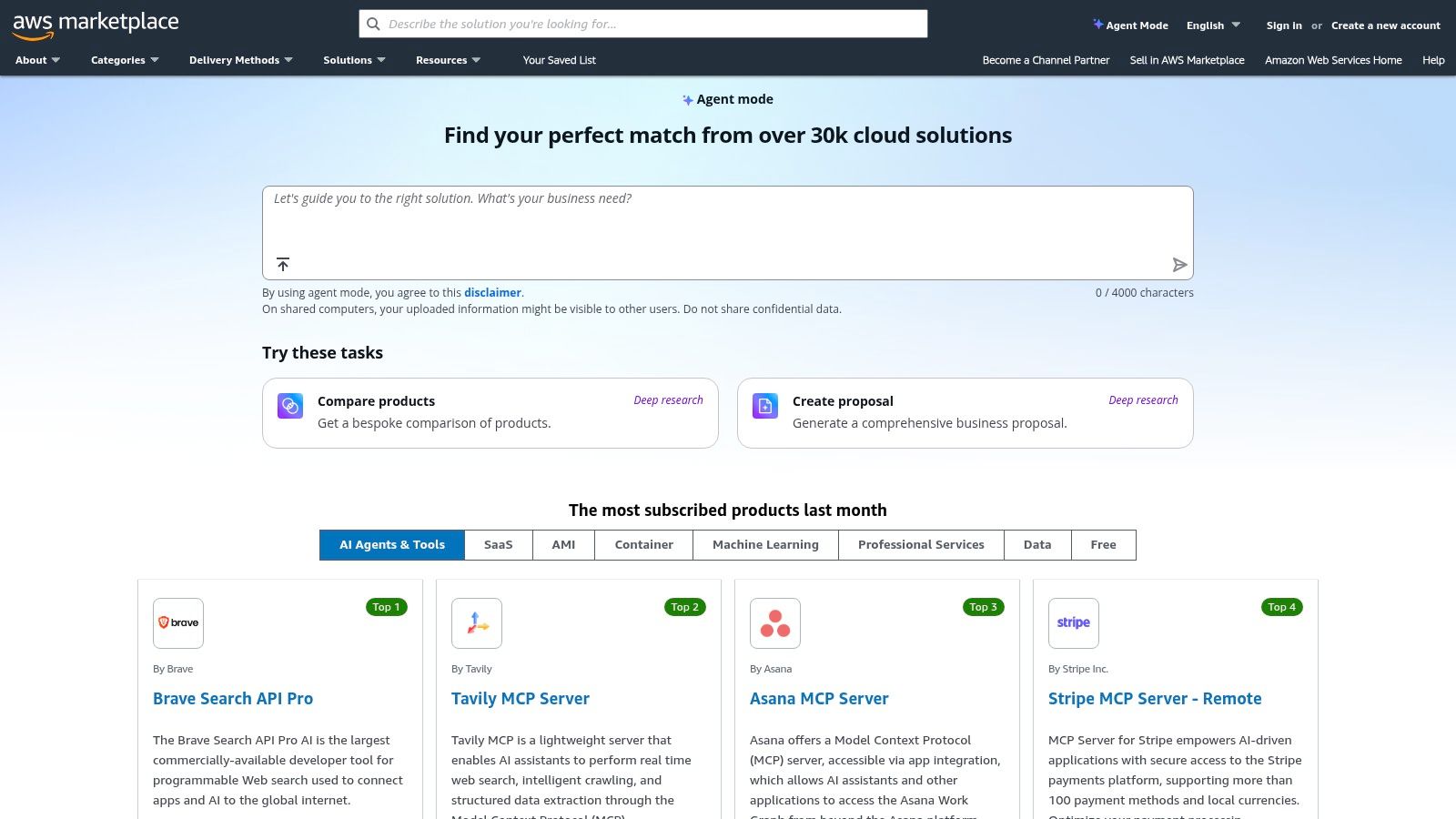
For businesses already operating within the Amazon Web Services (AWS) cloud environment, the AWS Marketplace is not a single tool but a centralized hub for discovering, purchasing, and deploying thousands of third-party software solutions. Its value lies in streamlining procurement and billing, allowing teams to acquire new AI productivity tools for business using their existing AWS account and payment methods. This eliminates the need for separate vendor contracts and simplifies expense management.
The platform stands out by offering a curated catalog of business applications, including a growing number of AI-powered productivity and collaboration tools. It provides helpful comparison features, customer reviews, and often AI-powered summaries to help decision-makers evaluate options side-by-side. This turns the complex process of vetting new software into a more manageable, integrated workflow directly within the AWS ecosystem.
Key Details & Implementation
- Best Use Case: Technology-forward SMBs and development teams that use AWS for infrastructure and want to consolidate their SaaS procurement. It is ideal for finding and deploying niche AI tools with unified billing and governance.
- Pricing & Access: Access to the marketplace itself is free with an AWS account. Software pricing is set by individual vendors and varies widely, offering everything from free trials and pay-as-you-go models to annual SaaS subscriptions.
- Security & Management: While AWS provides a secure purchasing environment, the security of each individual application is the responsibility of the third-party vendor. Proper vetting is crucial, a process where effective IT vendor management best practices are indispensable for mitigating risk.
- Limitations: The sheer volume of options can be overwhelming, and many listings are geared toward enterprise-level or highly technical use cases. Its primary value is tied to having an existing AWS account and procurement process aligned with it.
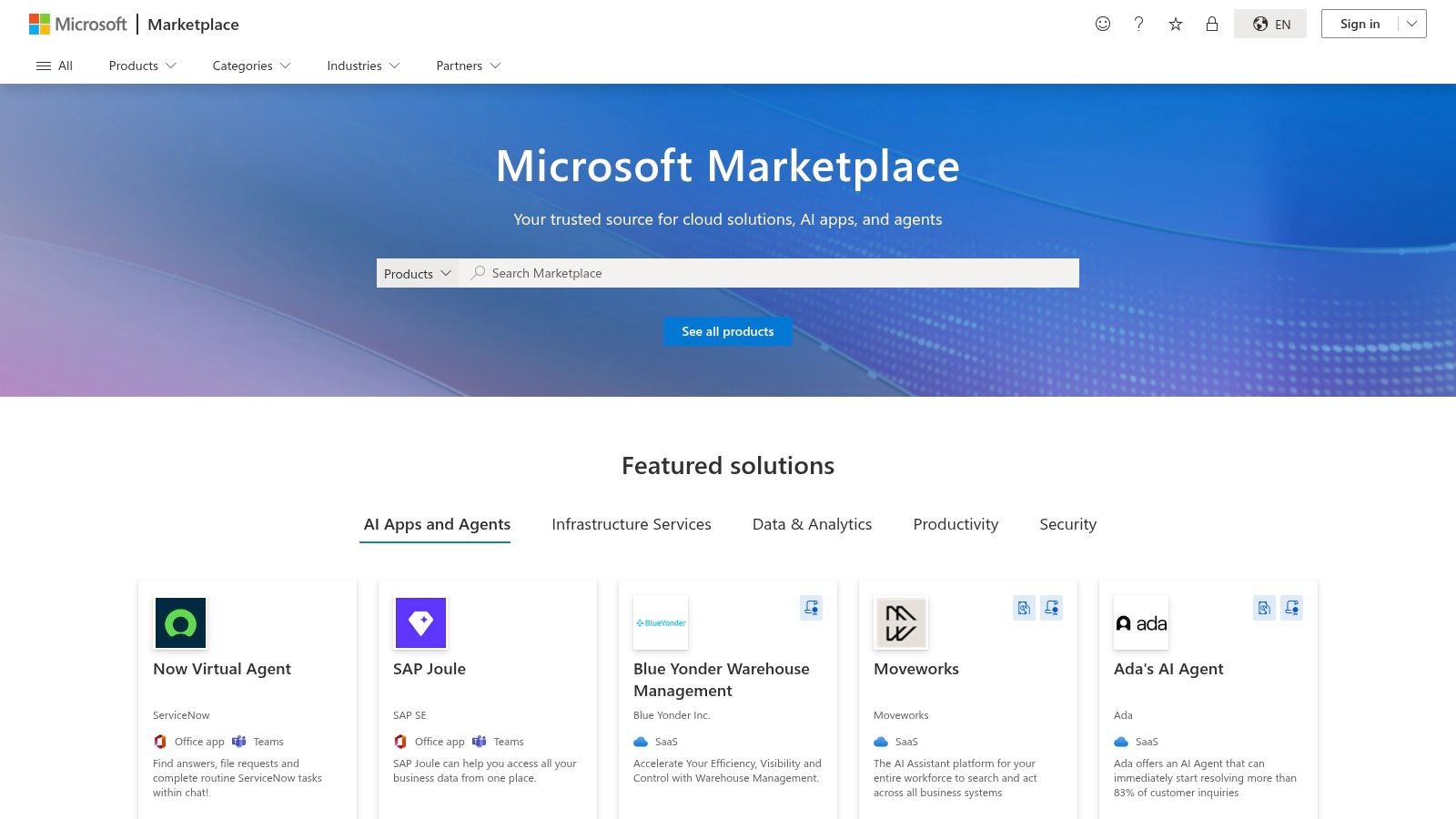
10. Microsoft AppSource
For businesses seeking to augment their Microsoft 365 or Dynamics 365 environments, Microsoft AppSource is the central hub for discovering and deploying third-party AI productivity tools for business. Rather than being a single tool, it is a comprehensive marketplace where you can find, trial, and purchase thousands of applications designed to integrate directly into your existing Microsoft services like Teams, Outlook, and the Power Platform. This makes it an essential resource for extending functionality without stepping outside your established security and management framework.
The platform is invaluable for finding niche AI solutions that address specific business challenges, from AI-powered meeting assistants and email sorters to advanced data analytics add-ins. Because these apps are built for the Microsoft ecosystem, they often provide a more seamless integration experience than standalone tools, connecting directly to your company's data and workflows. This makes AppSource a strategic first stop for any organization looking to leverage specialized AI capabilities within their Microsoft tenant.
Key Details & Implementation
- Best Use Case: Businesses heavily invested in the Microsoft ecosystem looking for specialized, pre-vetted AI applications to extend the functionality of Teams, Outlook, Dynamics 365, or Power Platform. It is ideal for finding solutions to unique industry or workflow challenges.
- Pricing & Access: Access to browse AppSource is free. Pricing for applications varies significantly by vendor and solution, with models ranging from free trials and freemium tiers to per-user monthly subscriptions and one-time purchases. All transactions can be managed through a unified Microsoft commerce account.
- Security & Management: A key advantage is simplified deployment and management. Admins can deploy apps directly to users or groups from the Microsoft 365 Admin Center, maintaining centralized control over permissions and access. While Microsoft vets apps, it's still crucial to review each vendor's individual security and privacy policies.
- Limitations: The sheer volume of options can be overwhelming, and the quality of applications varies by vendor. Some solutions may require additional Microsoft licenses (like Power BI Pro) to function, adding a hidden cost that requires careful evaluation before deployment.
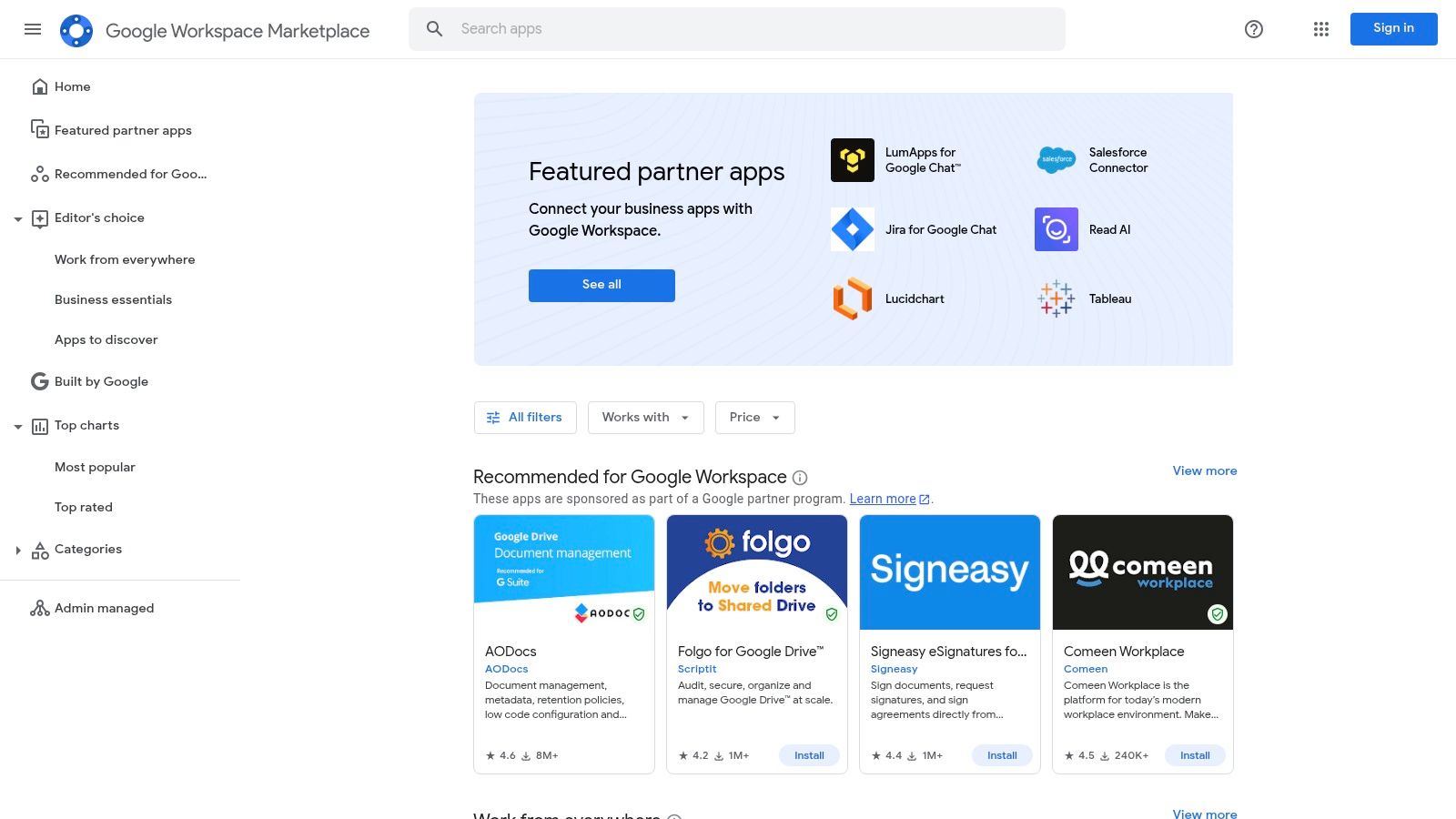
11. Google Workspace Marketplace
For businesses built on Google’s ecosystem, the Workspace Marketplace is the primary gateway to extending the functionality of core apps like Docs, Sheets, and Gmail with specialized AI tools. Rather than being a single, all-encompassing AI, the Marketplace offers a curated library of third-party add-ons. This allows administrators to select and deploy specific AI capabilities to solve targeted business problems, from AI-powered writing assistants in Docs to data analysis tools in Sheets.
Its main advantage is providing a controlled environment for adding new features. Instead of letting employees find and install unsanctioned tools, IT administrators can vet, approve, and deploy these extensions across the entire organization. This approach ensures that any new AI productivity tools for business align with internal security policies and can be managed centrally, giving SMBs a safe way to experiment with and adopt AI enhancements.
Key Details & Implementation
- Best Use Case: SMBs using Google Workspace that need to add specific AI functions (like advanced summarization, translation, or data analysis) without adopting an entirely new platform. It is ideal for targeted, role-specific enhancements.
- Pricing & Access: Access to the Marketplace itself is free. The add-ons vary widely in price, from free and freemium tiers to per-user monthly subscriptions. This allows for flexible, budget-conscious adoption and testing.
- Security & Management: Administrators can manage apps directly from the Google Admin console, controlling which users or organizational units have access. However, each add-on is developed by a third party, so it's critical to review the data access permissions and privacy policy of each tool before domain-wide deployment.
- Limitations: The quality, security, and support for add-ons can vary significantly between developers. Vetting each tool is a manual process, and relying on multiple single-function extensions can lead to a fragmented user experience compared to an integrated solution.
12. Salesforce AppExchange
For businesses deeply embedded in the Salesforce ecosystem, the AppExchange is not just another app store; it’s a critical resource for extending functionality with vetted, native applications. Instead of searching for standalone AI productivity tools for business and building complex integrations, companies can find solutions designed to work seamlessly within their existing Sales, Service, and Platform workflows. This native integration is its core strength, ensuring data consistency and a unified user experience.
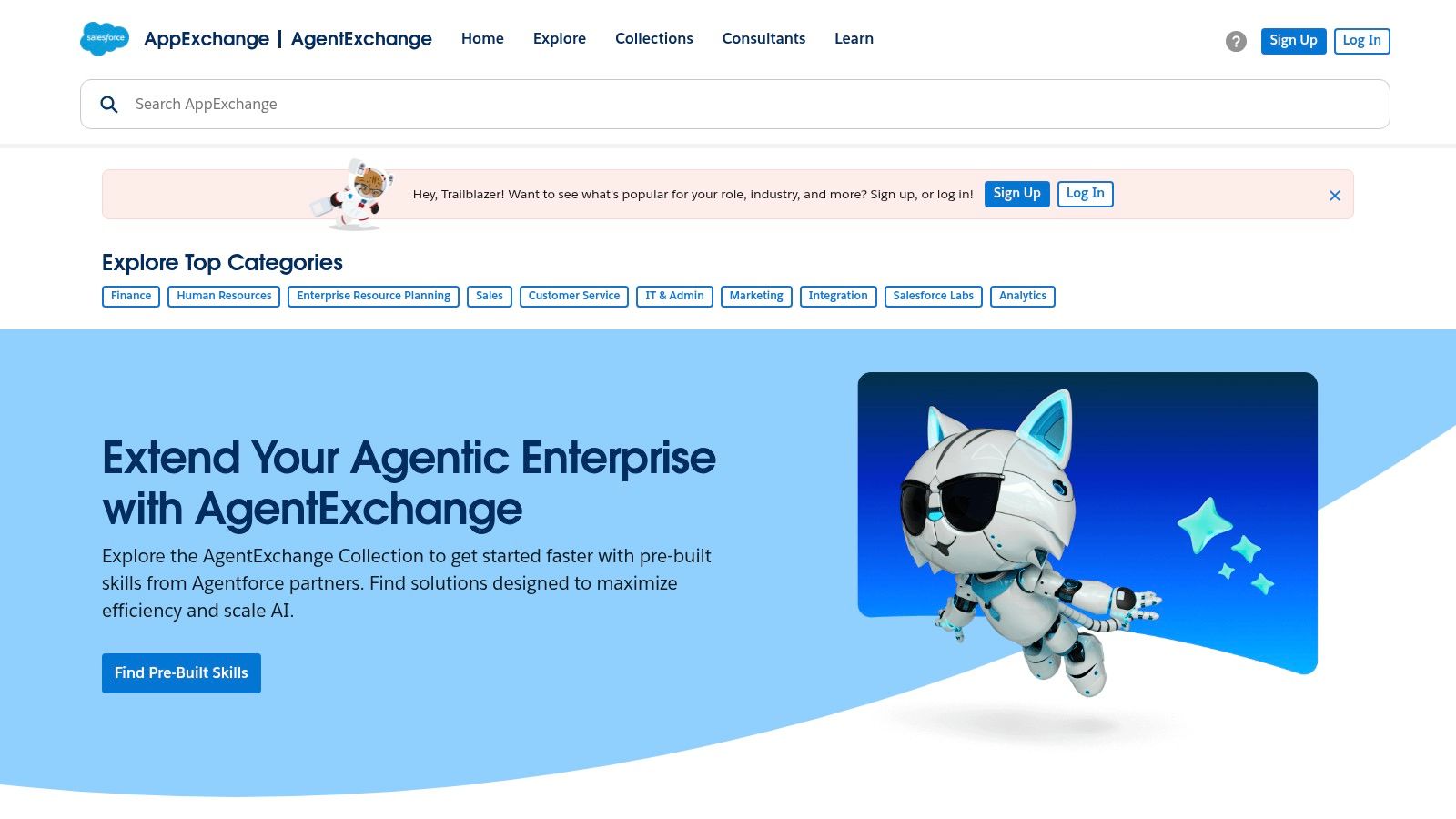
The platform functions as a curated marketplace where organizations can discover AI-powered tools for project management, agent productivity, and workflow automation. Because every app undergoes a security review, businesses can confidently adopt new technology without introducing unnecessary risk. From AI that predicts sales outcomes to bots that automate customer service responses, the AppExchange provides specialized solutions grounded directly in your CRM data, making them immediately relevant and impactful.
Key Details & Implementation
- Best Use Case: Organizations using Salesforce as their central CRM seeking to enhance sales or service team productivity with pre-vetted, tightly integrated AI applications. Ideal for automating lead scoring, service case routing, and data enrichment.
- Pricing & Access: Pricing varies significantly by app and vendor. Many listings require contacting the vendor for a quote, though numerous apps offer free trials to test functionality. Access is available directly at appexchange.salesforce.com.
- Security & Management: Salesforce mandates a rigorous security review for all listed applications, providing a strong baseline of trust. Management is decentralized, as each app is supported by its own vendor, requiring separate vendor relationship management.
- Limitations: The primary value is exclusively for Salesforce customers. Companies not using Salesforce will find this marketplace irrelevant. Additionally, the fragmented pricing models and need to manage multiple vendor relationships can add administrative overhead.
Top 12 AI Productivity Tools Comparison
| Product | Core features | Target audience | Security & admin | Value / Unique selling point | Pricing |
|---|---|---|---|---|---|
| Microsoft Copilot for Microsoft 365 | In‑app AI across Teams/Outlook/Word/Excel/PowerPoint; Graph‑grounded answers; Copilot Studio | Organizations standardized on Microsoft 365, enterprise IT | Enterprise‑grade security, DLP/compliance, centralized admin controls | Deep native integration with M365 apps; custom agents and governance | Per‑user licensing; requires qualifying M365 licenses |
| Google Workspace (Gemini in Workspace) | Gemini in Gmail/Docs/Sheets/Slides/Meet; smart fill, summarization, note taking | Web‑first teams using Google Workspace | Admin/data protections for tenants; feature set varies by edition | AI bundled across Workspace; fast feature cadence and collaboration | Included in Workspace plans; features vary by plan (prices updated 2024) |
| OpenAI ChatGPT for Business / Enterprise | Business/Enterprise console, SSO, data controls, expanded model access | Teams needing versatile AI assistants, drafting, analysis, internal agents | Privacy defaults (no training on business data), SAML SSO, admin console | Broad cross‑department use, easy self‑serve to enterprise scale, strong privacy posture | Per‑seat Business plan; Enterprise options with SLAs (can be costly at scale) |
| Slack (with AI features) | Channel/meeting summaries, AI search, workflow generation, recaps | Teams centered on real‑time chat and collaboration | Admin controls to enable/disable AI; capabilities vary by plan | Native AI inside daily communication; large app directory | AI included in paid plans; advanced features depend on tier |
| Zoom Workplace with AI Companion | Meeting summaries, action items, Q&A, drafting, knowledge integrations | Meeting‑centric and remote/hybrid teams | Clear privacy posture; included on most paid plans; regional rollouts vary | Strong meeting productivity gains with minimal change management | Most paid Zoom plans include AI; advanced/custom add‑ons optional |
| Notion (Business plan with AI) | AI agents, enterprise search, meeting notes, docs+tasks consolidation | Teams wanting unified docs, projects and knowledge base | Business/Enterprise admin controls; some features in beta | Consolidates docs/tasks with embedded AI assistants; SMB‑friendly | Business/Enterprise paid tiers; competitive SMB pricing |
| Zapier (AI orchestration, Agents, MCP) | No‑code automations with AI steps, Zapier Agents, MCP across apps | SMBs automating workflows across many apps | Standard app permissions; monitoring needed to control costs | Large integration ecosystem (8,000+ app actions); combines AI + automation | Free tier + task‑based paid plans; task pricing can spike if unmonitored |
| Atlassian (Confluence/Jira with AI/Rovo) | Summarization, Q&A, rewriting, Rovo agents, search across Atlassian data | IT, ops, dev teams using Confluence/Jira | Admin opt‑in/out controls; centralized administration; plan dependent | Native AI inside tools many teams already use; often included on Premium/Enterprise | Included on many higher tiers; availability varies by plan and rollout |
| AWS Marketplace (AI productivity solutions) | Curated SaaS catalog, side‑by‑side comparisons, private offers, consolidated billing | Organizations buying SaaS via AWS procurement | Enterprise procurement support; security and controls vary by vendor | Streamlined buying and billing with existing AWS accounts; procurement workflows | Pricing varies by seller/region; supports private offers and metered billing |
| Microsoft AppSource | App store for M365/Teams/Dynamics/Power Platform; trials and listings | Microsoft tenant admins and IT buyers | Tenant deployment and Microsoft commerce support; vendor quality varies | Easy extension and deployment within Microsoft ecosystem | Vendor‑dependent pricing; some apps require extra MS licenses |
| Google Workspace Marketplace | Add‑ons for Docs/Sheets/Gmail/Forms; domain‑wide installs | Google Workspace admins and teams | Domain‑wide installs and permission controls; vetting required | Quick path to extend Workspace with focused AI tools; many free trials | Developer/vendor dependent; many free tiers or trials available |
| Salesforce AppExchange | Salesforce‑native productivity & AI apps, trials, security reviews | Organizations using Salesforce Sales/Service clouds | Security reviews and vetted listings; native integration | Deep Salesforce integration for sales/service workflows; enterprise vetting | Vendor dependent; pricing often requires vendor quote |
Final Thoughts
We've journeyed through a comprehensive landscape of AI productivity tools for business, from foundational platforms like Microsoft Copilot and Google Gemini to specialized automation engines like Zapier and expansive marketplaces. The sheer volume of options can feel overwhelming, but the underlying message is one of immense opportunity for small and midsize businesses. The era of AI isn't a distant future reserved for enterprise giants; it's a present-day reality that SMBs in Western Pennsylvania and Eastern Ohio can harness to gain a powerful competitive edge.
The key takeaway is not simply to adopt AI, but to adopt it strategically. A scattered approach, where different departments randomly select tools, leads to data silos, security vulnerabilities, and wasted investment. True productivity gains come from thoughtful integration that aligns with your core business objectives. Before you invest, take a step back and identify the most significant friction points in your daily operations.
Your Roadmap to AI Implementation
To distill our exploration into actionable guidance, consider these final steps as you move forward:
- Identify Your Biggest Bottlenecks: Is your team drowning in administrative tasks? Do meetings lack clear action items? Are customer inquiries falling through the cracks? Pinpoint the single biggest productivity drain and search for an AI tool specifically designed to solve that problem. A targeted, successful implementation builds momentum for broader adoption.
- Start with Your Existing Ecosystem: Before venturing into new territory, maximize the AI capabilities within the tools you already use. If your business runs on Microsoft 365 or Google Workspace, mastering Copilot or Gemini should be your first priority. This approach minimizes disruption, simplifies training, and leverages your current investment.
- Prioritize Security and Compliance: The convenience of AI cannot come at the cost of your data security. Scrutinize each tool's data handling policies, encryption standards, and compliance certifications (like HIPAA or CMMC, if applicable). This is a critical step where a misjudgment can have severe consequences. Understand where your data is going and who has access to it.
- Think Integration, Not Isolation: The most powerful AI productivity tools for business are those that connect seamlessly with your other systems. A tool that automates data entry into your CRM or creates project tickets from a meeting summary is far more valuable than one that operates in a vacuum. Evaluate API access and native integrations before making a final decision.
The Human Element in an AI-Powered World
Ultimately, the goal of implementing these tools is not to replace your talented team but to augment their capabilities. The right AI solution frees your employees from mundane, repetitive work, allowing them to focus on what humans do best: strategic thinking, creative problem-solving, and building meaningful client relationships. When implemented correctly, AI becomes a silent partner that elevates your entire organization's potential, boosting both productivity and employee morale.
The journey to leveraging AI is ongoing. It requires a clear strategy, careful tool selection, and a commitment to security and training. By taking a measured, strategic approach, you can transform these advanced technologies from a confusing buzzword into a tangible driver of efficiency, innovation, and growth for your business.
Navigating the complexities of integrating, securing, and managing AI tools can be a significant challenge for SMBs with limited IT resources. Eagle Point Technology Solutions specializes in helping businesses in Western Pennsylvania and Eastern Ohio develop a strategic AI roadmap, ensuring your technology investments are secure, compliant, and aligned with your goals. If you need a trusted partner to guide your AI adoption, visit us at Eagle Point Technology Solutions to learn how we can help.


