For small and mid-sized businesses in Western Pennsylvania and Eastern Ohio, technology is the engine for growth, efficiency, and competitive advantage. But without a clear roadmap, that engine can sputter, leading to wasted spending, security vulnerabilities, and missed opportunities. Many business owners and IT managers face the same recurring questions: Is our IT budget being spent wisely? Are we protected from the latest cyber threats like ransomware? How do we ensure our technology actually supports our business goals? The answer lies in effective IT governance.
This isn't a complex concept reserved for large corporations; it's a practical framework for making smarter, more strategic technology decisions. Strong governance ensures that every IT investment, policy, and process aligns directly with your core business objectives. It provides the structure needed to manage risks, control costs, and maximize the return on your technology investments. By establishing clear rules and responsibilities, you can move from reactive problem-solving to proactive, strategic management. To further explore actionable steps in establishing robust IT governance, consider these 10 Best Practices for IT Governance as a supplementary resource.
For many SMBs, the term "governance framework" can sound overly corporate and complex. However, establishing a structured approach is a cornerstone of effective it governance best practices . One of the most respected frameworks is COBIT (Control Objectives for Information and Related Technology). While often associated with large enterprises, its principles are scalable and incredibly valuable for SMBs seeking to align technology with business goals.
COBIT provides a roadmap for managing IT resources, mitigating risks, and measuring performance. It ensures that technology isn't just a cost center but a strategic asset that drives value. For an SMB, this means making smarter IT investments, improving service quality, and ensuring regulatory compliance—like HIPAA for healthcare practices—without the guesswork.
You don't need a massive team or a huge budget to benefit from COBIT. Start by focusing on the core principles that deliver the most immediate impact for your business.
Many businesses fall into a reactive "break-fix" cycle, only addressing IT problems after they disrupt operations. A cornerstone of modern it governance best practices is shifting from this reactive stance to a proactive one. Proactive monitoring involves continuous surveillance of your IT infrastructure—networks, servers, and computers—to detect and resolve issues before they escalate into costly downtime or security breaches.
This approach transforms IT from a reactive firefighting department into a strategic asset protector. For an SMB, this means preventing a server failure that could halt your manufacturing line or catching a security anomaly before it becomes a data breach. It ensures system availability, optimizes performance, and provides peace of mind, allowing you to focus on running your business.
Adopting a proactive model doesn't require a large in-house IT team, especially when resources are tight. It's about implementing the right processes and tools, often with the help of an experienced partner.
VIDEO
3. Risk Management and Compliance Framework
For any SMB, managing IT risk and navigating regulatory compliance can feel like a full-time job. A structured risk management and compliance framework transforms this challenge from a constant source of anxiety into a manageable, strategic process. It provides a systematic way to identify, assess, prioritize, and mitigate IT risks while ensuring you meet industry-specific regulations like HIPAA, CMMC, or PCI-DSS.
This approach moves your organization from a reactive to a proactive stance. Instead of scrambling after a security incident or a failed audit, you have a clear plan to protect sensitive data, maintain operational stability, and build trust with your customers. For SMBs, a well-defined framework is crucial for preventing costly data breaches and avoiding regulatory penalties.
How to Implement a Risk and Compliance Framework
Integrating risk management doesn't require an enterprise-sized budget. The goal is to create a repeatable process that addresses your most significant threats, acknowledging your limited resources.
Conduct a Risk Assessment: Start by identifying potential threats to your IT systems and data. This assessment should involve leadership from across the business, not just IT, to ensure you have a complete picture. This process should be repeated annually or whenever significant business changes occur.Create and Maintain a Risk Register: Document all identified risks in a centralized log. This living document should track each risk's description, potential impact, likelihood, current controls, and planned mitigation strategy. It becomes your single source of truth for managing risk.Align Controls with Compliance Needs: Map your security controls directly to specific regulatory requirements. For a healthcare practice, this means linking your access control policies to HIPAA’s technical safeguards. This simplifies audits and clearly demonstrates compliance.Prioritize and Remediate: Use a simple risk scoring model (e.g., impact x likelihood) to prioritize which risks to address first. This data-driven approach ensures you focus your limited budget on the threats that pose the greatest danger to your business.
4. IT Service Management (ITIL)
While frameworks like COBIT provide the high-level "what" and "why" of IT governance, the Information Technology Infrastructure Library (ITIL) provides the "how." It is a globally recognized set of best practices for delivering IT services. Effective it governance best practices require not just strategic alignment but also operational excellence, which is exactly where ITIL shines.
ITIL focuses on aligning IT services with the day-to-day needs of the business. It provides a set of detailed processes for managing incidents, problems, changes, and service requests. For an SMB, this means moving from a reactive, chaotic "break-fix" IT model to a proactive, structured approach that delivers consistent and predictable IT services.
How to Apply ITIL Principles in an SMB
Adopting ITIL doesn't require a complete operational overhaul. SMBs can gain immense value by implementing its core processes to stabilize their IT environment and improve employee satisfaction.
Incident and Problem Management: Start by creating a formal process for logging, tracking, and resolving IT issues (incidents). Go a step further by analyzing recurring incidents to identify and permanently fix the underlying root causes (problems), which reduces downtime and frustration.Change Management: Implement a simple but effective process for managing changes to your IT environment. This ensures that updates, new software rollouts, or hardware changes are planned, tested, and communicated, minimizing business disruption.Service Level Agreements (SLAs): Define and document clear expectations for IT services. An SLA establishes measurable targets for things like response times and issue resolution, creating transparency and accountability.Configuration Management Database (CMDB): Begin creating a central repository that tracks your critical IT assets (like servers and key software) and how they connect. Even a basic CMDB helps in understanding dependencies and speeding up issue resolution.
5. Cybersecurity Risk Assessment and Layered Defense Strategy
In today's threat landscape, cybersecurity is a critical component of business survival and a core pillar of it governance best practices . SMBs are increasingly targeted by sophisticated cyberattacks like business email compromise and ransomware. A proactive strategy starts with understanding your specific vulnerabilities and then building a multi-layered defense to protect your most valuable assets.
This "defense-in-depth" approach ensures that if one security control fails, others are in place to stop an attack. It moves security from a single point of failure (like just a firewall) to a comprehensive, resilient system. This is crucial for maintaining operations, protecting sensitive data, and meeting compliance requirements.
How to Implement a Layered Security Approach
A strong defense is built on regular assessment and strategic implementation of controls. You don't need an enterprise-sized budget, just a smart, prioritized plan that addresses your unique risks, whether you're a manufacturing firm protecting operational technology or a legal firm safeguarding client data.
Conduct Regular Risk Assessments: Start by identifying what you need to protect and what threats you face. An annual third-party risk assessment can provide an unbiased view of your vulnerabilities and a clear roadmap for remediation.Implement a Defense-in-Depth Strategy: Build security across multiple layers. This includes network security (firewalls, intrusion detection), system security (patch management, access controls), and endpoint protection (advanced antivirus, anti-malware). The goal is to make it as difficult as possible for attackers to succeed.Develop and Test an Incident Response Plan: When a security incident occurs, a pre-defined plan is essential to minimize damage. This plan should detail steps for containment, eradication, and recovery. Test it regularly to ensure your team can respond effectively under pressure.Prioritize Security Awareness Training: Your employees are a critical line of defense. Regular training on recognizing phishing emails and handling data securely can significantly reduce human error, which is often the root cause of security breaches. For a deeper look into a comprehensive security posture, explore these cybersecurity solutions for businesses designed for the challenges SMBs face.
6. IT Asset Management and Configuration Control
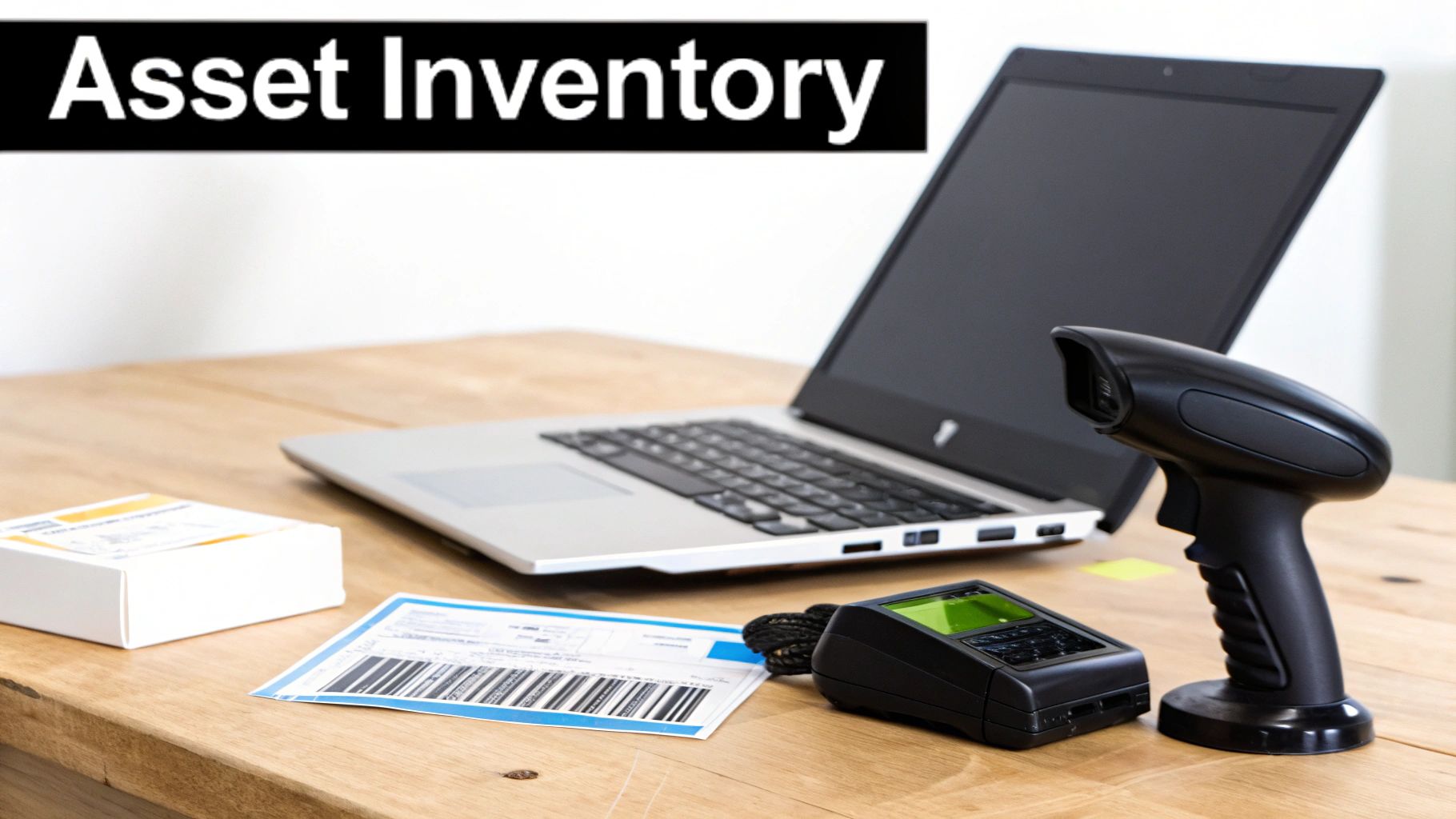
You cannot govern what you cannot see. This simple truth is why IT Asset Management (ITAM) is a fundamental it governance best practice . ITAM is the process of inventorying, tracking, and managing all technology assets—hardware, software, and digital—throughout their lifecycle. It provides a single source of truth for your entire IT environment.
Effective asset management allows your business to optimize technology spending by avoiding unnecessary purchases, ensure software license compliance, and plan for hardware replacements. When combined with configuration control, which documents the specific settings of each asset, you gain the ability to quickly restore systems after an incident and strengthen your overall cybersecurity posture.
How to Implement IT Asset Management in an SMB
For an SMB, robust ITAM doesn't require expensive software. It starts with establishing a process and using tools that fit your scale, providing a clear view of your technology landscape.
Establish a Baseline: Your first step is a comprehensive audit to discover and document every piece of hardware and software in use. This initial inventory creates the foundation for your asset database.Automate Discovery and Tracking: Manual tracking is prone to error and quickly becomes outdated. Use automated network discovery tools to continuously identify and update the status of devices connected to your network. This ensures your inventory remains accurate with minimal effort. To truly optimize IT Asset Management and ensure compliance, it's crucial to adopt proven strategies such as these 10 IT Asset Management Best Practices .Implement Change Control: Prevent unauthorized or undocumented changes that create security vulnerabilities. Establish a simple change control process where all modifications to critical systems must be reviewed and approved. This ensures configurations remain consistent and secure.Conduct Regular Audits: Technology environments are dynamic. Schedule quarterly or semi-annual checks to compare your records against the actual physical inventory and network scans. This practice helps maintain data accuracy and manage the complete asset lifecycle from procurement to disposal.
7. Change Management and Release Control
Uncontrolled changes are one of the leading causes of IT downtime and security incidents. Implementing a formal change management process is a core component of effective it governance best practices , moving your organization from a reactive "break-fix" cycle to a proactive, stable environment. This structured approach ensures that any modification to your IT systems, from a software update to a server replacement, is planned, tested, and approved before it goes live.
For an SMB, this doesn't mean creating bureaucratic red tape. It means preventing a simple software patch from crashing your accounting system or ensuring a new firewall rule doesn't accidentally block customer access. By managing change, you minimize disruption, reduce risks, and ensure that IT modifications support business objectives rather than hindering them.
How to Apply Change Control in an SMB
A practical change management process provides visibility and prevents costly mistakes. It focuses on communication, impact assessment, and controlled implementation.
Establish a Change Advisory Board (CAB): This doesn't have to be a formal, all-day meeting. It can be a weekly 30-minute huddle with key stakeholders from IT, operations, and any affected business departments. The goal is to review proposed changes, assess their potential impact, and give a collective go or no-go decision.Document and Track All Changes: Use a simple ticketing system to log every request. Each ticket should include the reason for the change, the systems affected, a rollback plan in case of failure, and the required approvals. This creates an auditable record and enforces accountability.Schedule and Communicate: Create a shared change calendar that all stakeholders can view. Schedule non-urgent changes during planned maintenance windows to minimize disruption. For example, a manufacturer can schedule updates to its production line software overnight to avoid impacting operations.Test Before Deploying: Ensure changes move from a testing environment to the live production environment in a controlled sequence. This involves rigorous testing to catch bugs before they affect your team and customers. For a financial services firm, this structured process is critical for ensuring payment system integrity.
8. Business Continuity and Disaster Recovery Planning
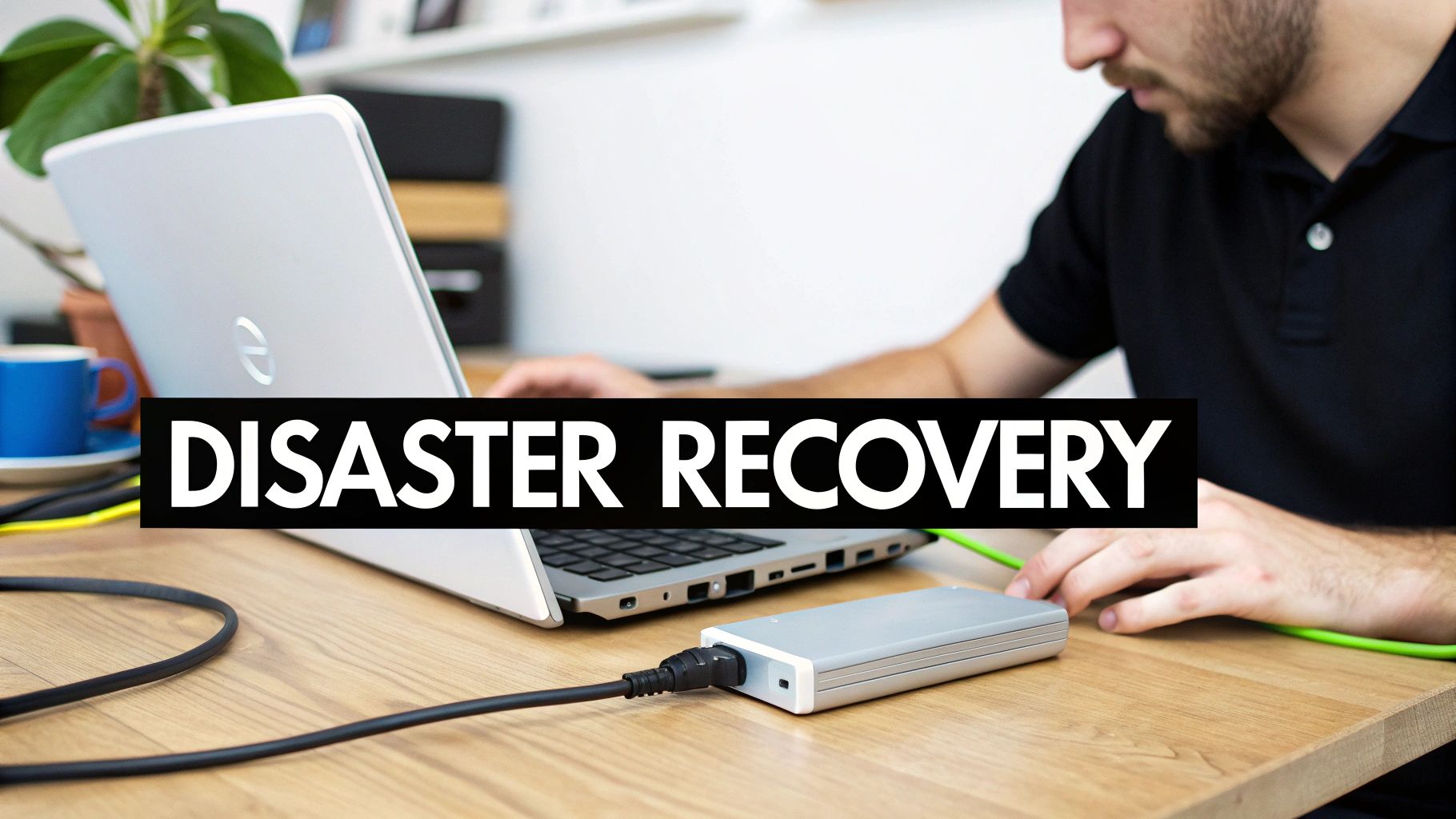
For many SMBs, the possibility of a major disruption like a fire, flood, or significant cyberattack seems distant. However, effective it governance best practices demand that you plan for the worst-case scenario. Business Continuity and Disaster Recovery (BC/DR) planning is the critical process of ensuring your organization can maintain essential functions during and after a disaster. It's not just about data backups; it’s a comprehensive strategy to keep your business operational.
A solid BC/DR plan minimizes downtime and financial losses, protecting your reputation and ensuring you can continue serving customers when it matters most. For businesses in Western Pennsylvania and Eastern Ohio, where weather can be unpredictable and cyber threats are ever-present, this planning is a fundamental necessity for survival.
How to Implement a Practical BC/DR Plan
You don’t need an enterprise-level budget to create a robust BC/DR strategy. The key is to focus on what is most critical to your operations and build a documented, testable plan around those priorities.
Conduct a Business Impact Analysis (BIA): Start by identifying your most critical business functions and the technology that supports them. Determine the maximum tolerable downtime for each, which will help you define your Recovery Time Objectives (RTO) and Recovery Point Objectives (RPO).Implement Redundant Backup Systems: Your data is your lifeblood. Use a combination of local and offsite cloud backups to protect against both minor data loss and major site-wide disasters. Automate and regularly test these backups to ensure they are reliable.Document Recovery Procedures: Create clear, step-by-step instructions for recovering each critical system. This documentation should be accessible even if your primary network is down. Who is responsible for what, and in what order do they perform their tasks?Test and Refine Your Plan: A plan that has never been tested is likely to fail. Conduct regular tests, from simple tabletop exercises to full recovery simulations, to identify gaps and ensure your team is prepared to execute the plan under pressure.
9. IT Performance Measurement and Financial Management
For SMBs, it’s crucial to know if your technology investments are paying off. This practice involves tracking key IT performance metrics (like system uptime and helpdesk response time) and tying them directly to financial management (like budgeting and cost tracking). This allows you to quantify the value IT delivers, justify spending to leadership, and ensure your tech budget aligns with core business priorities.
Dashboards and regular reports turn raw data into strategic insights. For example, a regional healthcare provider might track 99.9% uptime for their patient record system while also reporting the total cost per user. This approach moves IT from being seen as just a cost center to a transparent, accountable investment in the business's success.
How to Implement IT Performance and Financial Management
Align Metrics to Business Goals: Connect your IT key performance indicators (KPIs) directly to what matters for the business, like revenue growth or operational efficiency targets.Define a Balanced Scorecard: Include both operational measures (uptime, issue resolution time) and financial indicators (cost per service, return on investment).Establish Baselines: Capture your current performance before launching new improvement initiatives to measure your progress accurately.Build Automated Dashboards: Pull data in real-time from your monitoring tools, ticketing systems, and financial platforms to create an easy-to-understand overview.Track Spending vs. Budget Monthly: Investigate any significant differences and adjust forecasts to prevent surprises at the end of the year.Review License Inventory Quarterly: Eliminate unused software licenses and reallocate others to control spending. This is a common area where SMBs can find immediate savings.
10. Information Security Governance and Access Control
Effective IT governance is incomplete without a strong focus on protecting your most critical asset: information. Information security governance establishes the policies and controls needed to safeguard data from unauthorized access, use, and disclosure. A core component of this is access control—ensuring that the right people have the right access to the right resources, and only when they need it.
For an SMB, this isn't just about preventing external hackers; it's about mitigating internal risks and meeting compliance requirements. Strong access control is a foundational it governance best practice that directly prevents data breaches and insider threats. It ensures that sensitive financial data, patient records, or proprietary designs are only accessible to those with a legitimate business need.
How to Implement Strong Access Control
Building a robust access control framework doesn't have to be complicated. It starts with implementing principles that minimize risk and enhance visibility across your organization.
Implement Role-Based Access Control (RBAC): Map every job function in your company to the specific systems and data access required. A sales team member shouldn't have access to HR files, and an accountant doesn't need administrative rights to the network. This "principle of least privilege" is your first line of defense.Enforce Multi-Factor Authentication (MFA): Require a second form of verification (like a code from a phone app) for all remote access, privileged accounts, and cloud applications like Microsoft 365. MFA is one of the most effective, low-cost ways to prevent unauthorized access.Manage Privileged Access: Administrative accounts hold the keys to your kingdom. Use a process or tool to manage and monitor these powerful credentials, significantly reducing the risk if an admin account is compromised.Conduct Regular Access Reviews: Managers must periodically review and certify that their team members' access rights are still appropriate. Quarterly reviews help identify and remove excessive or obsolete permissions that create unnecessary risk. This also ensures prompt removal of access when an employee leaves the company.
Top 10 IT Governance Best Practices Comparison
Best Practice
Implementation Complexity
Resource Requirements
Expected Outcomes
Ideal for SMBs Who…
Key Advantages
IT Governance Framework (COBIT)
High
Governance team, process tools, time
Clear accountability, measurable IT performance
Are scaling or in regulated industries
Structured processes; audit readiness
Proactive IT Monitoring
Moderate
Monitoring platform, 24/7 operations
Reduced unplanned downtime, faster issue detection
Need high availability for critical systems
Early detection; improved uptime
Risk & Compliance Framework
High
Risk analysts, compliance tools, audits
Reduced breach & regulatory risk
Are in healthcare, finance, or legal fields
Prevents fines; prioritized remediation
IT Service Management (ITIL)
Moderate–High
Ticketing/CMDB tools, trained staff
Consistent service delivery, lower resolution times
Want to standardize IT operations
Standardized workflows; SLA clarity
Cybersecurity & Layered Defense
High
EDR/Firewall/SIEM, skilled security staff
Lower breach probability, faster threat detection
Face high risks or handle sensitive data
Defense-in-depth; rapid detection
IT Asset Management
Moderate
Discovery tools, CMDB, asset policies
Accurate inventory, faster incident response
Have many devices or multi-site locations
Cost control; license optimization
Change & Release Control
Moderate
Change tools, approval workflows
Fewer change-related outages, documented rollbacks
Rely on production-critical systems
Reduced outages; traceability
Business Continuity & Disaster Recovery
High
Offsite backups, redundancy, DR testing
Faster recovery, reduced data loss
Require high availability (e.g., healthcare)
Minimized downtime; data protection
Performance & Financial Management
Moderate
Dashboards, data sources, reporting tools
Demonstrated IT value, cost control
Need to justify IT spend and ROI
Data-driven decisions; cost transparency
InfoSec Governance & Access Control
High
IAM/PAM tools, policies, regular access reviews
Reduced unauthorized access, stronger auditability
Handle sensitive or regulated data
Least-privilege enforcement; audit trails
From Theory to Action: Your Next Step in IT Governance
Navigating IT governance can seem overwhelming, especially for small and midsize businesses in our region. Throughout this guide, we've unpacked ten essential best practices, from high-level frameworks like COBIT to the on-the-ground realities of change management and cybersecurity. The central theme is clear: effective IT governance isn't about adopting a rigid, enterprise-scale bureaucracy. It's about implementing a scalable, right-sized strategy that transforms technology from a reactive cost center into a proactive, strategic asset that drives your business forward.
For an SMB, this means prioritizing. You don’t need to implement everything overnight. Instead, start with your greatest areas of risk and opportunity. Perhaps that’s establishing a formal risk management framework to meet compliance demands or implementing a layered cybersecurity defense to protect against ransomware. Or maybe it's formalizing your change management process to prevent costly downtime. The key is to take deliberate, incremental steps.
Your Practical Checklist for Better IT Governance
The journey from basic IT management to mature governance is a strategic one. It requires a shift in mindset from "keeping the lights on" to "powering the business forward." Mastering these IT governance best practices provides a direct path to achieving that transformation.
Key Takeaways to Implement Now:
Start with a Risk Assessment: Before anything else, understand your biggest vulnerabilities and regulatory obligations. This will guide your investments in security and business continuity.Define Roles and Responsibilities: Clearly document who is responsible for IT strategy, who manages daily operations, and who is accountable for key decisions. This clarity prevents dropped balls.Prioritize Access Control & MFA: Immediately reduce your risk profile by implementing the principle of least privilege and enforcing multi-factor authentication on all critical accounts.Measure What Matters: Establish clear metrics for IT performance and security. Regular reporting to leadership ensures technology investments are directly tied to business outcomes.
Ultimately, strong IT governance creates a resilient and secure technological foundation. It empowers your business to adapt, scale efficiently, and innovate with confidence. It minimizes surprises and ensures every dollar spent on technology is a strategic investment in your company's future. You don't need a massive internal team to achieve this. The right strategic partner can provide the guidance, tools, and expertise needed to build a governance model that works for you.
Ready to build a technology roadmap that truly supports your business goals? The team at Eagle Point Technology Solutions provides the strategic guidance SMBs need to implement these IT governance best practices, ensuring your technology is secure, compliant, and aligned with your objectives. Contact us today for a complimentary consultation to assess your current IT governance posture and identify your next steps.