For business owners in Western Pennsylvania and Eastern Ohio, the term 'AI' can sound expensive, complex, and better suited for large enterprises. You're focused on managing daily operations, serving customers, and keeping your data secure—not chasing the latest tech trend. But what if AI wasn't just a buzzword? What if it was a practical tool you could use today to solve real challenges like preventing costly downtime, securing your business from cyber threats, and freeing up your team from repetitive tasks?
This article demystifies AI, breaking down 10 tangible AI use cases in business that are accessible, affordable, and deliver a real return on investment for companies just like yours. To truly understand how AI delivers tangible value, it's essential to explore various real-world AI use cases that extend beyond the hype. We'll skip the jargon and focus on actionable strategies that can help your manufacturing, healthcare, or professional services company operate more efficiently, make smarter decisions, and gain a competitive edge.
1. Predictive Maintenance and Infrastructure Monitoring
One of the most impactful AI use cases in business is the shift from reactive to proactive IT management. For a manufacturer in Erie or a distribution center in Youngstown, unexpected equipment failure means lost production and revenue. Predictive maintenance uses AI algorithms to analyze performance data from your servers, network hardware, and critical applications. It identifies subtle anomalies that signal a potential failure long before it happens, allowing your team to perform maintenance during scheduled, low-impact windows instead of scrambling to fix a crash during peak business hours.

Why It Matters for Your Business
Instead of waiting for a critical server to fail during your busiest shift, this approach uses machine learning to forecast issues. For small and midsize businesses, preventing even a few hours of downtime can translate into thousands of dollars in saved revenue and productivity. This proactive stance is a core component of modern system monitoring strategies.
Practical Steps for SMBs
- Integrate AI with Your Helpdesk: Connect AI-driven alerts directly to your IT helpdesk ticketing system. This automates the creation of a work order when the AI flags a potential issue, ensuring no alert gets missed.
- Define Smart Alert Thresholds: Work with your IT partner to establish clear thresholds. Differentiate between a "warning" that requires monitoring and a "critical" alert that needs immediate action to avoid overwhelming your team.
- Start with Baseline Data: For the AI to be effective, it needs a historical baseline of normal operations. Begin by collecting at least a few months of performance data before fully deploying the predictive models.
2. Intelligent Cybersecurity Threat Detection
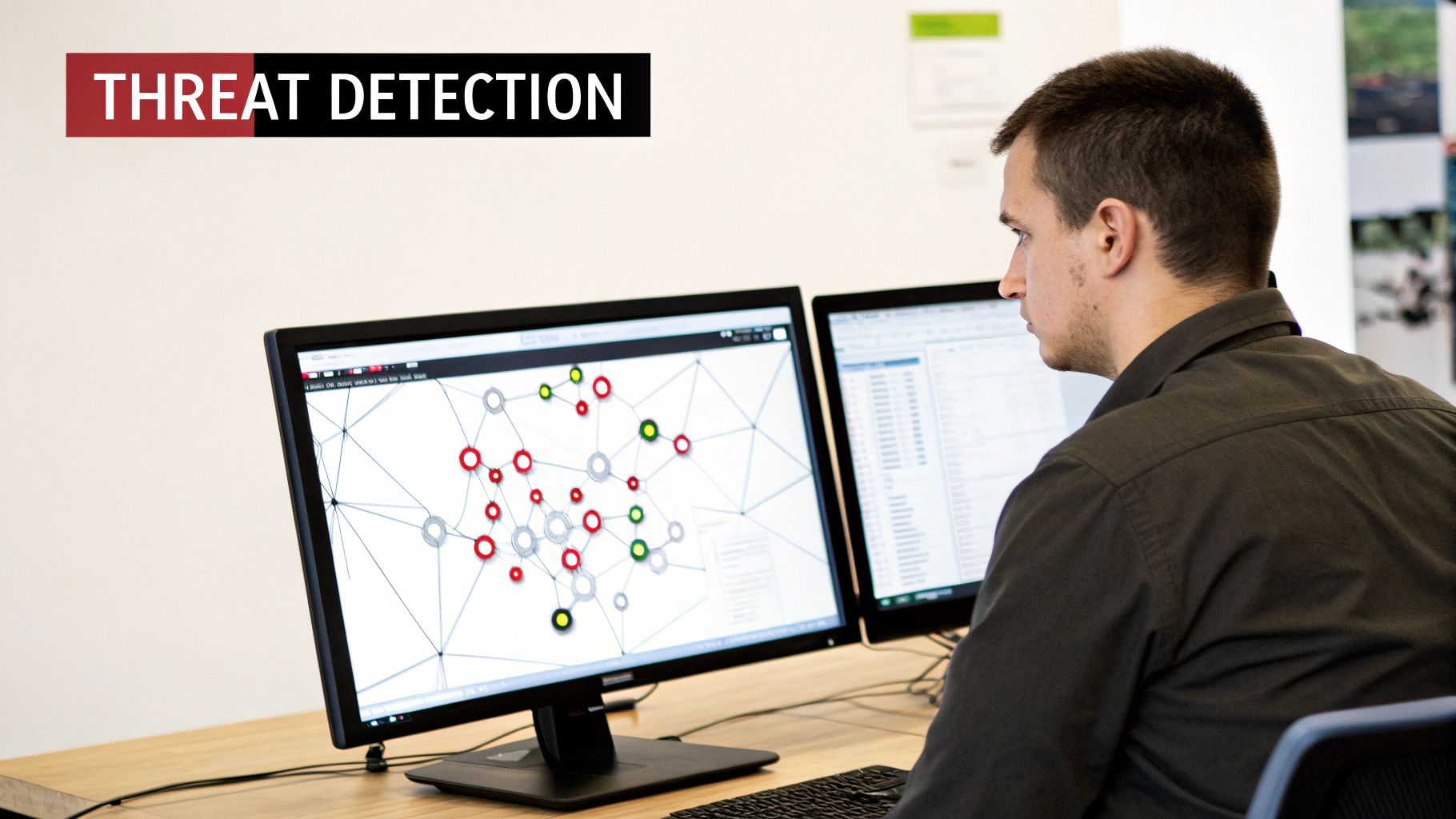
Beyond traditional antivirus and firewalls, one of the most critical AI use cases in business is fortifying your digital defenses. AI-powered cybersecurity systems learn the unique rhythm of your business operations. They identify suspicious patterns and behaviors that deviate from this normal baseline, allowing them to spot advanced threats like zero-day exploits and insider attacks that rule-based systems would otherwise miss. This is crucial for any business, whether you're protecting patient records in a healthcare clinic or proprietary designs at a manufacturing plant.

Why It Matters for Your Business
This approach shifts security from a reactive posture to a proactive, predictive one. Instead of just blocking known viruses, AI analyzes user behavior and data flows to uncover the subtle tactics of modern attackers. For an SMB, detecting a sophisticated threat early can be the difference between a minor incident and a catastrophic data breach. This is a foundational element of modern cybersecurity solutions for businesses.
Practical Steps for SMBs
- Establish Baseline Profiles: Work with your IT partner to allow the AI system to learn your normal network activity for several weeks. A clear baseline is essential for the AI to accurately distinguish between legitimate business activity and a genuine threat.
- Centralize Your Monitoring: Connect your AI threat detection platform to a Security Information and Event Management (SIEM) system. This provides a single view for monitoring, correlating alerts, and streamlining incident response.
- Automate First Response: Use automated "playbooks" to handle common, low-level alerts, such as temporarily isolating a potentially infected device from the network. This frees up your IT team to focus on investigating more complex threats.
3. AI-Powered IT Helpdesk and Ticket Routing
Another one of the most practical AI use cases in business involves streamlining IT support. AI-powered helpdesk systems use natural language processing (NLP) to understand a support ticket and machine learning to automatically categorize, prioritize, and route it to the right technician. This dramatically cuts down on manual triage and speeds up resolution times, getting your employees back to work faster.
Why It Matters for Your Business
Instead of a manager manually reading and assigning every ticket, AI automates the initial workflow. For an SMB with a limited IT staff (or none at all), this means problems get solved faster. Faster routing to the correct expert improves first-contact resolution rates, boosting both employee productivity and satisfaction with IT support. Accessible tools like those in Microsoft 365 or dedicated helpdesk platforms now offer these features for SMBs.
Practical Steps for SMBs
- Define Technician Skills: Before implementation, create and assign clear skill tags to your IT support staff (e.g., "Network," "Microsoft 365," "Hardware"). This is crucial for the AI's routing accuracy.
- Start with High-Volume Issues: Begin your AI deployment by focusing on high-volume, repetitive issues like password resets or software access requests. This provides a quick win and a large dataset for the AI to learn from.
- Clean Your Historical Data: The AI's effectiveness depends on the quality of your past ticket data. Work with your IT provider to clean and standardize historical information to ensure the machine learning model is trained on accurate examples.
4. Vulnerability Management and Patch Prioritization
Manually tracking and prioritizing software vulnerabilities is overwhelming, especially for a small IT team. This is another area where AI use cases in business deliver significant security value. AI systems analyze vulnerabilities across your IT infrastructure, using machine learning to determine which threats pose the most immediate risk based on factors like exploit likelihood, asset criticality, and active threat intelligence. This intelligence-driven approach allows your team to focus on fixing the most dangerous holes first.
Why It Matters for Your Business
Instead of relying on a generic severity score, AI provides context. It might flag a "medium-risk" vulnerability on your company's most critical server as more urgent than a "high-risk" one on a less important workstation. For SMBs, whose limited IT resources must be used efficiently, this strategic prioritization is crucial. It transforms vulnerability management from a chaotic guessing game into a precise, risk-based security operation.
Practical Steps for SMBs
- Map Your Critical Systems: Work with your IT provider to identify and tag your most critical assets (e.g., finance servers, primary databases). This context allows the AI to correctly weigh the business impact of a vulnerability.
- Establish Patching Timelines: Define clear timelines for patching based on AI-driven severity levels. For example, "critical" vulnerabilities must be patched within 7 days, while "low" can be scheduled for the next monthly cycle.
- Automate Low-Risk Patching: For routine and low-risk patches identified by the AI system, use automated deployment tools. This frees up your IT team to handle more complex or sensitive updates that require manual intervention.
5. Network Traffic Analysis and Anomaly Detection
One of the most critical AI use cases in business for cybersecurity involves moving beyond traditional firewalls. AI-driven systems actively analyze your network traffic patterns in real-time to detect malicious behavior that often slips past perimeter defenses. These tools establish a baseline of what "normal" activity looks like and then flag subtle deviations that could signal an unauthorized access attempt, a malware infection, or an employee exfiltrating sensitive data.

Why It Matters for Your Business
Instead of relying solely on known threat signatures, this AI approach identifies the behavior of an attack. For SMBs, this is a game-changer. It means you can spot sophisticated, "zero-day" threats that have never been seen before. By identifying anomalous internal traffic, you can catch an intruder moving across your network before they reach critical assets like your financial server or customer database.
Practical Steps for SMBs
- Segment Your Network: Divide your network into smaller, isolated segments (e.g., guest WiFi, production floor, office admin). If a threat is detected in one segment, AI-driven monitoring can help ensure it remains contained and cannot spread.
- Establish a Clear Baseline: Before activating automated alerts, allow the AI tool to monitor your network for at least 30 days. This learning period is crucial for establishing an accurate baseline of normal activity and preventing a flood of false positives.
- Integrate with Your Incident Response Plan: Connect the AI’s detection capabilities directly to your incident response plan. An automated alert for unusual data transfer should trigger a pre-defined playbook for your IT team to follow.
6. Capacity Planning and Resource Optimization
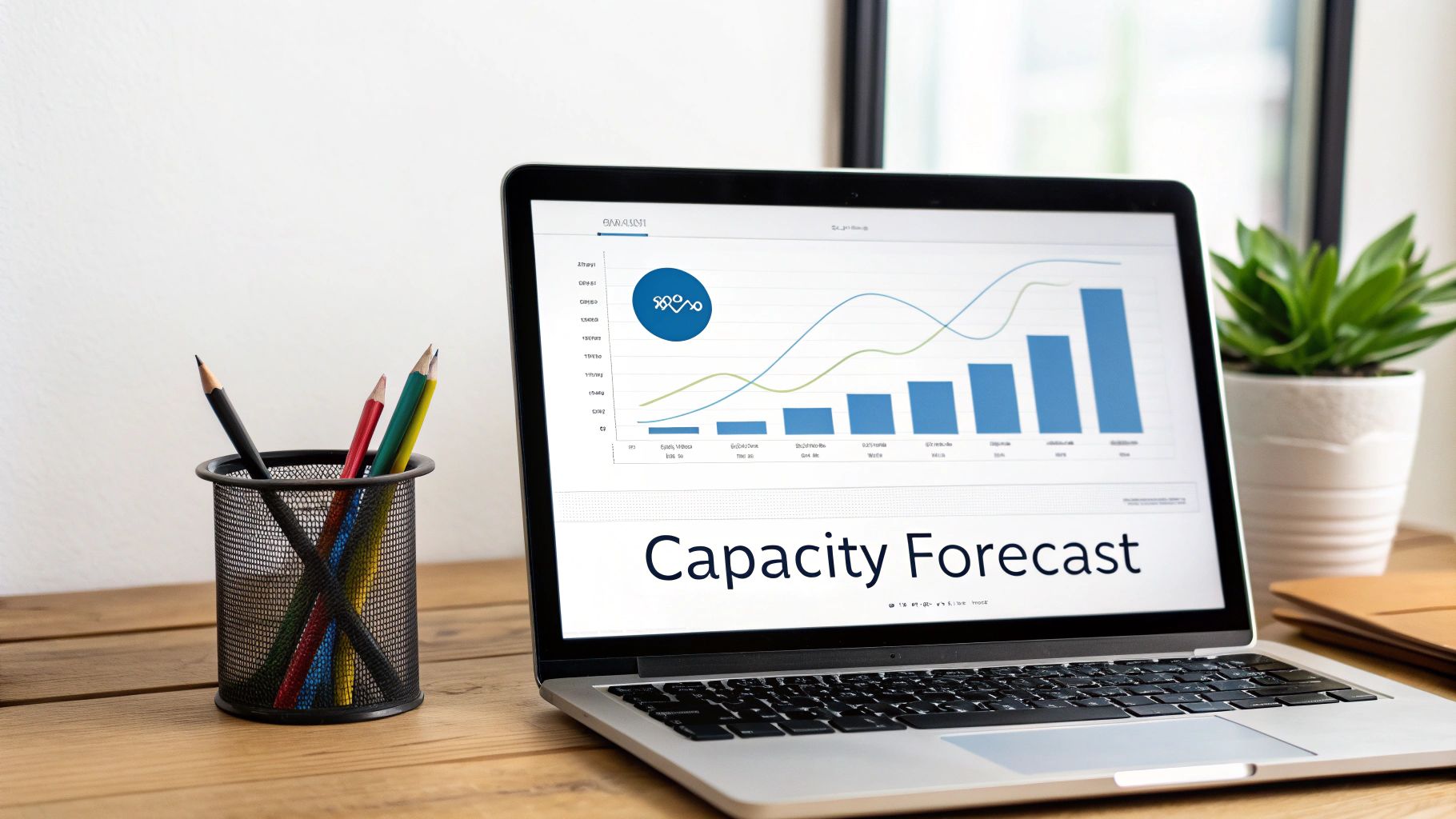
One of the most strategic AI use cases in business involves moving beyond guesswork for your technology needs. AI-powered capacity planning analyzes historical resource utilization across your servers, storage, and cloud services to accurately forecast future demand. It identifies underutilized hardware and predicts seasonal spikes, allowing you to optimize your infrastructure to perfectly balance performance and cost without overspending.

Why It Matters for Your Business
Instead of reacting to performance bottlenecks or buying expensive hardware that sits idle, AI models provide a forward-looking view of your IT needs. For an SMB, this means preventing slowdowns during your busiest season and avoiding unnecessary capital expenditures. Aligning your IT budget and infrastructure growth directly with business forecasts turns your technology from a cost center into a strategic asset.
Practical Steps for SMBs
- Account for Business Cycles: Ensure the AI model is fed data that covers your full business year, including seasonal peaks and valleys. This is crucial for accurate forecasting in industries like retail or manufacturing.
- Incorporate Growth Targets: Work with your IT advisor to incorporate business growth projections into the AI's forecasting models. If you plan to increase sales by 20%, your IT infrastructure plan should reflect that anticipated demand.
- Track and Refine: Regularly compare the AI's predictions against actual resource utilization. This feedback loop helps fine-tune the model's accuracy, making each subsequent forecast more reliable for budgeting.
7. User Behavior Analytics and Insider Threat Detection
Protecting a business from external cyberattacks is critical, but the risk from within—whether accidental or malicious—can be just as damaging. A more advanced AI use case in business is leveraging User Behavior Analytics (UBA) to identify insider threats. AI algorithms establish a baseline of normal activity for each user. When behavior deviates significantly—such as an employee suddenly accessing sensitive files at 3 AM or downloading unusual amounts of data—the system flags it as a potential threat.
Why It Matters for Your Business
Instead of relying on fixed security rules, this AI-driven approach learns what is normal for your specific environment. For an SMB, this means catching a compromised employee account or a disgruntled employee before they can cause a major data breach. This proactive monitoring is a cornerstone of modern data loss prevention and a key strategy for protecting your intellectual property.
Practical Steps for SMBs
- Integrate with HR Systems: Connect your UBA tool with HR software. This provides crucial context, like flagging activity from a departing employee, which helps the AI accurately assess risk levels.
- Establish Clear Policies: Before deployment, create and communicate a clear policy on employee monitoring. Transparency builds trust and ensures everyone understands the security measures in place to protect company data.
- Define Response Procedures: Don't just collect alerts; have a plan. Work with your IT partner to create a clear incident response playbook for when a high-risk anomaly is detected, detailing steps for investigation and containment.
8. Intelligent Configuration Management and Compliance
Maintaining consistent and secure IT configurations across dozens or hundreds of devices is a major challenge. One of the most strategic AI use cases in business involves using intelligent systems to automate this process. AI-powered tools enforce IT policies and detect "configuration drift" where systems deviate from security standards. This ensures your infrastructure remains secure, compliant (e.g., with HIPAA or CMMC), and performs optimally without constant manual oversight.
Why It Matters for Your Business
Instead of relying on periodic manual audits, AI continuously monitors your network, servers, and cloud environments against a predefined security baseline. For SMBs subject to regulations, this automated vigilance is crucial for maintaining a provably secure and compliant posture, preventing costly fines and data breaches.
Practical Steps for SMBs
- Document Baseline Configurations: Work with your IT provider to document the "golden image" or ideal security configuration for critical systems. This baseline becomes the standard the AI enforces.
- Create Automated Fixes: For common issues like a disabled firewall or incorrect user permissions, create automated scripts that the AI can trigger to fix the problem instantly without human intervention.
- Start with Critical Assets: Don't try to monitor everything at once. Begin by applying intelligent configuration management to your most critical assets, such as firewalls and servers handling sensitive data, then expand coverage over time.
9. Intelligent Service Level Agreement (SLA) Management
For professional service firms, manufacturers, and distributors, meeting performance guarantees is key to retaining clients. A practical AI use case in business is intelligent SLA management, which uses AI to analyze service metrics, network performance, and ticket resolution times. By identifying subtle negative trends, the system can forecast a potential SLA breach before it happens, allowing your team to take preventive action.
Why It Matters for Your Business
This approach moves your team from reacting to an angry client after a failure to proactively managing service delivery. For SMBs, failing to meet an SLA can result in financial penalties and loss of trust. AI-driven predictive analytics turn your service metrics into a forward-looking tool, helping you manage resources and client expectations effectively.
Practical Steps for SMBs
- Define Measurable Metrics: Your AI is only as good as its data. Work with your IT partner to establish clear, quantifiable SLA metrics, such as system uptime, response time, or issue resolution time.
- Automate Escalation: Connect predictive alerts to automated workflows. If the AI forecasts a high chance of an SLA breach, it can automatically escalate the relevant support ticket to a senior technician.
- Establish a Data Baseline: Before activating predictive models, collect at least a few months of performance data. This historical context is essential for the AI to learn your normal operational patterns.
10. Intelligent Cost Optimization and Billing Analytics
One of the most valuable AI use cases in business involves gaining control over complex IT spending, especially in the cloud. Intelligent cost optimization uses AI to analyze your cloud service subscriptions (like Microsoft 365 and Azure), software licenses, and infrastructure usage. The algorithms identify waste, such as oversized cloud servers or unused software licenses, and recommend specific actions to reduce costs without impacting performance.
Why It Matters for Your Business
Instead of manually combing through invoices, AI provides a continuous, automated analysis of where every dollar is going. For an SMB, identifying even a 10-15% reduction in cloud spending can free up significant capital for growth. This process is central to effective IT cost optimization strategies, ensuring your technology investment delivers maximum value.
Practical Steps for SMBs
- Connect All Spending Sources: Integrate your cloud provider accounts (like Microsoft Azure), SaaS subscriptions, and on-premise hardware spending into a single analytics platform for a comprehensive view.
- Establish Automated Alerts: Set up alerts that notify you when spending in a specific category exceeds a budget or when the AI detects a new cost-saving opportunity.
- Use Insights for Vendor Negotiations: Leverage the data-driven insights on actual usage when renewing software or service contracts to negotiate better terms and pricing.
10-Point Comparison of Business AI Use Cases
| Solution | Implementation complexity | Resource requirements | Expected outcomes | Ideal use cases | Key advantages |
|---|---|---|---|---|---|
| Predictive Maintenance and Infrastructure Monitoring | Moderate–High: requires ML pipelines and integration | Historical performance data, monitoring agents, compute for models | Fewer unexpected failures; longer asset life; improved uptime | Data centers, server farms, mission-critical infra | Reduces downtime; proactive maintenance; cost savings |
| Intelligent Cybersecurity Threat Detection | High: real-time analytics and expert tuning needed | High compute, rich telemetry, threat feeds, security analysts | Faster threat detection and containment; fewer breaches | Enterprise security operations, threat hunting | Detects advanced/zero-day threats; faster incident response |
| AI-Powered IT Helpdesk and Ticket Routing | Moderate: NLP models + integration with ITSM | Historical ticket data, chatbots, PSA integration | Faster triage and resolution; improved first-contact fix | MSP helpdesks, high-ticket-volume support teams | Reduces resolution time; automates routing and self-service |
| Vulnerability Management and Patch Prioritization | Moderate: integrates scans, threat intel, asset context | Vulnerability scanners, CMDB, threat feeds | Prioritized patching; reduced exposure with minimal disruption | Patch-heavy environments, compliance-driven orgs | Focuses remediation on highest risk; improves ROI |
| Network Traffic Analysis and Anomaly Detection | High: deep packet inspection and model tuning | High storage/compute, sensor placement, network taps | Early detection of lateral movement and data exfiltration | Large networks, regulated environments, SOCs | Detects internal threats; visibility even on encrypted traffic |
| Capacity Planning and Resource Optimization | Moderate: forecasting models + telemetry integration | Historical utilization data, planning tools, cloud metrics | Right-sized infrastructure; lower costs; fewer performance issues | Cloud migrations, budgeting and vCIO planning | Prevents over/under-provisioning; cost and performance balance |
| User Behavior Analytics and Insider Threat Detection | High: sensitive profiling and careful policy setup | User activity logs, DLP integrations, behavioral models | Early detection of insider threats; compliance evidence | Organizations with IP risk, regulated data environments | Identifies compromised accounts and risky behavior early |
| Intelligent Configuration Management and Compliance | Moderate: policy definitions and remediation workflows | CMDB, configuration agents, compliance policies | Consistent configs; fewer drift incidents; audit readiness | Regulated infrastructures, large heterogeneous estates | Automates compliance; reduces configuration errors |
| Intelligent SLA Management and Predictive Analytics | Moderate: integrates service metrics and alerting | Historical service metrics, monitoring systems, dashboards | Fewer SLA breaches; proactive interventions; better reporting | MSPs, service delivery teams, client-facing SLAs | Early warning of breaches; improved customer retention |
| Intelligent Cost Optimization and Billing Analytics | Moderate: cost data consolidation and analytics | Clean cost and usage data, billing systems, forecasting tools | Identifies savings; accurate chargeback; better pricing | Cloud-first orgs, managed services billing, finance teams | Reveals cost savings; improves billing accuracy and margins |
Your Next Step: Making AI Work for Your Business
We've explored a range of practical AI use cases in business, from enhancing cybersecurity to optimizing IT operations. The common thread is clear: AI is no longer a futuristic concept reserved for massive corporations. It has become an accessible tool for small and midsize businesses aiming to boost efficiency, fortify security, and gain a competitive edge. The central takeaway is that AI's true value lies not in replacing human expertise but in augmenting it, allowing your team to shift from reactive problem-solving to proactive, strategic action.
For businesses in Western Pennsylvania and Eastern Ohio, the question is no longer if you should adopt AI, but where to begin. The sheer number of options can feel overwhelming. The answer depends entirely on your unique operational pain points, compliance requirements, and business goals. The most successful AI implementations begin with a strategic roadmap, not a rush to adopt the latest trend. This is where a clear understanding of your current challenges and objectives becomes paramount.
From Possibility to Practicality: Your Action Plan
The most critical step is moving from acknowledging the potential of AI to creating a practical implementation plan. This involves a thoughtful assessment of which AI use cases in business will deliver the highest return on investment for your specific challenges. For example, a manufacturing firm might prioritize predictive maintenance to minimize costly downtime, while a healthcare provider would focus on AI-driven compliance and security tools to protect sensitive patient data.
Your actionable takeaways should be:
- Identify Your Biggest Bottleneck: Review the use cases we've discussed. Which one directly addresses your most persistent operational headache or your most significant business risk? Start there.
- Assess Your Data Readiness: AI thrives on data. A trusted IT partner can help you evaluate your data infrastructure and prepare it for AI integration.
- Prioritize Security and Compliance: Before implementing any new tool, ensure it aligns with your security posture and any industry regulations you must follow, such as CMMC or HIPAA.
- Start Small and Scale: You don't need a massive, company-wide AI overhaul. Begin with a targeted pilot project to demonstrate value, measure results, and build momentum for broader adoption.
Ultimately, integrating AI thoughtfully builds a more resilient, efficient, and intelligent organization capable of adapting to market changes and staying ahead of the competition.
Ready to move from theory to action? Navigating the complexities of AI integration requires a partner who understands the unique challenges and opportunities facing SMBs. The team at Eagle Point Technology Solutions specializes in creating customized AI roadmaps that align with your business goals, ensuring you invest in the right solutions to drive real results. Schedule your complimentary AI readiness consultation today to discover how we can help you build a smarter, more secure future for your business.