For a small or medium-sized business in Western Pennsylvania, a server going down isn't just a technical glitch—it's a direct hit to your bottom line. A single outage can halt a manufacturing line, stop your team from processing orders, or prevent you from serving customers. When your core operations depend on your technology, any downtime means lost revenue, frustrated employees, and damage to your reputation. The real challenge is moving from a reactive "fire-fighting" mode to a proactive stance where you can spot and fix problems before they cause an outage.
But for many SMBs, finding the right monitoring tool feels overwhelming. You need something powerful enough to prevent costly downtime, but you don't have an enterprise-sized budget or a large IT team to manage a complex system. How do you choose the right software when you're also juggling daily operations, security threats, and a dozen other priorities?
This guide is designed to cut through the noise. We've evaluated the best server monitoring software with the specific needs of businesses like yours in mind: affordability, ease of use, and the ability to provide clear, actionable insights. This isn't just a list; it's a practical resource to help you make an informed decision. For each tool, we’ll cover its key features, pros, cons, and typical use cases for an SMB, whether you're managing on-premise servers, cloud infrastructure, or a mix of both. Our goal is to equip you with the knowledge to find a solution that protects your critical systems without overcomplicating your operations.
1. Datadog
Datadog is a comprehensive, cloud-based observability platform that has become a top choice for businesses running on modern cloud or hybrid infrastructures. It offers an all-in-one solution that brings together infrastructure monitoring, application performance monitoring (APM), and log management, giving you a unified view of your entire technology stack. For an SMB, Datadog’s agent-based setup is straightforward, allowing you to quickly gain visibility into server health, performance metrics, and resource usage across different operating systems and services.
What makes Datadog one of the best server monitoring software options is its library of over 700 integrations. This means you can get immediate, out-of-the-box visibility into everything from cloud providers like AWS and Azure to databases and container platforms like Kubernetes. Its dashboards are highly customizable, and its alerting system is robust, using anomaly detection to proactively identify issues before they impact your customers or employees.
Pricing and Implementation
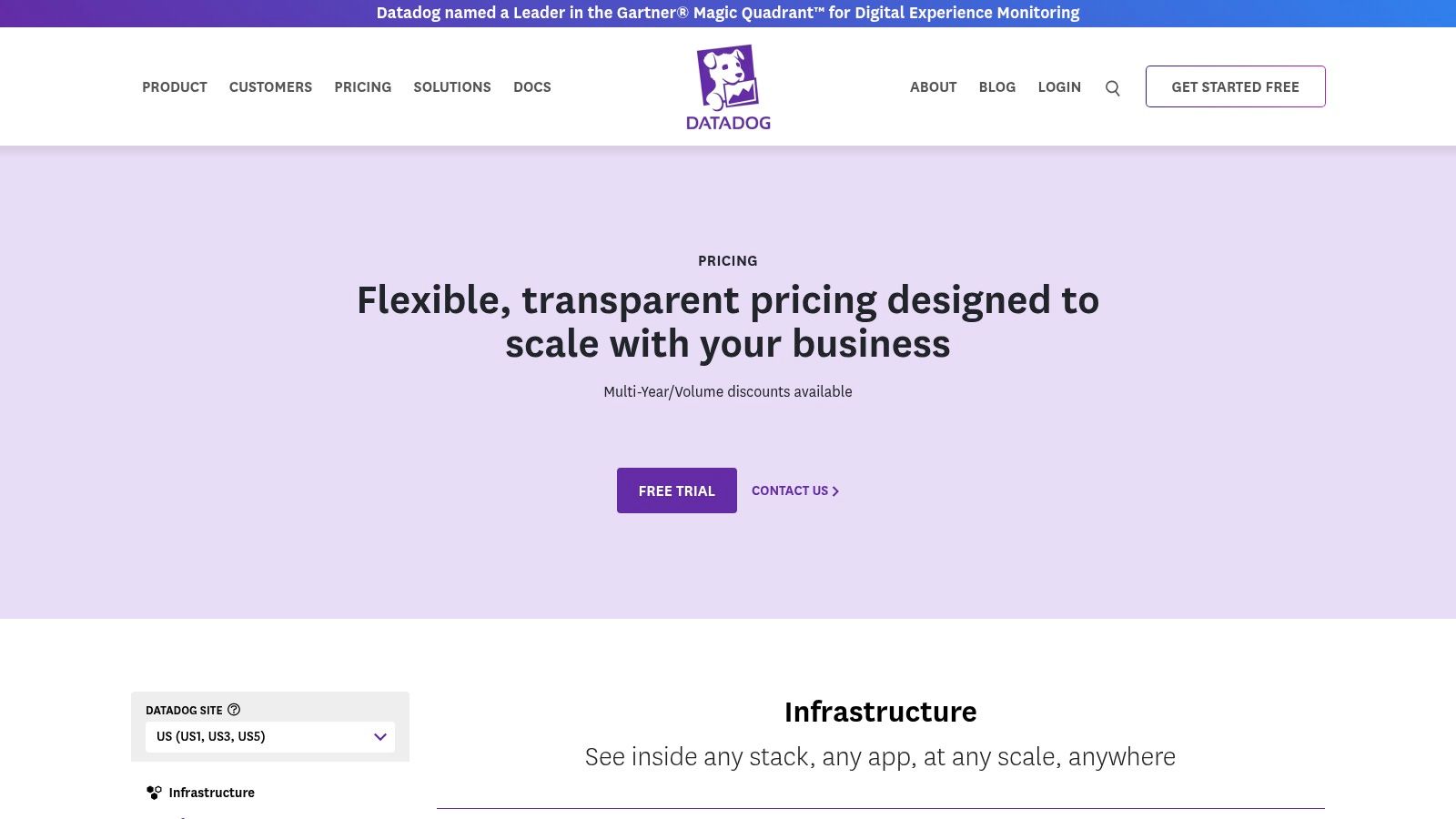
Datadog’s pricing is transparent and flexible. The Infrastructure Monitoring plan starts at around $15 per host, per month (billed annually), with add-on costs for more advanced features. This modular pricing allows an SMB to start with the essentials and scale monitoring as the business grows. However, without careful management, costs can creep up. For businesses that need expert guidance on cost optimization and implementation, leveraging managed server support can provide significant value by ensuring you only pay for what you truly need.
Pros and Cons
- Pros:
- Extensive Integrations: Unmatched library of pre-built integrations for rapid deployment.
- Unified Platform: Combines metrics, traces, and logs in one place for holistic analysis.
- Transparent Pricing: Clear, publicly available pricing models make budgeting predictable.
- Cons:
- Potential for High Costs: Costs can increase quickly at scale if not actively managed.
- Learning Curve: The platform's depth and breadth can be overwhelming for new users.
Website: https://www.datadoghq.com/pricing/
2. New Relic
New Relic offers a powerful, all-in-one observability platform that has gained popularity with SMBs due to its simple, usage-based pricing model. It combines server monitoring, APM, log management, and more into a single solution. For a business owner or IT manager looking to simplify their toolset and gain full visibility without navigating complex licenses, New Relic’s approach is refreshing. It's particularly attractive for businesses wanting to start monitoring without a large upfront investment.

What makes New Relic one of the best server monitoring software options is its generous free tier, which includes 100 GB of data ingest per month and one full-platform user. This allows a smaller team to implement robust monitoring at no cost and truly evaluate the platform at a meaningful scale. The platform’s powerful query language (NRQL) and distributed tracing capabilities enable deep, proactive analysis of system performance, helping identify bottlenecks before they impact your business.
Pricing and Implementation
New Relic’s pricing is built around data ingestion, with a free tier and paid plans that charge per gigabyte of data beyond the initial 100 GB. This predictable, usage-based billing helps SMBs align costs directly with their monitoring needs. Because data ingest is the key cost driver, it’s essential to be strategic about what data is sent to the platform. For organizations that need help managing their telemetry data and ensuring their monitoring posture is secure, exploring cybersecurity solutions for businesses can provide a strategic advantage.
Pros and Cons
- Pros:
- Generous Free Tier: One of the best free offerings, allowing for extensive evaluation and use.
- Predictable Billing: Usage-based pricing makes it easy to understand and control costs.
- Unified Platform: Combines all observability tools into a single, cohesive experience.
- Cons:
- Potential for Overages: Unmonitored data ingestion can lead to unexpected cost increases.
- Advanced Features Gated: Key features like enhanced security are tied to higher-priced editions.
Website: https://newrelic.com/pricing
3. Dynatrace
Dynatrace is an enterprise-grade observability platform known for its powerful automation and AI capabilities. For an SMB, its infrastructure-focused monitoring provides an automated way to get deep visibility into server performance without needing a large IT team. The platform's core strength is its "Davis AI" engine, which automatically maps dependencies between your systems and pinpoints the root cause of issues. This significantly reduces the time and manual effort required to troubleshoot complex problems.
What makes Dynatrace a contender for the best server monitoring software is its focus on automated discovery and analysis. The Smartscape topology feature visualizes your entire environment, showing how all components are interconnected. This context-rich view, combined with automatic performance baselining, allows the system to deliver precise, actionable alerts rather than a flood of notifications, helping your team focus on what really matters.
Pricing and Implementation
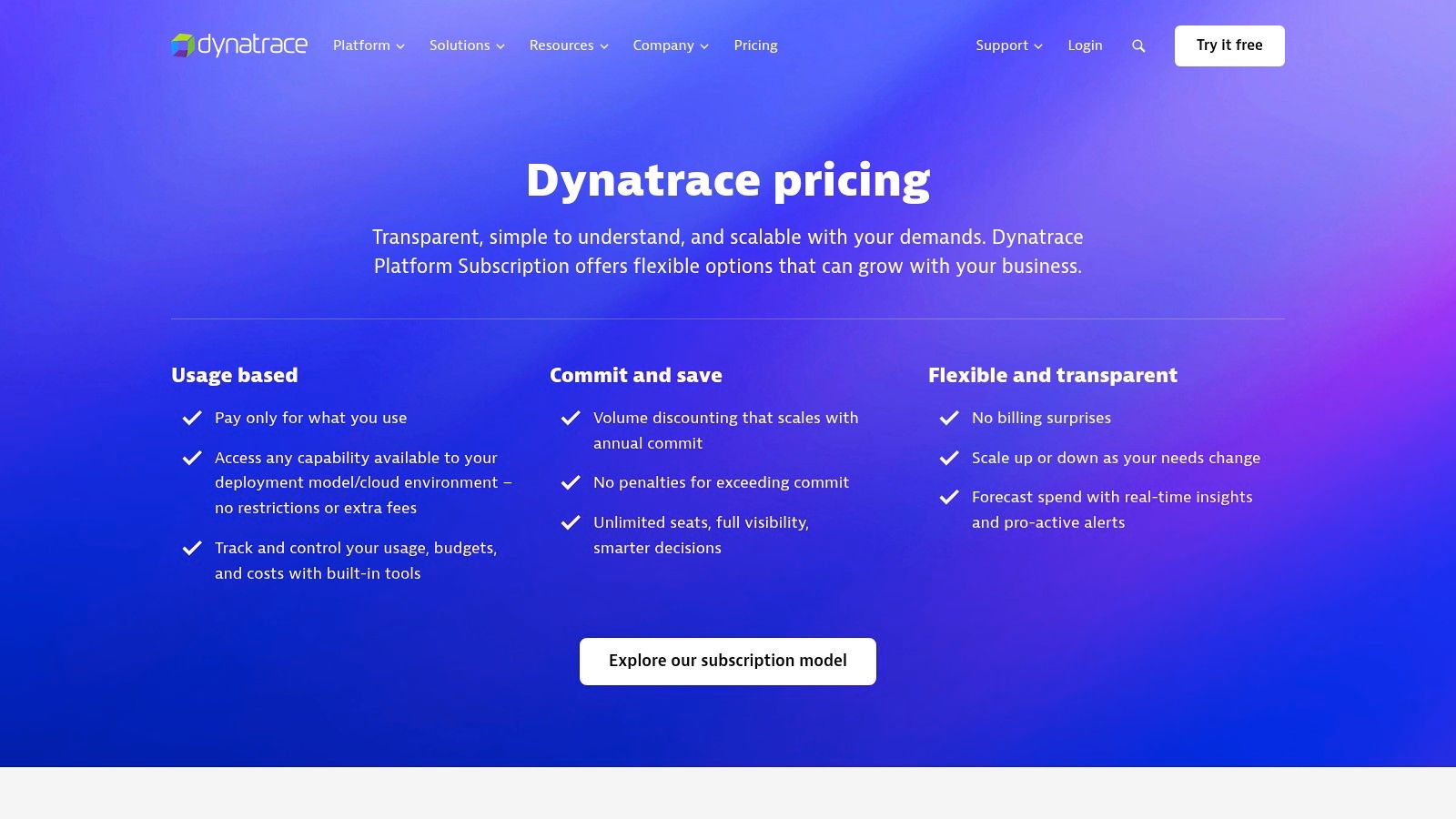
Dynatrace offers a flexible, consumption-based pricing model. For example, infrastructure monitoring starts at around $0.04 per hour for an 8 GiB host, which provides cost-effective granularity for dynamic environments. While this model is transparent, the platform's enterprise focus means the total cost of ownership can be higher than some SMB-centric tools, especially if you add full-stack or log management capabilities. For businesses that need to maximize the value of such a powerful tool without overspending, a managed service provider can help with implementation and ongoing cost optimization.
Pros and Cons
- Pros:
- Powerful Automation: Its AI-driven root-cause analysis significantly reduces troubleshooting time.
- Automatic Topology Mapping: Provides instant, context-rich visualization of your entire infrastructure.
- Granular Pricing: The per-host, per-hour model offers flexibility for cloud-native or fluctuating workloads.
- Cons:
- Enterprise Focus: Can be more complex and costly than what some SMBs require.
- Learning Curve: Leveraging its advanced features effectively requires an initial time investment.
Website: https://www.dynatrace.com/pricing/
4. SolarWinds Observability / SolarWinds (Self‑Hosted)
SolarWinds offers a powerful and flexible approach to server monitoring, catering to businesses that want the choice between a modern cloud-based platform and a traditional on-premises deployment. This dual offering makes SolarWinds a versatile contender, appealing to SMBs with specific security, compliance, or infrastructure requirements. Their solutions provide end-to-end visibility across servers, networks, applications, and databases, ensuring a comprehensive view of IT health.
What solidifies SolarWinds' position as one of the best server monitoring software options is its ability to meet diverse organizational needs. The cloud-based SolarWinds Observability offers rapid deployment and scalability, while the self-hosted SolarWinds Platform provides granular control for businesses that prefer to manage their own monitoring environment. Both options come with robust monitoring for key server metrics, logs, and traces, supported by third-party integrations for customization.
Pricing and Implementation
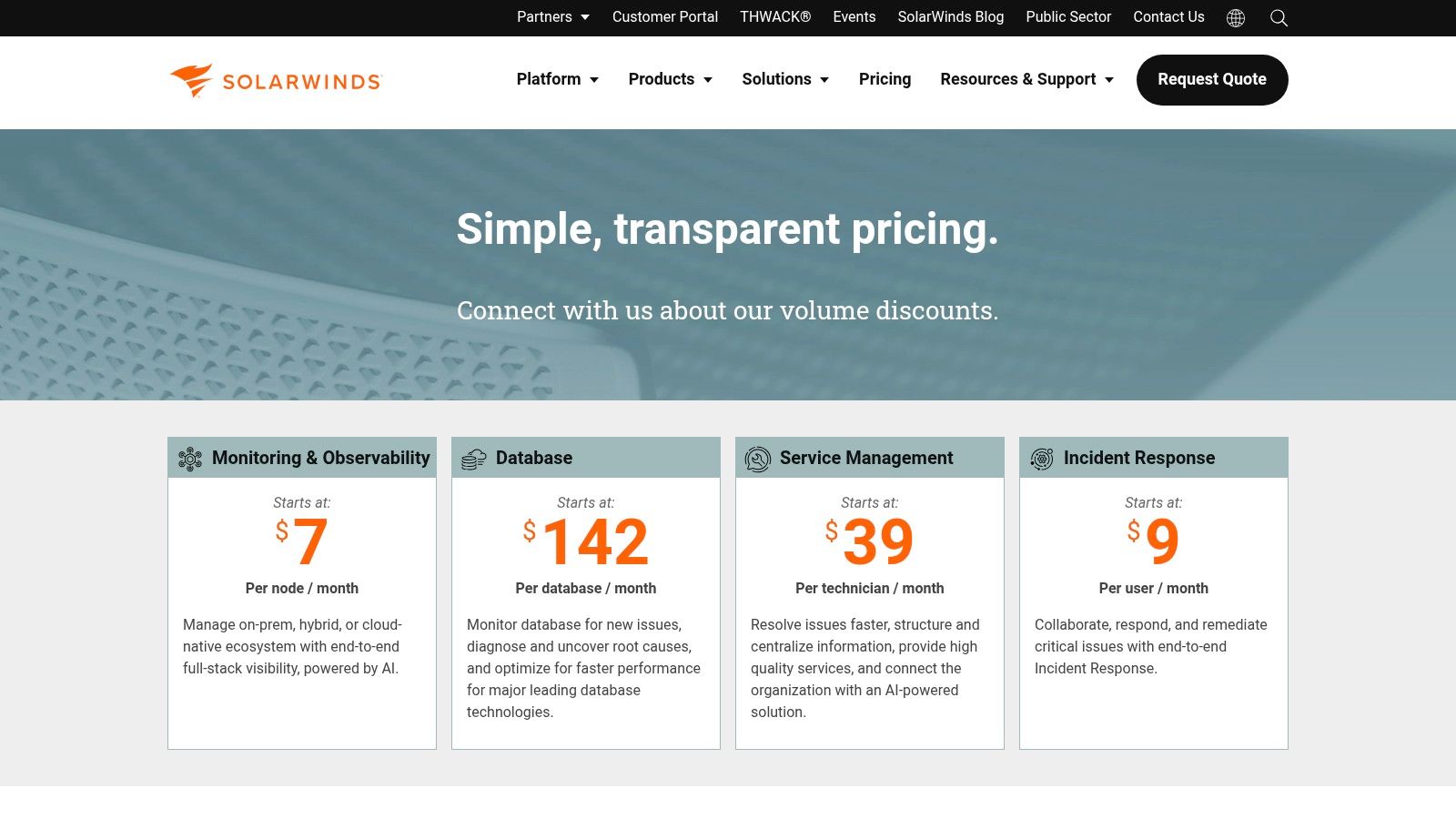
SolarWinds provides public "starts at" pricing and offers a 30-day free trial, which allows businesses to evaluate the platform thoroughly before committing. This transparency is beneficial for SMBs working with defined IT budgets. The cost structure varies between the cloud and self-hosted models, with volume discounts available for larger deployments. Because their product suite is extensive, implementing the right modules for server health and security is key. This includes staying on top of updates—a core component of effective patch management.
Pros and Cons
- Pros:
- Flexible Deployment Model: Offers both cloud and self-hosted options to fit any IT strategy.
- Published Entry Pricing: Transparent "starts at" pricing helps with initial budget planning.
- Comprehensive Toolset: Covers a wide range of monitoring needs beyond just servers.
- Cons:
- Complex Product Landscape: Navigating the extensive portfolio of modules can be confusing for newcomers.
- Potential for Confusion: Legacy vs. new product branding can sometimes be difficult to distinguish.
Website: https://www.solarwinds.com/pricing
5. Paessler PRTG (PRTG Network Monitor / PRTG Hosted Monitor)
Paessler PRTG is a well-established and powerful all-in-one monitoring solution known for its straightforward, sensor-based approach. It provides comprehensive visibility into servers, networks, and applications, making it a strong choice for SMBs that need detailed infrastructure oversight. PRTG can monitor everything from CPU load and memory usage on a Windows server to traffic on a network switch, all from a single centralized console. Its flexibility to be deployed on-premises or used as a cloud-hosted service allows businesses to choose the model that best fits their operational needs.

What makes PRTG one of the best server monitoring software options is its simple, sensor-based licensing. A sensor is a single aspect you monitor on a device, like CPU load or disk space. This model is easy to understand and simplifies planning. The platform includes a vast library of pre-configured sensors for common hardware and software, customizable dashboards for at-a-glance status checks, and a flexible alerting system to ensure your IT team is notified of issues immediately.
Pricing and Implementation
PRTG’s pricing is based on the number of sensors you need. A key advantage for small businesses is the free version, which allows for up to 100 sensors at no cost—perfect for monitoring a few critical servers. Paid plans offer scalable sensor counts, starting from 500 sensors. While the model is simple, it requires careful planning to estimate the number of sensors needed, as this directly impacts the cost.
Pros and Cons
- Pros:
- Simple Licensing Model: The sensor-based pricing is easy to understand and scale.
- Generous Free Tier: The 100-sensor free version is highly functional for small environments.
- All-in-One Solution: Monitors network, server, and application performance in one tool.
- Cons:
- Sensor Counting Can Be Tricky: Underestimating sensor needs can lead to unexpected license upgrades.
- Dated User Interface: While powerful, the interface can feel less modern than some cloud-native competitors.
Website: https://www.paessler.com/pricing
6. Zabbix
Zabbix stands out as a powerful, enterprise-grade open-source monitoring solution that offers immense flexibility with zero licensing fees. For SMBs with in-house technical expertise or a strong desire to avoid vendor lock-in, Zabbix provides a comprehensive platform for monitoring servers, networks, applications, and cloud services. Its strength lies in its ability to collect a vast range of metrics through various methods, making it adaptable to nearly any IT environment.
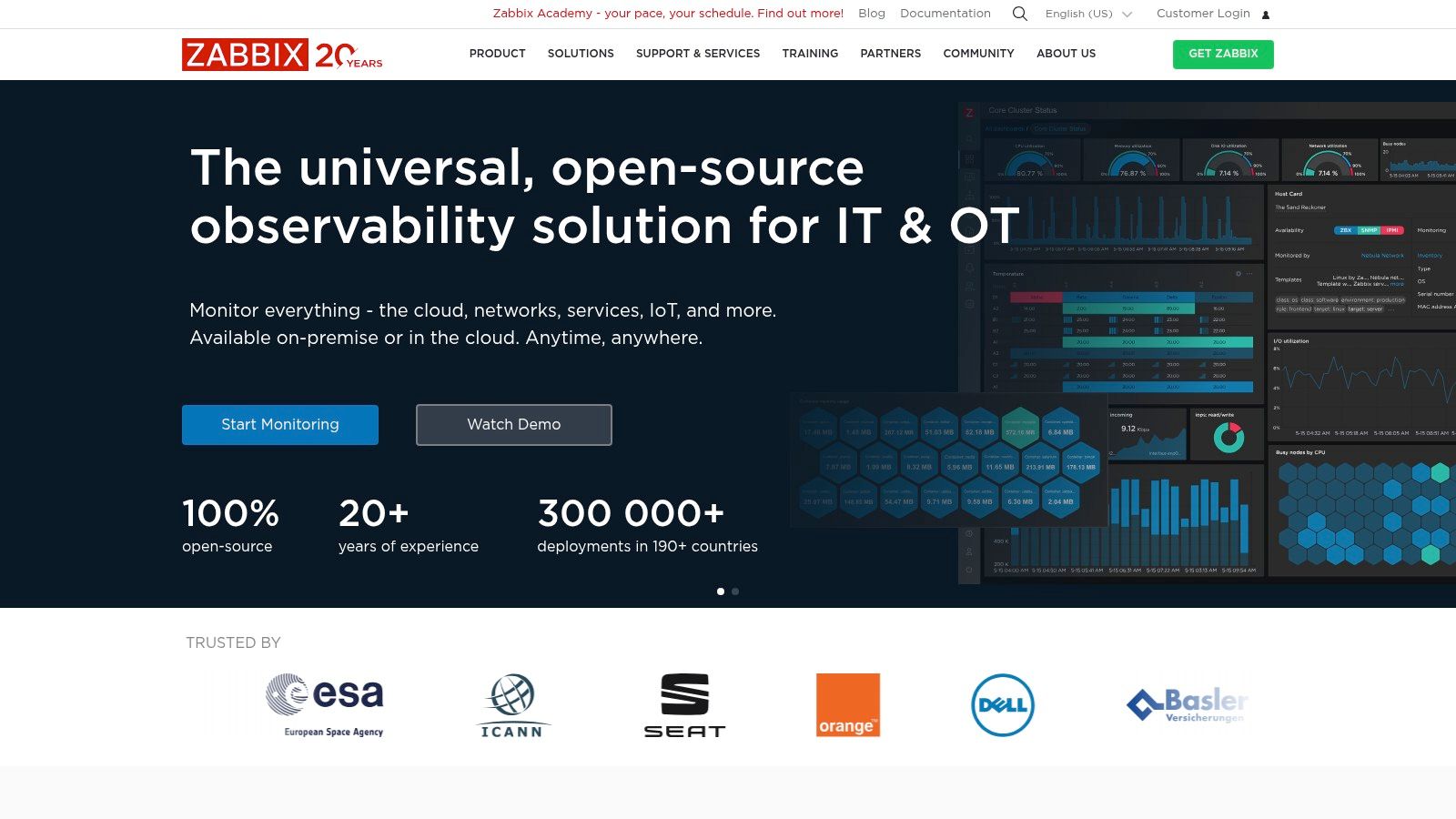
What makes Zabbix a contender for the best server monitoring software is its customizability and low total cost of ownership (TCO). The platform's use of templates and auto-discovery simplifies the process of monitoring new devices, while features like distributed monitoring are ideal for businesses with multiple locations. It's a true do-it-yourself solution, supported by a strong community and an extensive library of templates to get you started quickly.
Pricing and Implementation
Zabbix is completely free to download and use, with no limits on the number of monitored devices. This is its primary cost advantage. However, the "cost" shifts from licensing to implementation and maintenance. Businesses must provide their own hardware and dedicate IT resources to installation, configuration, and ongoing management. For those who need professional help, Zabbix offers several tiers of paid commercial support and training. Engaging a managed IT partner can also bridge this gap, handling the complex setup and ensuring the platform is optimized for your specific needs.
Pros and Cons
- Pros:
- No License Fees: Completely free and open-source, leading to a very low TCO.
- Highly Customizable: Offers deep customization for monitoring, alerting, and reporting.
- Strong Community: Backed by a large community and extensive partner network.
- Cons:
- Complex Setup: Requires significant technical expertise for initial deployment and maintenance.
- Steep Learning Curve: The user interface and configuration can be challenging for newcomers.
Website: https://www.zabbix.com/
7. Nagios (Nagios XI and Nagios Core)
A long-standing and respected name in IT monitoring, Nagios offers two distinct products: the open-source Nagios Core and the commercial Nagios XI. This dual offering makes it a versatile choice for SMBs, providing a no-cost entry point for technically proficient teams or a more feature-rich, supported version for those needing an out-of-the-box solution. Nagios is a powerful tool for foundational infrastructure oversight, checking the status of servers, services, and network protocols.
What sets Nagios apart and makes it a contender for the best server monitoring software is its immense flexibility, driven by a massive community and thousands of available plugins. This ecosystem allows it to monitor virtually any device or application imaginable. The commercial version, Nagios XI, builds on the powerful Core engine by adding a modern web interface, configuration wizards, and advanced reporting, significantly reducing the learning curve for SMBs without a dedicated monitoring specialist.
Pricing and Implementation
Nagios XI is sold with a perpetual license, which can be attractive for businesses that prefer a one-time capital expenditure over recurring subscription fees. Pricing is tiered, starting with a Standard Edition for around $2,495. This model provides cost predictability. The open-source Nagios Core is free but requires significant technical expertise to configure and maintain. For businesses drawn to the power of Nagios but lacking the internal resources, managed service providers can handle the entire implementation and ongoing management.
Pros and Cons
- Pros:
- Perpetual Licensing: The one-time purchase model is ideal for CAPEX-focused budgets.
- Mature and Extensible: A battle-tested platform with an extensive library of community plugins.
- Free Open-Source Option: Nagios Core provides a powerful, no-cost solution for skilled teams.
- Cons:
- Administrative Overhead: Can require more manual configuration and maintenance than modern SaaS tools.
- Dated User Interface: The interface, even in XI, can feel less intuitive than newer competitors.
Website: https://www.nagios.com/products/nagios-xi/
8. ManageEngine OpManager
ManageEngine OpManager is a comprehensive on-premises monitoring solution designed for organizations that need unified visibility into both servers and network infrastructure. It’s well-suited for businesses that prefer a one-time perpetual license over a recurring cloud subscription, offering a robust toolset for discovering, mapping, and monitoring critical devices. Its focus on network-aware server monitoring makes it an excellent choice for SMBs managing physical servers, virtual machines, and networking hardware.
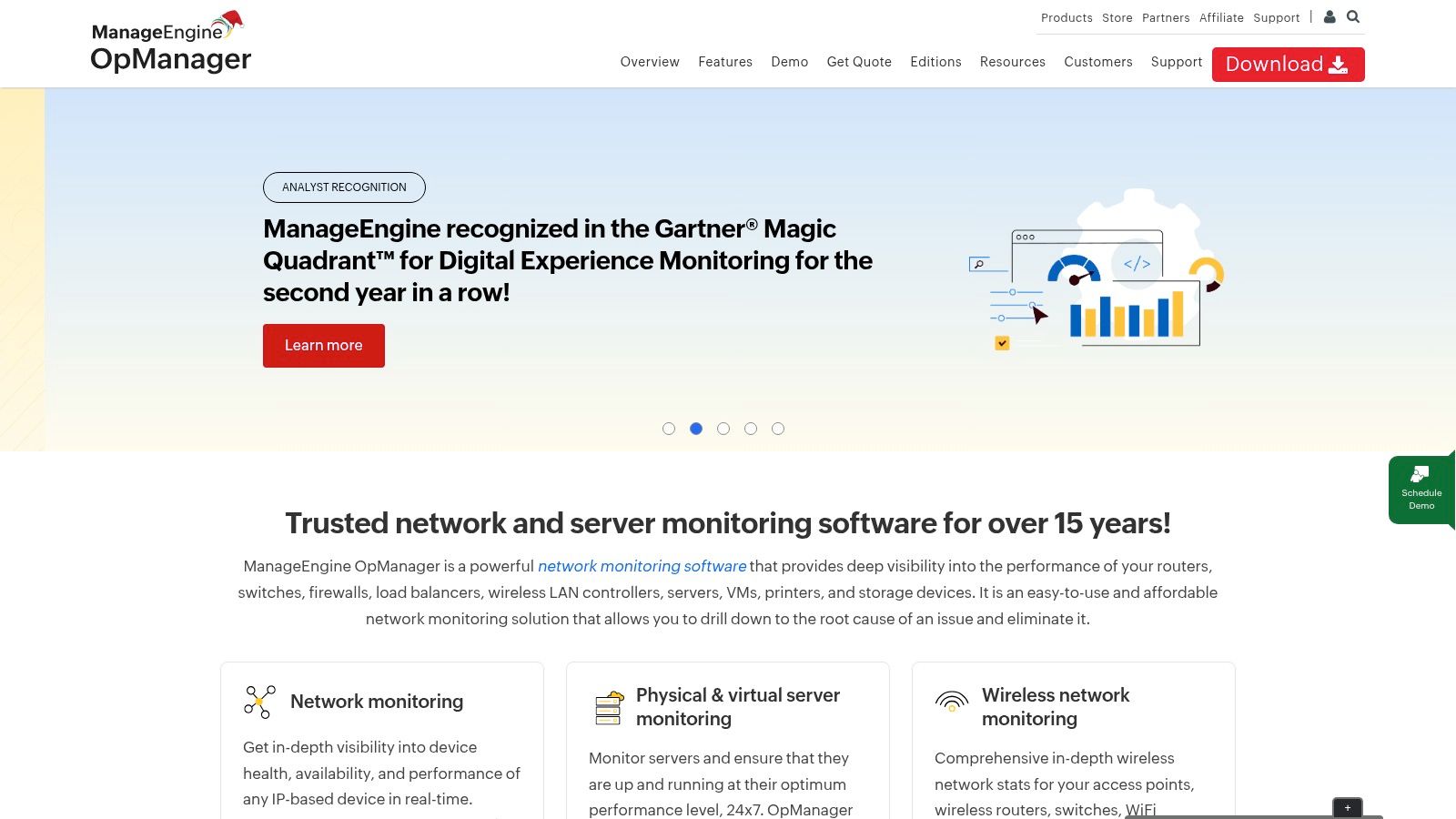
What makes OpManager one of the best server monitoring software options for IT teams with traditional infrastructure is its powerful discovery and topology mapping. The platform can automatically scan your network to create detailed maps, giving you a clear visual of device dependencies. This capability, combined with deep monitoring of server metrics, helps administrators quickly pinpoint the root cause of outages, whether the issue originates from a server or a network switch.
Pricing and Implementation
ManageEngine offers both annual subscription and perpetual license models for OpManager, with pricing based on the number of devices monitored. While a free edition exists for up to three devices, paid plans are required for most business use cases. You will likely need to request a quote tailored to your environment. The on-premises deployment requires more administrative overhead than cloud alternatives, but it gives businesses full control over their data and monitoring environment.
Pros and Cons
- Pros:
- Straightforward Licensing: The device-based model is simple to understand for mixed environments.
- Unified Network and Server Monitoring: A great fit for teams managing both servers and network gear.
- Perpetual License Option: Offers a one-time purchase model attractive to businesses avoiding subscriptions.
- Cons:
- Limited Public Pricing: Larger deployments typically require a custom quote, making budgeting less direct.
- On-Premises Overhead: Requires more setup and ongoing maintenance compared to SaaS solutions.
Website: https://www.manageengine.com/products/opmanager/
9. Site24x7 (by Zoho)
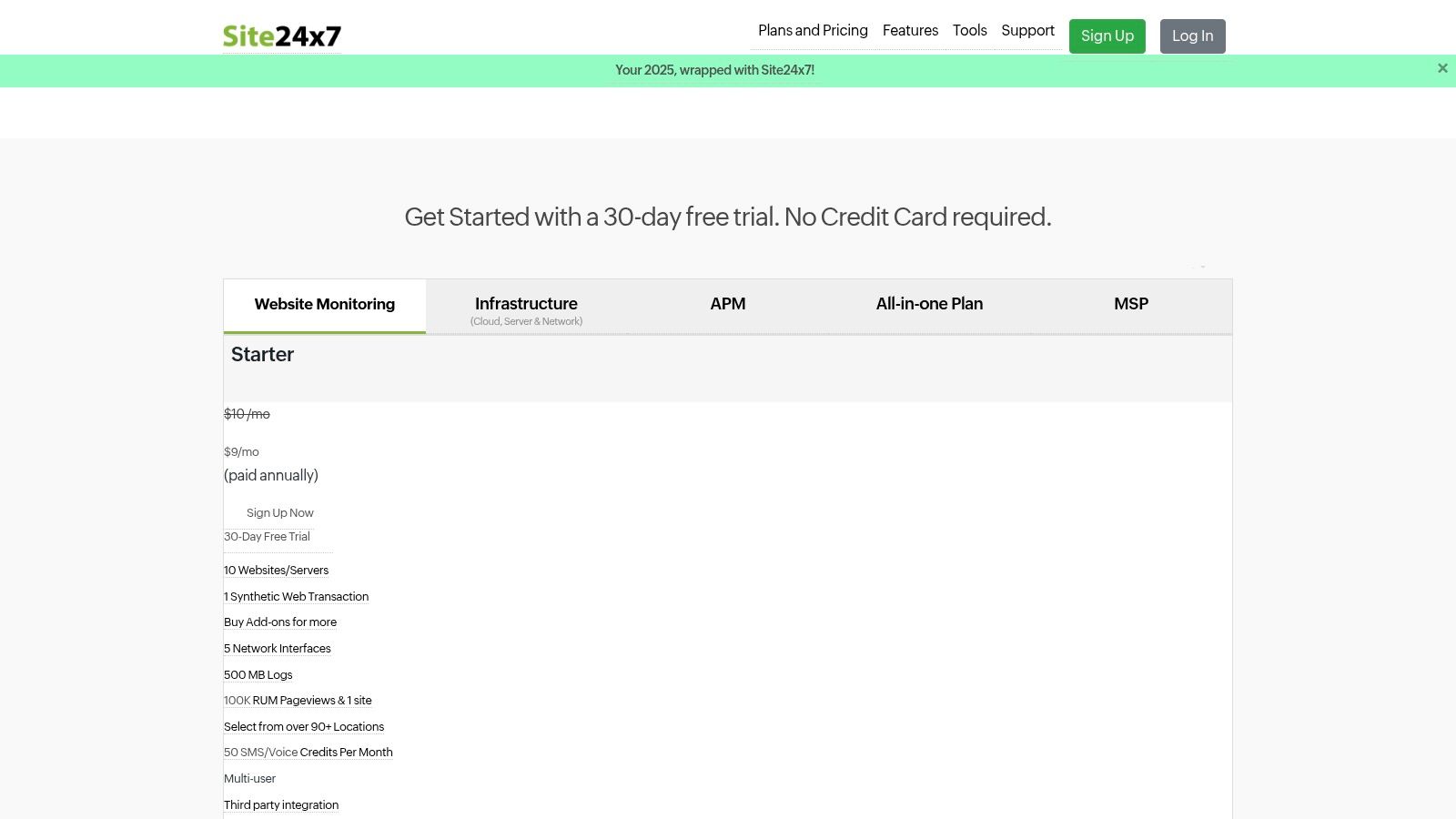
Site24x7, part of the Zoho ecosystem, offers a comprehensive, all-in-one monitoring solution that is particularly well-suited for small and midsize businesses. As a cloud-based platform, it provides monitoring for websites, servers, cloud infrastructure, applications, and networks from a single console. Its agent-based approach for Windows and Linux servers, combined with extensive plugin support, allows businesses to quickly gain deep visibility into their entire IT environment without a complex setup process.
What makes Site24x7 one of the best server monitoring software choices for SMBs is its combination of affordability and broad functionality. It includes not just server health metrics but also website and user experience monitoring, providing a holistic view of both infrastructure performance and how it impacts your customers. The platform's transparent pricing and dedicated plans for Managed Service Providers (MSPs) make it an attractive option for businesses working with an IT partner.
Pricing and Implementation
Site24x7 is known for its clear and budget-friendly pricing, starting at around $9 per month (billed annually) for its starter infrastructure plan. This structure allows businesses to start with essential monitoring and scale up by purchasing add-ons as needed. However, understanding the distinction between different monitor types is key to managing costs effectively. For businesses in our region needing to deploy and manage this tool without dedicating internal staff, a managed IT partner can ensure the configuration is optimized for both performance and budget.
Pros and Cons
- Pros:
- Very Affordable: Entry-level plans are highly accessible for small businesses.
- Broad Coverage: Offers a wide range of monitoring types (server, APM, web) in one platform.
- MSP-Friendly: Includes specific plans and features designed for managed service providers.
- Cons:
- Complex Plan Structure: The "basic vs. advanced" monitor system can be confusing and requires careful planning.
- Potential Support Needs: Advanced configurations or troubleshooting complex issues may necessitate vendor support.
Website: https://www.site24x7.com/pricing.html
10. AWS Marketplace (Server/Infrastructure Monitoring solutions)
For businesses heavily invested in Amazon Web Services, the AWS Marketplace isn't a single software solution but a streamlined way to find, buy, and deploy monitoring tools. It’s a digital catalog where you can access many of the best server monitoring software options and deploy them directly into your AWS environment. This approach simplifies billing, as all subscriptions are consolidated into your existing AWS bill, and procurement can be managed through familiar AWS contracts.
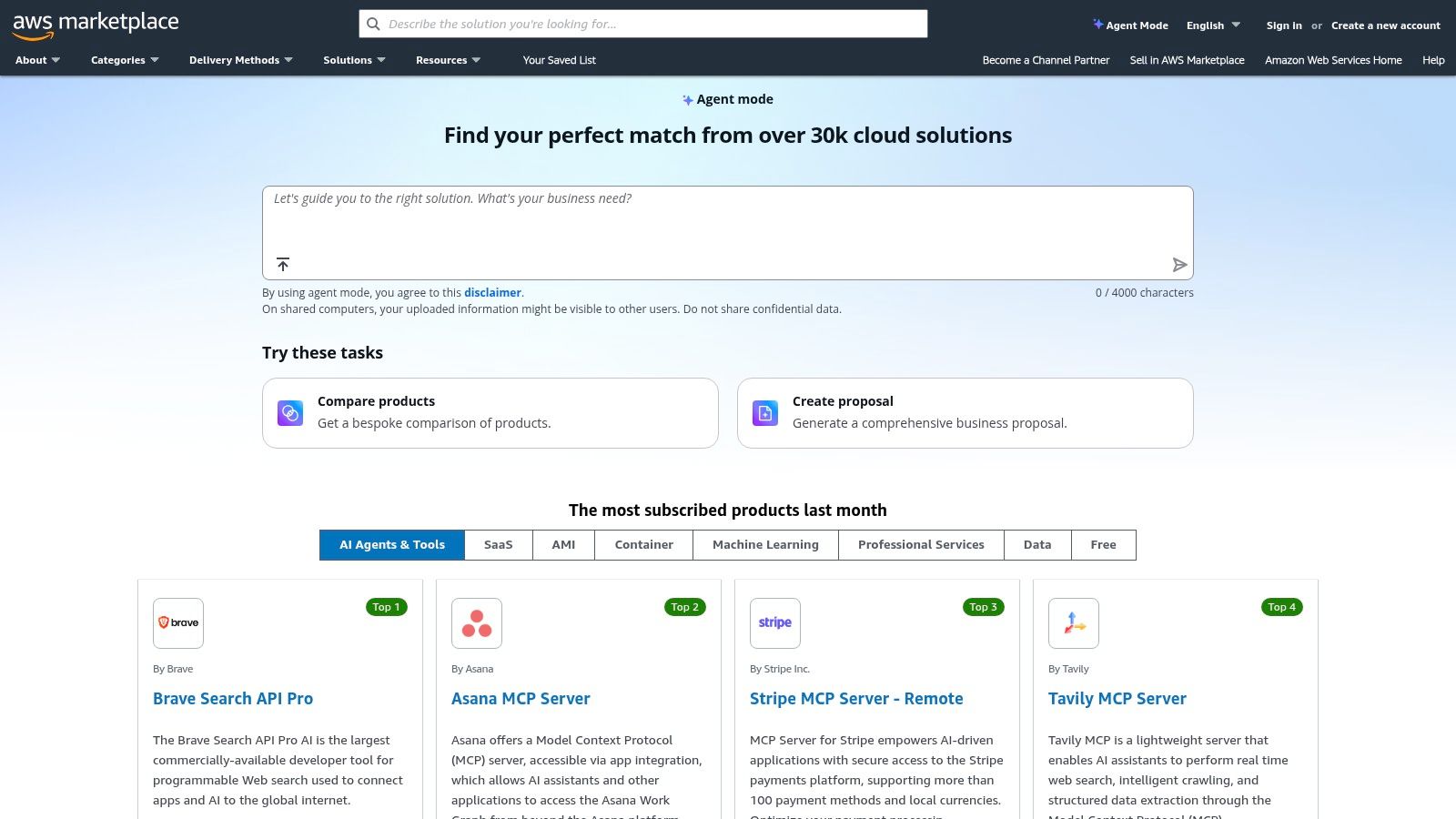
What makes the AWS Marketplace a unique entry on this list is its role as an enabler. It allows SMBs to trial and subscribe to top-tier monitoring platforms with flexible, pay-as-you-go pricing, eliminating complex vendor negotiations. You can deploy agents to your cloud servers in minutes, making it an incredibly efficient way to stand up a monitoring solution without leaving your primary cloud console. This is ideal for organizations in Western Pennsylvania and Eastern Ohio looking to modernize their infrastructure with minimal friction.
Pricing and Implementation
Pricing on the AWS Marketplace is determined by the individual software vendor. It offers a wide variety of models, including free trials, hourly or monthly pay-as-you-go rates, and "Bring Your Own License" (BYOL) options. This flexibility is a major benefit, but you must carefully evaluate each listing's terms. Implementation is typically straightforward, often involving one-click deployments from the marketplace page directly into your AWS account.
Pros and Cons
- Pros:
- Simplified Procurement: Consolidates software billing into your main AWS invoice.
- Fast Deployment: Enables quick deployment of monitoring tools into AWS environments.
- Flexible Purchasing: Offers various models, including pay-as-you-go and private pricing.
- Cons:
- Overwhelming Choice: The vast catalog requires careful research to find the right tool.
- Variable Terms: Pricing and support levels differ significantly between vendors.
Website: https://aws.amazon.com/marketplace/
11. Microsoft Azure Monitor
For businesses heavily invested in the Microsoft ecosystem or those managing hybrid cloud environments, Azure Monitor provides a native and deeply integrated solution. It serves as the central hub for collecting, analyzing, and acting on telemetry from both Azure and on-premises resources. By using Azure Arc for your on-premises servers, you can extend Azure's management and monitoring capabilities to your entire infrastructure, creating a single pane of glass for operational visibility.
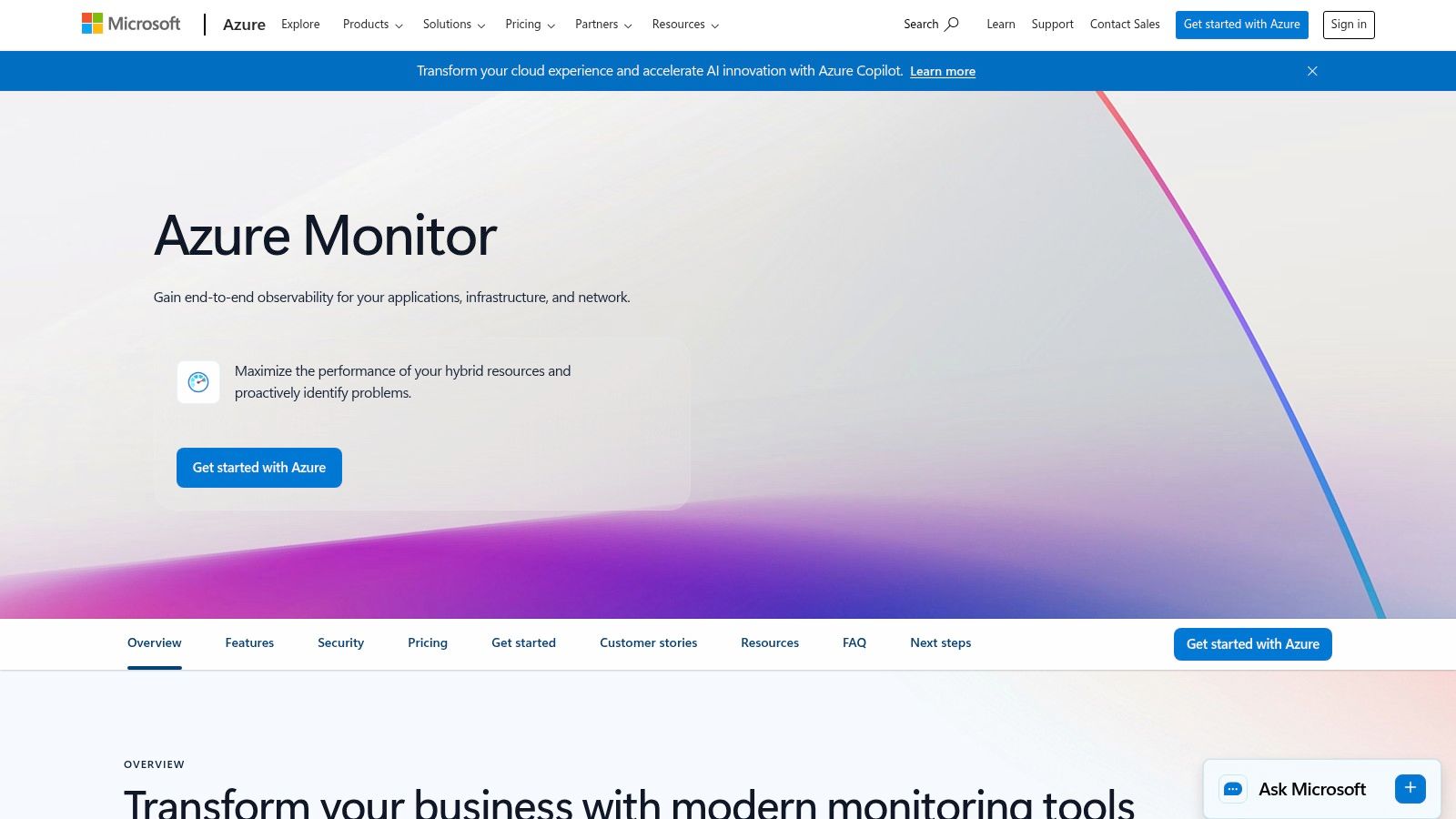
What makes Azure Monitor one of the best server monitoring software choices for Microsoft-centric SMBs is its seamless integration with other Azure services like Sentinel for security and Defender for endpoint protection. It offers powerful features such as VM insights for performance analysis, Log Analytics for deep-dive investigations, and customizable Workbooks for interactive reporting. This native integration simplifies your toolset and reduces the management overhead of using separate third-party tools.
Pricing and Implementation
Azure Monitor uses a pay-as-you-go pricing model based on data ingestion and retention. A generous free tier is available for initial data collection, making it accessible for small businesses to get started. However, costs can grow with increased logging volume, requiring careful configuration to stay within budget. Organizations can optimize costs by setting data caps and defining retention policies to control spending.
Pros and Cons
- Pros:
- Seamless Azure Integration: Unparalleled integration for businesses running workloads in Azure.
- Hybrid Cloud Ready: Extends monitoring to on-premises servers effectively using Azure Arc.
- Powerful Query Language: KQL allows for sophisticated analysis of log and performance data.
- Cons:
- Cost Management: Can become expensive with high volumes of log data if not managed carefully.
- Complexity Outside Azure: Can be less straightforward to implement for environments not using Azure Arc.
Website: https://azure.microsoft.com/en-us/products/monitor/
12. G2 — Server Monitoring Software Category
Instead of a single tool, G2 is a peer-to-peer review platform that aggregates real-world user feedback on business software. Its Server Monitoring Software category is an invaluable resource for shortlisting and validating potential solutions. It allows business owners and IT managers to move beyond marketing claims and understand how tools perform in real-world scenarios, providing insight into user experience, customer support quality, and implementation challenges from people in similar industries or company sizes.
What makes G2 a crucial research step in finding the best server monitoring software is its unbiased, data-driven approach. The platform uses verified user reviews to create comparison grids and rankings, which plot tools based on market presence and user satisfaction. This helps you quickly identify leaders, high performers, and niche solutions that align with your specific needs. Beyond our recommendations, you can discover other top infrastructure monitoring tools on the market to broaden your search.
Pricing and Implementation
G2 itself is free to use for research. The platform provides links to vendor websites where you can find official pricing. A key benefit is that user reviews often contain valuable, candid feedback on the total cost of ownership, hidden fees, and the perceived value of a product’s pricing. This helps set realistic budget expectations before you even engage with a vendor’s sales team, preventing costly surprises down the line.
Pros and Cons
- Pros:
- Authentic User Feedback: Provides an unfiltered reality check on usability, support, and hidden costs from actual users.
- Broad Market Coverage: Includes a wide range of commercial and open-source tools, from established leaders to emerging contenders.
- Side-by-Side Comparisons: Filterable grids make it easy to compare features, ratings, and user satisfaction scores.
- Cons:
- Vendor Influence: Sponsored placements and proactive review campaigns can sometimes skew visibility.
- Indicative Pricing: Pricing information gathered from reviews may be anecdotal or outdated; always verify with the vendor.
Website: https://www.g2.com/categories/server-monitoring
Top 12 Server Monitoring Tools: Feature & Pricing Comparison
| Solution | Deployment / Target audience | Core features | Pricing model (entry) | Unique strengths | Considerations |
|---|---|---|---|---|---|
| Datadog | SaaS; hybrid/cloud-heavy teams | Infra metrics, APM, logs, synthetics, Kubernetes visibility | Per-host/container, public rate card; monthly/annual | Vast integrations, fast time-to-value, strong docs | Can get costly at scale; platform depth has learning curve |
| New Relic | SaaS; teams wanting full-stack telemetry | Infra/APM/logs/synthetics, distributed tracing, NRQL | Usage-based per-GB, generous free tier (100 GB/mo) | Best-in-class free tier, predictable usage billing | Ingest overages possible; advanced features need higher tiers |
| Dynatrace | Enterprise SaaS; large/complex estates | Full-stack, Smartscape topology, Davis AI, log analytics | Per-host or per‑GiB‑hour, hourly options with commit discounts | Automated root-cause analysis, deep code-level insights | Higher total cost; longer evaluation and tuning time |
| SolarWinds Observability / SolarWinds (Self‑Hosted) | SaaS or on-prem; ops teams needing flexibility | Metrics/traces/logs, SaaS or self-hosted deployment, APIs | "Starts at" public pricing, 30-day trial | Flexible deployment model, published entry pricing | Complex product/module landscape, confusing naming |
| Paessler PRTG | Self-hosted or hosted; SMBs and network-focused teams | Sensor-based monitoring, dashboards, maps, alerts | Sensor-count licensing, free up to 100 sensors | Simple sizing, quick setup, mature product | Sensor planning required to avoid surprises; add-ons for advanced analytics |
| Zabbix | Open-source self-hosted or managed SaaS; DIY/low-TCO teams | Agent & agentless monitoring, templates, proxies, HA | No license fees; optional commercial support/Zabbix Cloud | Very low TCO, highly customizable, strong community | DIY deployment and maintenance; steeper setup/UX for newcomers |
| Nagios (XI / Core) | Open-source or commercial; CAPEX-oriented buyers | Service checks, alerting, dashboards, plugin ecosystem | Nagios Core free; XI commercial perpetual tiers | Perpetual licensing option, extensive plugin library | More administrative overhead; scaling and UX require effort |
| ManageEngine OpManager | On-prem or subscription; mixed server+network estates | Discovery, topology mapping, device metrics, add-ons | Device-based licensing; subscription or perpetual | Straightforward device-count pricing, good for mixed estates | Limited public list pricing; on-prem management demands resources |
| Site24x7 (Zoho) | SaaS; MSPs, SMBs and pilots | Server agents, synthetics, RUM, cloud integrations, 1-min polling | Affordable starter tiers, MSP multi-tenant plans, free trial | Low-cost entry, broad single-platform coverage | Plan structure complexity; complex setups may need vendor help |
| AWS Marketplace (monitoring) | Procurement for AWS-centric infrastructures | Deploy monitoring into AWS, consolidated billing, trials | Pay-as-you-go, BYOL or private offers; vendor-variable pricing | Simplifies procurement/deployment for AWS, private pricing options | Crowded catalog, variable seller terms—requires careful comparison |
| Microsoft Azure Monitor | Azure-native/hybrid; Microsoft-centric environments | VM Insights, logs (KQL), metrics, alerts, Workbooks, Arc | Pay-as-you-go via Azure subscription, some free quotas | Seamless Azure integration, ties to Defender & Sentinel | Log ingest costs; less turnkey outside Azure without Arc |
| G2 — Server Monitoring Category | Buyers researching/shortlisting vendors | User reviews, rankings, side-by-side comparisons | Free to use for research; vendor pricing via vendor pages | Real-user UX/support feedback, shortlist validation | Sponsored placements can bias visibility; pricing indicative only |
From Tool Selection to Total Peace of Mind: Your Next Step
Navigating the world of server monitoring software can be a major project. After exploring comprehensive platforms like Datadog, open-source powerhouses like Zabbix, and user-friendly solutions like PRTG, one thing is clear: the "best" tool depends entirely on your unique business. There is no single best server monitoring software for every company, but there is a best fit for your company. The key is to move beyond a simple feature list and assess each solution against the real-world needs of your IT environment, your team's skills, and your budget.
This evaluation process forces you to ask important questions. Do you have an in-house IT person with the time and expertise to manage a self-hosted solution like Zabbix, or would a cloud-based platform with a gentler learning curve, like Site24x7, deliver value faster? Does your business operate primarily in the cloud, making a native tool like Azure Monitor a natural fit, or do you manage a mix of on-premise and cloud systems that demands the flexibility of a tool like SolarWinds? Answering these questions honestly is the first step toward making a confident decision.
From Evaluation to Implementation: Making Your Choice Actionable
Once you have a shortlist, the focus must shift from features to implementation. A powerful tool that is poorly configured is often worse than no tool at all. It can generate a flood of false-positive alerts, causing your team to ignore real issues. Conversely, a misconfigured tool can create dangerous blind spots, failing to notify you of critical failures until it's too late.
To make sure your choice is a success, consider these practical steps:
- Run a Small-Scale Test: Before committing long-term, use a free trial to test your top one or two choices. Deploy the software on a small, non-critical part of your network to see how it performs in your actual environment.
- Define Your Alerting Strategy: Don't just turn on all the default alerts. Decide what truly constitutes an emergency for your business. Create a clear plan for who gets notified, when, and how. This prevents your lead technician from getting paged at 3 AM for a minor CPU spike.
- Plan for Integration: The true power of modern monitoring is unlocked when it connects with your other business systems. Think about how your chosen software will connect with your communication tools (like Slack or Microsoft Teams) or ticketing systems. This creates a smooth workflow from detection to resolution.
For many SMBs in Western Pennsylvania and Eastern Ohio, the main challenge isn't selecting a tool—it's having the time and expertise to manage it effectively. The day-to-day work of monitoring dashboards, responding to alerts, applying updates, and fine-tuning settings requires a level of focus that many business owners and their teams simply don't have.
This is where the value of a trusted IT partner comes in. Choosing the best server monitoring software is a crucial step, but ensuring it's expertly implemented, managed 24/7, and integrated into a proactive IT strategy is what truly protects your business. Instead of just buying software, consider investing in a partnership that delivers a complete solution—providing not just the tool, but the team, the process, and the peace of mind that comes with it.
Transforming your server monitoring from a reactive chore into a strategic asset requires more than just software; it requires expertise and constant vigilance. At Eagle Point Technology Solutions, we leverage industry-leading tools and manage your entire IT infrastructure, so you can focus on running your business. Schedule a complimentary consultation to see how our proactive managed IT services can provide the operational resilience and security your company deserves.