It’s a feeling every business owner knows. You sit down to tackle a big project, and your computer decides it has other plans. The spinning wheel of death becomes your worst enemy. What used to take seconds now feels like an eternity. For a small or medium-sized business (SMB), this isn't just a minor annoyance; it's a direct hit to your team's productivity and your bottom line.
So, why does that zippy new machine you invested in last year now move at a snail's pace? It's not just in your head. Computers really do slow down, and it happens for a mix of reasons. Think of it like a workshop: when it's new, every tool is in its place and work flows smoothly. Over time, it gets cluttered with digital junk, new software demands more power than the old parts can provide, and everything just starts to feel… sluggish.
The Hidden Costs of a Slowing Computer
That constant waiting isn't just frustrating for your team; it's a silent drain on your company's finances. In an SMB, every minute is valuable. A computer that can't keep up is more than a technical glitch—it's a direct threat to your efficiency and profitability. What starts as a small lag can snowball into major operational friction, impacting everything from customer service to project deadlines.

This slowdown is a universal problem, but most businesses seriously underestimate its impact. Those little delays—a minute here, five minutes there—add up fast. How much? Research shows that the average employee loses about five full workdays annually just waiting on slow machines. Imagine giving every employee an extra week of paid vacation where, instead of relaxing, they're just staring at a loading screen. That lost time translates directly into missed opportunities and frustrated staff. You can read the full research on how slow PCs impact productivity to see just how deep the rabbit hole goes.
So, what are the usual suspects behind this performance decline? It almost always boils down to a handful of core issues.
Top 5 Culprits Behind a Slow Computer
To help you pinpoint the problem, here’s a quick rundown of the most common reasons a business computer starts dragging its feet. Think of this as a diagnostic checklist for the common challenges we see with our clients in Western Pennsylvania and Eastern Ohio.
| Symptom | Primary Cause | Business Impact |
|---|---|---|
| Programs take forever to open | Software Bloat | Constant updates make essential apps bigger and more demanding than your hardware can handle. |
| Simple tasks cause freezing | Digital Clutter | Temporary files, old downloads, and a crowded desktop clog up the system's ability to find what it needs. |
| Multitasking is impossible | Hardware Limitations | Aging hard drives or insufficient RAM can't keep up with the demands of modern software. |
| Slow startup and login | Too Many Startup Programs | Dozens of apps trying to launch at once creates a bottleneck right from the start of the workday. |
| Overall sluggishness | Hidden Background Processes | Unseen apps and services quietly eat up your computer's memory and processing power, slowing down real work. |
These issues are often the root cause of that daily frustration. By understanding exactly why your computers are slowing down, you can start taking targeted steps to fix the problem and get your team back to working at full speed.
How Digital Clutter Chokes Your System
Think of your computer’s operating system like a brand-new workshop. When you first set it up, the benches are clear, every tool is in its perfect spot, and projects get done fast. Over time, though, things change. Sawdust and scraps pile up (temporary files), tools you rarely use are left out (startup programs), and the shelves get messy, making it hard to find what you need (file fragmentation).
This is exactly what happens inside your computer. This "digital clutter" is one of the biggest reasons why even a once-speedy machine starts to feel sluggish, choking its performance from the inside out.

As this non-essential data accumulates, your computer is forced to work harder for every single task. It has to rummage through more junk to find the right files, which slows down everything from booting up in the morning to opening a simple spreadsheet. Just like a messy garage, digital clutter can quickly become overwhelming if it isn't managed—a familiar problem for any busy professional.
The Problem of Software Bloat
A huge contributor to this digital mess is software bloat. It’s what happens when applications become bigger, more complex, and more resource-hungry with every update. A program that ran perfectly on your machine two years ago might now need twice the memory and processing power, leaving your existing hardware struggling to keep pace.
Modern software is almost always designed for the latest and greatest hardware, which means older, but still perfectly functional, machines are often left in the dust. The constant cycle of updates adds new features you may never even use, but they still eat up precious system resources, slowing down the tasks your team actually performs.
For an SMB, software bloat isn't just a minor annoyance; it's a hidden productivity tax. Each feature-packed update can make essential applications feel sluggish, directly slowing down your team on what should be perfectly capable computers.
This slow creep in demand is a key reason computers degrade over time. It’s not that your hardware is suddenly failing—it’s that the software is simply outgrowing it. Keeping your software updated is critical for security, but you have to be aware of the performance trade-off.
Silent Performance Thieves
Beyond bloated apps, a whole host of silent culprits are constantly draining your computer's power. These processes hum along in the background, often without you even knowing it, hogging memory and CPU cycles that could be used for the work you're actually trying to do. This is a lot like the digital clutter that piles up in an overflowing inbox, a problem we help clients solve in our guide on how to achieve email inbox zero.
Here are a few of the most common performance thieves we find on business networks:
- Excessive Startup Programs: Many applications sneakily configure themselves to launch the moment you turn on your computer. While handy for one or two essentials, having dozens of them trying to fire up at once creates a massive bottleneck right from the start of the day.
- Unnecessary Browser Extensions: Every browser extension you install uses up a little bit of memory, even when you aren't actively using it. A browser loaded with too many add-ons can become incredibly slow and unstable, especially when accessing cloud-based business tools.
- Background Syncing Services: Things like cloud storage clients (OneDrive, Dropbox), automatic software updaters, and other background services are always running, using network bandwidth and system resources to check for changes and new versions.
By getting a handle on this digital clutter, you can reclaim a surprising amount of performance and make your existing computers feel faster and more responsive again.
When Your Hardware Can No Longer Keep Up
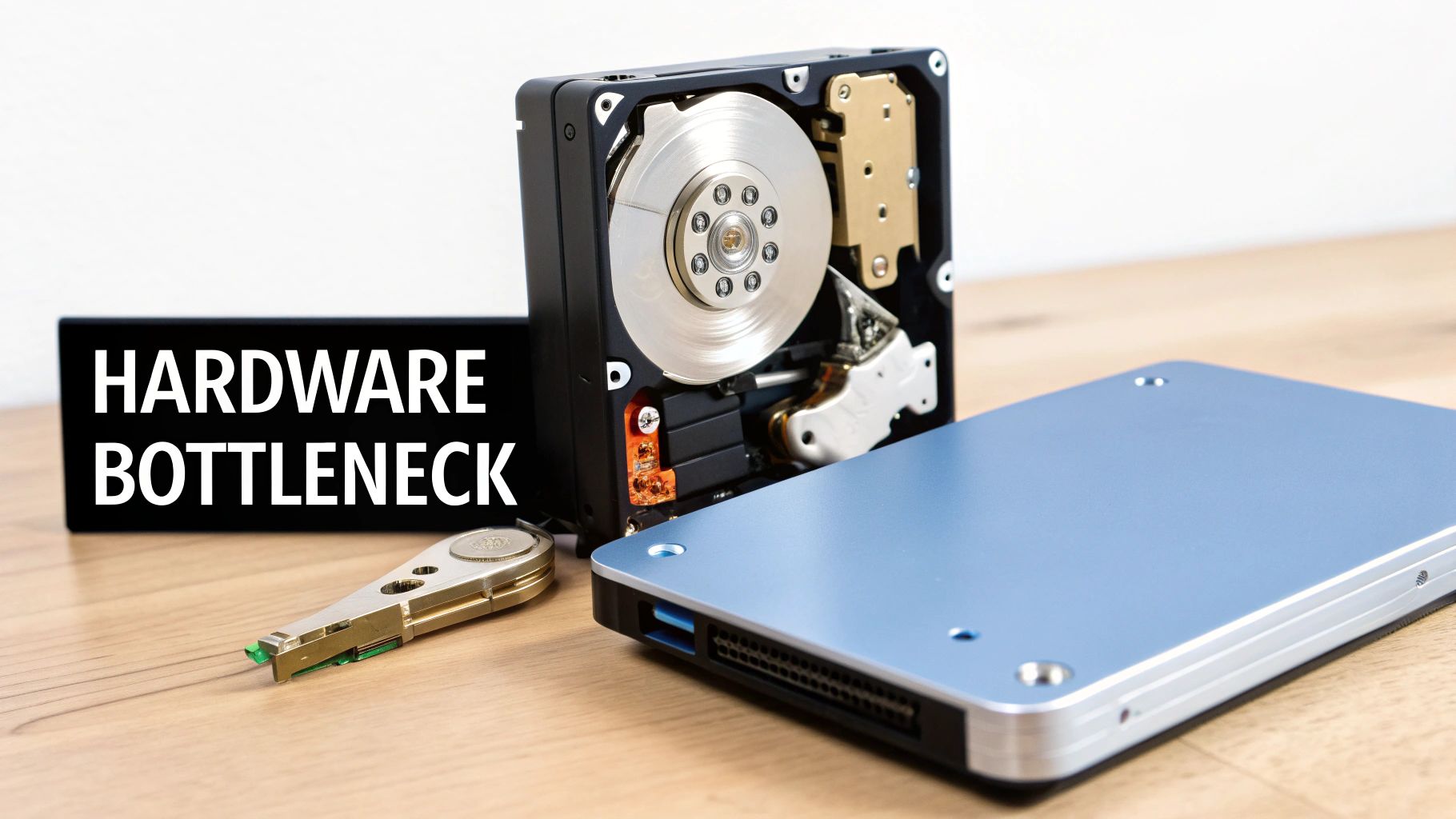
Sometimes, the slowdown isn't about digital clutter; it’s the physical components inside the machine hitting a hard limit. Your hardware—the processor, memory, and storage drive—is in a constant battle with the ever-increasing demands of modern software. When it finally loses that battle, you get a performance bottleneck that no amount of cleanup can fix.
This is a reality that directly impacts SMBs trying to get the most out of their IT assets. You bought a set of computers a few years ago expecting them to last, but now your team is struggling to run the same software that used to work just fine. This isn't a sign you made a bad purchase; it's just the natural consequence of technology's relentless march forward.
The Great Performance Slowdown
For decades, business owners could count on Moore's Law, which essentially promised that computers would double in power every couple of years. That era is over. The massive annual performance leaps have stalled, creating a new challenge for businesses.
Recent research shows that universal CPU performance gains per dollar have cratered from 48% annually to just 8%. That means the 10-year improvement in computing power shrank from an incredible 50x to a meager 2x. This has pushed typical PC replacement cycles from 4 years to 5 or even 6, meaning your team is working on older equipment for longer.
This new reality makes proactive hardware management more critical than ever for SMBs. You can no longer rely on huge performance jumps to justify buying new equipment; you have to make smarter, more strategic decisions about when and how to upgrade.
A hardware bottleneck is like trying to drive a sports car on a dirt road. You can have the most powerful engine in the world (CPU), but if the road (hard drive) or tires (RAM) can't handle the speed, you're not going anywhere fast.
Common Hardware Bottlenecks in Business PCs
For most SMBs, performance headaches usually boil down to a few key hardware components that just become obsolete faster than others.
- Traditional Hard Drives (HDDs): Those old-school mechanical hard drives with their spinning platters are the single biggest bottleneck in older computers. Just upgrading to a modern Solid-State Drive (SSD) can make an old machine feel brand new, dramatically cutting down boot times and how long it takes for applications to load.
- Insufficient RAM: Think of Random Access Memory (RAM) as your computer's short-term workspace. If you don't have enough, your PC will slow to a crawl the second you try to multitask between your CRM, email, and a few browser tabs. Today, 8GB of RAM is the bare minimum for business use, and 16GB is the new standard for productive work.
- Aging Batteries: In laptops, a worn-out battery is often one of the first parts to show its age. Degraded batteries don't just kill mobility; they can also cause the system to intentionally slow itself down—or "throttle" its performance—to conserve power. You can find more detail in this practical guide on replacing laptop batteries.
Identifying and tackling these specific hardware weak points is a smart, cost-effective way to extend the useful life of your company's computers without having to do a complete—and costly—fleet replacement.
The Unseen Threats of Malware and Misconfigurations
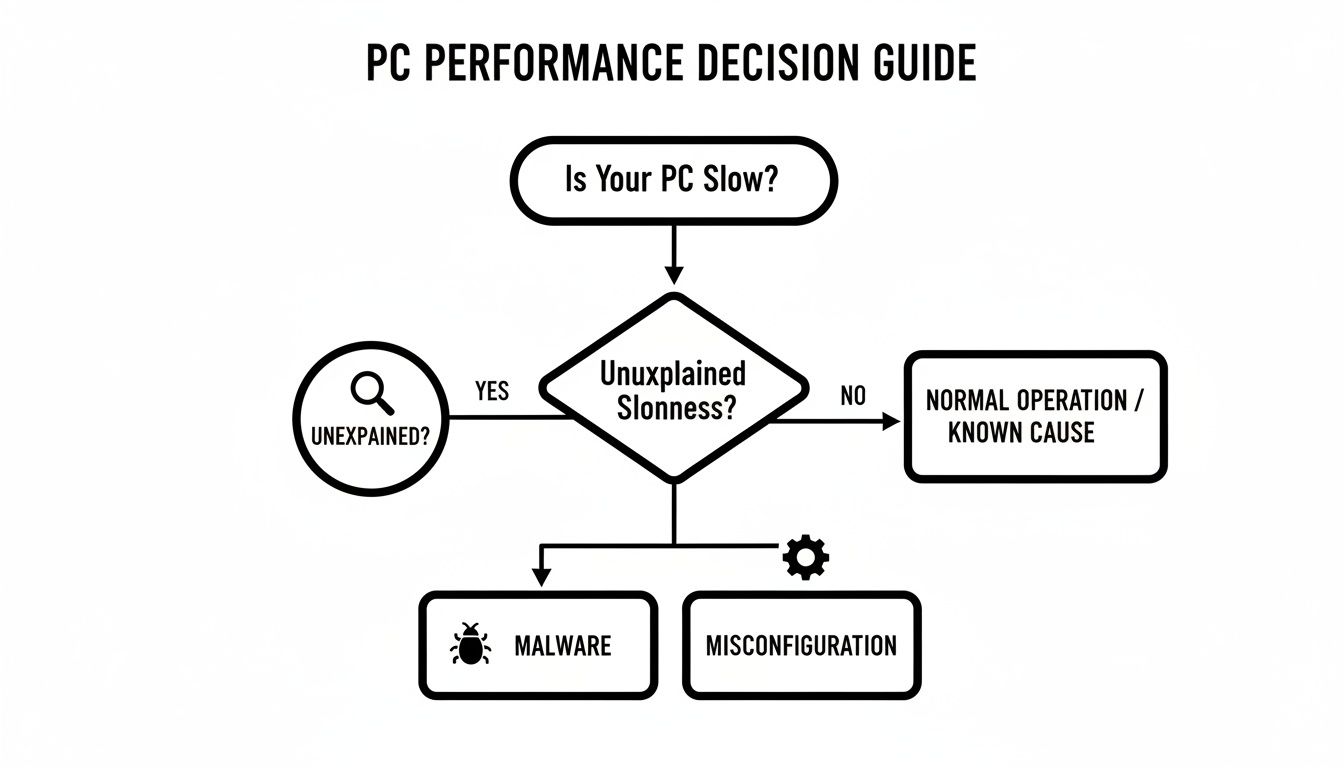
When your computer suddenly slows to a crawl, it’s easy to blame its age or think you’ve just got too much digital junk piled up. But sometimes, a dramatic slowdown is a red flag—a warning that something far more sinister is happening behind the scenes. Your computer’s performance and its security are tightly linked, and a sluggish machine is often one of the first signs of a security breach.
Malicious software, or malware, is a notorious resource hog. Once it worms its way into your system, it doesn’t just sit there. It’s actively running in the background, chewing up CPU power and memory as it goes about its business—whether that’s encrypting your files for ransom, stealing data, or using your network to launch attacks on others.
This constant background activity puts a huge strain on your computer, making even simple tasks feel like wading through mud. A common mistake is thinking malware will be obvious. The truth is, many modern threats are designed for stealth, and a performance hit is often the only clue you’ll get.
The Hidden Impact of Faulty Settings
Beyond active threats, simple system misconfigurations can accidentally cripple performance just as effectively. These aren't malicious attacks. Instead, they’re incorrect or outdated settings that prevent your hardware and software from working as designed. A single bad setting can bring even a brand-new, powerful computer to a grinding halt.
This is a much bigger problem than most business owners realize. A recent study found something shocking: for the first time in 20 years, average CPU performance actually went down. A huge factor was botched software configurations, including a Windows 11 power management package that slashed performance by 6-30% and faulty BIOS defaults. You can learn more about these performance findings and see just how deep this issue runs. It really shines a light on how critical professional oversight is; without it, you’re not getting the performance you paid for.
Some of the common culprits that can hamstring a perfectly good machine include:
- Incorrect Power Settings: Laptops on "Power Saver" mode will deliberately slow down the CPU to save the battery. The problem is, this setting can get stuck, throttling performance even when it’s plugged into the wall.
- Outdated BIOS/UEFI: This is the foundational software that boots up your computer, and it needs updates, too. A buggy or old version can cause all sorts of instability and performance bottlenecks that are a nightmare to diagnose.
- Driver Conflicts: Plugging in a new piece of hardware without the right driver software is a recipe for disaster. It can create conflicts that lead to system-wide slowdowns or even crashes.
These issues are subtle but are absolute performance killers. They underscore why ongoing, expert maintenance is so important. This is where a proactive approach like managed services makes all the difference, as we cover in our guide explaining what is patch management. Keeping firmware and settings optimized is every bit as critical as keeping your software updated.
Your Action Plan For Restoring PC Speed