As a business owner in Western Pennsylvania or Eastern Ohio, your plate is already full. You're juggling customer demands, making payroll, and pushing for growth every single day. The idea of carving out time to plan for a disaster—something abstract like a server failure or a freak flood—feels almost impossible. It's the kind of task that always gets shuffled to the bottom of the to-do list, filed away under "maybe next quarter."
But what happens when that "maybe" becomes "right now"?
It doesn't have to be a massive, headline-grabbing catastrophe. It could be a ransomware attack that locks down your financial records right before tax season. It might be a localized power outage that knocks out your operations during your busiest week of the year. For a small or mid-sized business, these aren't just minor hiccups; they are legitimate threats to your survival.
It's Time to Ditch the "It Won't Happen to Us" Mindset
So many business owners I talk to operate on a dangerous assumption: that they're too small to be a target or that a major disruption just isn't in the cards for them. The numbers tell a very different story. Global surveys reveal that only about 49% of businesses have a formal business continuity plan, leaving more than half completely exposed.
We all saw what happened during the COVID-19 pandemic. It was a harsh lesson in just how fragile unprepared operations can be, leading an estimated 100,000 U.S. small businesses to close their doors for good. You can find more business continuity statistics that highlight these risks, and they all point to the same conclusion: inaction is a gamble you can't afford to take.
This guide isn't about creating some hundred-page binder that will do nothing but collect dust on a shelf. It's about building a lean, practical business continuity planning template that addresses the real-world challenges SMBs like yours face.
A business continuity plan is more than just a document—it’s a playbook that transforms panic into a clear, methodical procedure. It gives your team a roadmap to follow, ensuring that even when things go sideways, you're still in control and the business keeps moving forward.
Our goal is to make this process approachable and empower your business. We're going to focus on:
- Actionable Steps: Clear, straightforward guidance you can put into practice right away.
- An SMB-First Approach: We'll tackle the real-world constraints of tight budgets and small (or non-existent) IT teams.
- Practical Tools: You'll get a downloadable BCP template designed specifically for your needs.
By the time you're done with this guide, you won't just understand why a BCP is important—you'll have a clear path to building one that genuinely protects your employees, your customers, and your bottom line.
Let's Get Practical: A Walkthrough of Your BCP Template
Theory is great, but a plan is just a document until you put it into action. To get you from idea to execution, we’ve put together a business continuity planning template built specifically for small and mid-sized businesses like yours. We cut through the corporate jargon to focus on what actually matters when things go wrong.
You can download the Eagle Point SMB Business Continuity Planning Template here.
Now, don’t just let it gather digital dust in your downloads folder. Let’s walk through the key sections together. My goal here is to give you the confidence to start filling it out right away. This is about making real progress, not creating a perfect plan on your first try.
Think of it this way: your business continuity plan is the lifeline that gets you from chaos back to control.
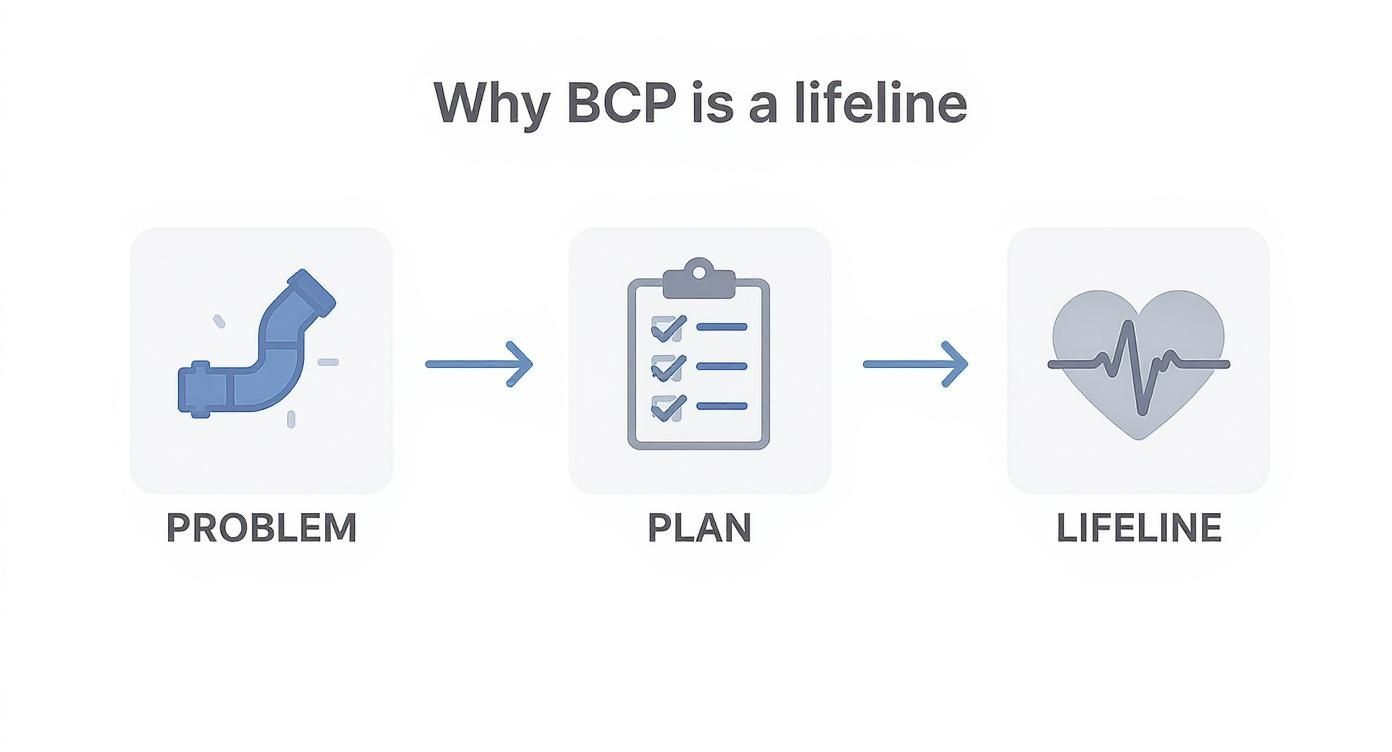
This plan is the bridge between an unexpected disaster and a measured, controlled recovery. It’s what keeps the lights on.
First Steps: Defining Your Plan
The first few pages of the template are all about setting the stage. You’ll find spots for the basic—but absolutely critical—information everyone needs in a crisis.
- Key Personnel and Contact Info: This is your emergency call list. Who is on your incident response team? List their names, roles, and multiple ways to reach them (work phone, personal cell, email). A huge tip from my experience: don't forget to include key external contacts like your IT provider, landlord, or critical suppliers. You don't want to be scrambling for that number during an outage.
- Plan Activation Triggers: Get specific here. What officially kicks this plan into gear? Is it a server outage lasting more than one hour? A building closure due to a power grid failure? Defining these triggers removes the "should we or shouldn't we" debate when stress levels are high.
- Incident Response Team Roles: Who’s in charge? You need clear lines of authority. At a minimum, you'll want an Incident Commander (the final decision-maker), a Communications Lead (handling all internal and external messages), and a Technical Lead (coordinating with IT).
This isn't about building a stiff corporate hierarchy. It's about giving people the authority to make quick, decisive calls without confusion.
Making Sense of RTO and RPO for Your Business
As you dig into the core of the business continuity planning template, you’ll hit two acronyms that can trip people up: Recovery Time Objective (RTO) and Recovery Point Objective (RPO). Let’s break them down with a real-world scenario I often see with manufacturing clients here in Western Pennsylvania.
Imagine their primary order processing system crashes.
Recovery Time Objective (RTO): This is your deadline. It answers the question, "How fast do we need this back online before we start losing serious money?" For our manufacturer, if they can't process orders for more than four hours, shipments get delayed and the entire production schedule is thrown off. Their RTO for that system is four hours.
Recovery Point Objective (RPO): This is all about data loss tolerance. It answers, "How much recent data can we afford to lose without causing a disaster?" The firm decides that re-keying up to one hour of orders is painful but manageable. Any more than that, and it's chaos. Their RPO is one hour, which means their data must be backed up at least hourly.
These two numbers are the absolute foundation of your technical recovery strategy. They are what tell an IT partner exactly how to configure your data backup and disaster recovery solutions.
Completing the Core Sections
The template will then walk you through a few other essential areas. Don’t get overwhelmed or feel like you need perfect answers right now. The point is to start the conversation with your team.
Business Impact Analysis (BIA)
We’ll cover this in more depth later, but this section prompts you to list your most critical business functions. For a small accounting firm, for example, payroll processing is a much higher priority than sending out a marketing newsletter. The BIA helps you rank what to save first.
Risk Assessment
This is where you brainstorm what could actually go wrong. Think beyond fires and floods. The real-world threats I see most often are:
- Cyberattacks: A ransomware attack locking up all your files.
- Utility Outages: A local power or internet failure that lasts for days.
- Hardware Failure: Your main server dies, and there's no backup.
- Human Error: An employee accidentally deletes a critical client folder.
For each risk, you’ll just briefly note how likely it is and how bad the damage could be. This helps you focus your time and money on the threats that matter most. Breaking it down this way turns a massive project into a series of small, manageable steps.
Pinpointing What Matters Most With a Business Impact Analysis
Alright, we've covered the Risk Assessment and the basic layout of the business continuity planning template. Now, let's dive into what I consider the strategic heart of your entire plan: the Business Impact Analysis (BIA). This is where you stop just reacting to potential threats and start proactively defending what actually keeps your business running.
I’ve seen it time and again with SMB owners I work with across Pennsylvania and Ohio. Their first instinct is to try and protect everything at once, with the same level of urgency. It’s a noble thought, but it’s a surefire way to burn through your budget and energy. The reality is, you can't give your company's marketing blog the same recovery priority as your customer payment portal. It just doesn't make sense.

The BIA is designed to eliminate that guesswork. It forces you to ask the hard questions and make smart, calculated choices about where to focus your recovery efforts and money.
Identifying Your Critical Business Functions
To kick off your BIA, get your key people in a room and just start listing out your core business functions. Don't get bogged down in the details at this stage. Think big picture: what are the major activities that keep the lights on every single day?
You’ll probably come up with a list that includes things like:
- Processing customer orders and payments
- Managing inventory and the supply chain
- Running payroll
- Client communication (email and phones)
- Accessing essential client or patient records
- Operating production machinery
Once you have that raw list, it's time for the most important part: figuring out what it really costs when one of these functions goes down. And I’m not talking about inconvenience; I’m talking about real, tangible losses.
Measuring the Real-World Impact
For every function you listed, ask a simple but powerful question: "What breaks if this stops working?"
Then, attach a timeline. What's the damage after one hour? What about after 24 hours? A full week? This is where the abstract threat of "downtime" becomes painfully clear. An hour without email might be annoying, but a day could mean losing major sales opportunities and damaging your reputation. A week without your accounting software? That could spiral into serious cash flow and compliance nightmares.
To bring this to life, we've put together a sample BIA for a small distribution company. This is exactly the kind of analysis you'll do in the template.
Sample Business Impact Analysis for an SMB
This table helps identify critical business functions and assess the impact of their disruption over time, guiding RTO and RPO decisions.
| Business Function | Impact of Downtime (After 24 hours) | Required Resources | Recovery Time Objective (RTO) | Recovery Point Objective (RPO) |
|---|---|---|---|---|
| Order Entry System | Significant financial loss; inability to process new sales. | CRM software, server access, internet connectivity. | 4 Hours | 15 Minutes |
| Warehouse Mgmt. System | Shipping delays; reputational damage with customers. | WMS software, network access, handheld scanners. | 8 Hours | 1 Hour |
| Employee Payroll | Staff morale issues; potential legal compliance problems. | Accounting software, bank access, HR records. | 72 Hours | 24 Hours |
| Marketing Website | Minimal immediate financial impact; minor inconvenience. | Web hosting service, CMS access. | 3 Days | 48 Hours |
See how quickly your priorities snap into focus? The Order Entry System is mission-critical. It needs to be back online fast, with almost no data loss. The marketing website, while important, can clearly wait a few days if needed.
The BIA is your roadmap for resource allocation. It tells you where to spend your limited time, money, and energy to get the biggest return on resilience. It’s the difference between a plan that looks good on paper and one that actually works in a crisis.
This analysis is what gives meaning to the RTO and RPO values we talked about earlier. Without a BIA, you’re just throwing darts at a board, guessing at recovery targets. With it, you have a data-driven foundation for a technical recovery strategy that truly supports your business goals.
By taking the time to complete this analysis in our business continuity planning template, you ensure your recovery efforts are focused, efficient, and protect the very functions that keep your doors open.
Crafting Your Incident Response and Communication Plan
Okay, you've done the hard work of analyzing your business's critical systems. Now, we shift from technology to people. Believe me, the tech is a huge piece of the puzzle, but I've seen firsthand that how your team reacts in the first few minutes of a crisis is what really separates a minor hiccup from a major disaster. A clear, well-practiced plan turns chaos into a structured, effective response.
When a crisis hits—whether it's a server crashing or a full-blown cyberattack—confusion is your worst enemy. Without a plan, people don't know who to call, what to say, or who has the final say. This is where your incident response team comes in. For most SMBs, this doesn't need to be some complex command structure; it's just a small, designated group with crystal-clear roles.
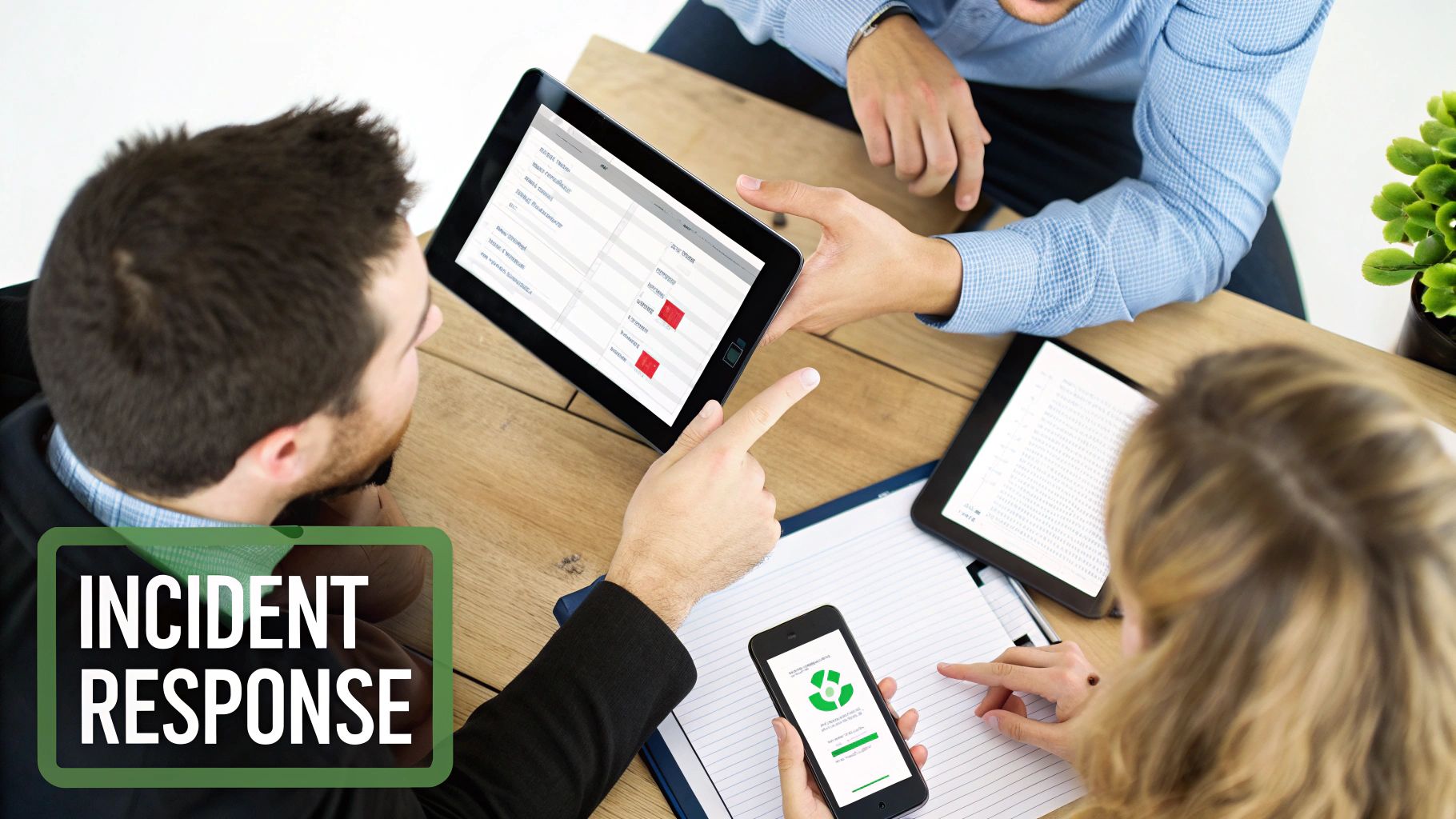
Think of this team as your command center, ensuring every action is deliberate and every message is consistent.
Defining Roles and Responsibilities
First things first: assign key roles. Don't just jot down names next to titles; spell out their exact duties during an emergency. At a minimum, your team needs:
- Incident Commander: This is your ultimate decision-maker. It’s often the business owner or a senior manager who has the authority to officially activate the plan and sign off on major recovery actions. No waffling allowed.
- Communications Lead: This person is your single source of truth. They are responsible for crafting and sending all internal and external messages. This prevents rumors, misinformation, and panicked emails from flying around.
- Technical Lead: This is your hands-on problem-solver. This person coordinates directly with your IT team or a provider like Eagle Point to figure out what went wrong and execute the technical recovery steps, like initiating a data restore from backups.
Having these roles locked down ensures critical tasks don't get dropped in the confusion.
Building Your Communication Strategy
With your team in place, the next question is how will you communicate? What’s the plan if your go-to tools—like your business email or VoIP phone system—are the very things that are down? You absolutely need a reliable backup.
Here’s a simple but incredibly effective tactic I always recommend: set up a dedicated group chat on personal phones using a service like Signal or even just a group text. This creates an "out-of-band" channel that works even if your entire office network is a crater, ensuring your response team stays connected.
Your plan also needs pre-written message templates. Trying to write a clear, calm message in the middle of a crisis is a recipe for disaster. Prepare templates for different situations:
- Internal Employee Alert: A brief, clear message letting staff know about the situation, giving initial instructions (e.g., "Work from home until further notice"), and telling them when to expect the next update.
- Client Notification: A transparent but reassuring message for your customers. Acknowledge the problem, confirm you're working on it, and give an ETA for resolution if you have one.
- Vendor and Partner Update: A quick note to critical suppliers whose services might be affected or needed for the recovery effort.
Of course, a solid incident response plan must be built on a foundation of strong security. As experts on topics like law firm data security will tell you, protecting your vital information during a crisis is paramount. Good communication has to be paired with strong safeguards.
There's a reason structured planning is getting so much attention. The global market for business continuity management is set to explode from USD 880.3 million in 2024 to USD 3.53 billion by 2034, driven by the relentless rise in cyber threats. Proactive planning is no longer optional; it’s a core business requirement. A key part of this is just basic hygiene, like ensuring all your systems are fully patched; our guide explains what is patch management and why it's a cornerstone of preventing incidents in the first place.
By filling out the communication section in your business continuity planning template, you’re giving your team the tools to manage perceptions, maintain trust, and guide your company through the storm calmly and professionally.
Keeping Your Business Continuity Plan Relevant and Ready
You’ve put in the hard work and created your business continuity plan. That’s a massive step forward, but please don’t make the common mistake of treating it like a "set it and forget it" project. I’ve seen too many well-intentioned plans become completely useless because they were shoved onto a shelf to collect dust.
A BCP is a living document. Think of it as a tool that needs regular sharpening to be effective when you actually need it.
The good news? Keeping it sharp doesn't mean you have to shut down your entire operation for a day with massive, disruptive drills. The real key is building a habit of smaller, consistent actions that build confidence and, more importantly, uncover weaknesses before a real crisis does.
Moving Beyond the Myth of Massive Drills
When I say "BCP testing," most business owners immediately picture a chaotic, all-hands fire drill that feels more disruptive than productive. It really doesn’t have to be that way. Meaningful testing can be simple, focused, and incredibly insightful.
Here are a few manageable activities to keep your plan on point:
- Tabletop Exercises: This is my favorite low-stress, high-impact activity. Just gather your incident response team, grab some coffee, and walk through a specific scenario out loud. For example: "Our main server just went offline due to a hardware failure. What's the very first thing we do? Who is responsible for calling our IT provider? How do we get the word out to employees?"
- Backup and Restore Tests: This one is non-negotiable. Don't just assume your backups are working—verify them. A simple test involves trying to restore a single, non-critical file or folder from your backup system. I can't tell you how many times this simple check has uncovered critical gaps, like a cloud backup that was never configured correctly in the first place.
- Contact List Verification: This takes just a few minutes but is absolutely vital. Every quarter, have someone call the primary and secondary numbers for each person on your emergency contact list. It’s shocking how often we find a key contact’s number has been out of date for over a year.
These simple checks ensure your plan actually works in reality, not just on paper.
Establishing a Practical Review Schedule
To make sure your business continuity planning template stays current, you need a regular review cadence. Think of it like performing routine maintenance on a critical piece of machinery.
A business continuity plan is only as good as its last update. An outdated plan can be more dangerous than no plan at all because it creates a false sense of security that will crumble under the first sign of real pressure.
Here’s a schedule that I’ve found works for most small and mid-sized businesses:
- Annual Full Review: Once a year, set aside time to review the entire plan from top to bottom.
- Quarterly Spot Checks: Each quarter, pick one small section to focus on, like the communication plan or the vendor contact list.
- After Major Business Changes: This is the most important trigger. You absolutely must update your plan after big events like opening a new office, switching to a new core software system (like a CRM or ERP), or a significant change in key personnel.
Managing your plan also means managing your suppliers. Strong IT vendor management best practices are essential to ensure your partners are aligned with your continuity goals and can deliver on their promises during an incident.
The Real Cost of Not Testing Your Plan
Failing to test and maintain your plan isn't just a procedural misstep; it has serious financial consequences. A recent global survey found that a staggering 100% of organizations lost revenue due to IT downtime in the last year.
Despite this, huge gaps in preparedness remain, with about 35% of businesses not even detecting when their backups fail. This kind of oversight exposes them to crippling vulnerabilities. It’s why proactive testing is so critical for survival.
A key part of keeping your BCP ready is to regularly test your cyber resilience and find those weak spots before an attacker does. This proactive approach turns your plan from a static document into a dynamic defense for your business.