
In a world where a single compromised password can lead to a devastating data breach, relying on passwords alone is a high-stakes gamble for any business. For small and medium-sized businesses (SMBs) in Western Pennsylvania and Eastern Ohio, the threats of ransomware and business email compromise aren't distant headlines; they are immediate risks with potentially crippling financial and reputational consequences. This is precisely why multi-factor authentication (MFA) has shifted from a "nice-to-have" feature to a non-negotiable security control.
However, just turning on MFA isn't a silver bullet. A poorly planned implementation can create a false sense of security while frustrating your employees and disrupting workflows. As a business owner or IT leader at an SMB, you're likely juggling limited IT staff and a tight budget. The real challenge is deploying an MFA strategy that is both highly secure and practical for your team. It involves choosing the right authentication methods, establishing clear policies, and ensuring everyone understands their role in protecting the company. Different environments also require specific approaches. For specific implementation guidance within Amazon Web Services, for example, you can review dedicated AWS Multi-Factor Authentication (MFA) Best Practices to understand platform-specific nuances.
This guide cuts through the complexity. We provide a prioritized, actionable collection of 10 multi factor authentication best practices tailored for the unique challenges you face. You will learn how to move beyond a basic setup to build a resilient security posture that protects your critical assets without overburdening your team. From selecting the strongest authentication methods to managing user enrollment and monitoring for threats, these strategies will give you the clarity and confidence to secure your business effectively.
1. Implement Hardware Security Keys as Primary MFA Method
When fortifying your defenses, starting with the strongest possible shield is a core principle. For multi-factor authentication, that shield is a hardware security key. These small, physical devices, often resembling a USB stick, represent the gold standard in authentication security and are a cornerstone of modern multi factor authentication best practices.
Unlike codes sent via text or generated by an app, a hardware key doesn't transmit secrets over the network. Instead, it uses public-key cryptography to verify your identity directly with the service you're accessing. This process makes it virtually immune to phishing, man-in-the-middle attacks, and credential theft, as a cybercriminal would need to physically possess your key to gain access.
Why Hardware Keys are the Top Choice
Major technology companies have led the way in demonstrating the effectiveness of this approach. Google famously eliminated successful phishing attacks among its employees after mandating the use of hardware security keys. This isn't just an enterprise luxury; it's a proven strategy SMBs can adopt to protect their most critical accounts, like those for administrators or financial controllers.
Key Insight: The primary benefit of hardware keys is their resistance to phishing. Since no code is typed or copied, users cannot be tricked into entering their second factor on a fraudulent website. This single feature neutralizes one of the most common and effective attack vectors targeting businesses today.
Actionable Implementation Steps
For an SMB, deploying hardware keys for key personnel is a tangible step toward enterprise-grade security without breaking the bank. Here’s how to get started:
-
Plan for Redundancy: Always purchase at least two keys per user. One is for daily use, and the backup should be stored in a secure, separate location, such as a company safe or a locked desk drawer at home.
-
Establish Key Management Policies: Create clear, simple guidelines for what happens when a key is lost or stolen. The process should be easy for an employee to report but require secure identity verification before your IT team issues a backup or enrolls a new key.
-
Educate and Train: Show your team how to use the keys, emphasizing proper care. Explain why the company is making this change, focusing on the powerful security benefits that protect both the business and their personal data.
-
Test Recovery First: Before a full rollout, thoroughly test your recovery procedures. Ensure your IT support team can confidently and securely help a user who has lost their primary key.
By prioritizing this method, you significantly strengthen your security posture. Integrating these devices is a critical part of a comprehensive security strategy, closely related to robust endpoint security management.
2. Enforce Time-Based One-Time Passwords (TOTP) as Minimum Standard
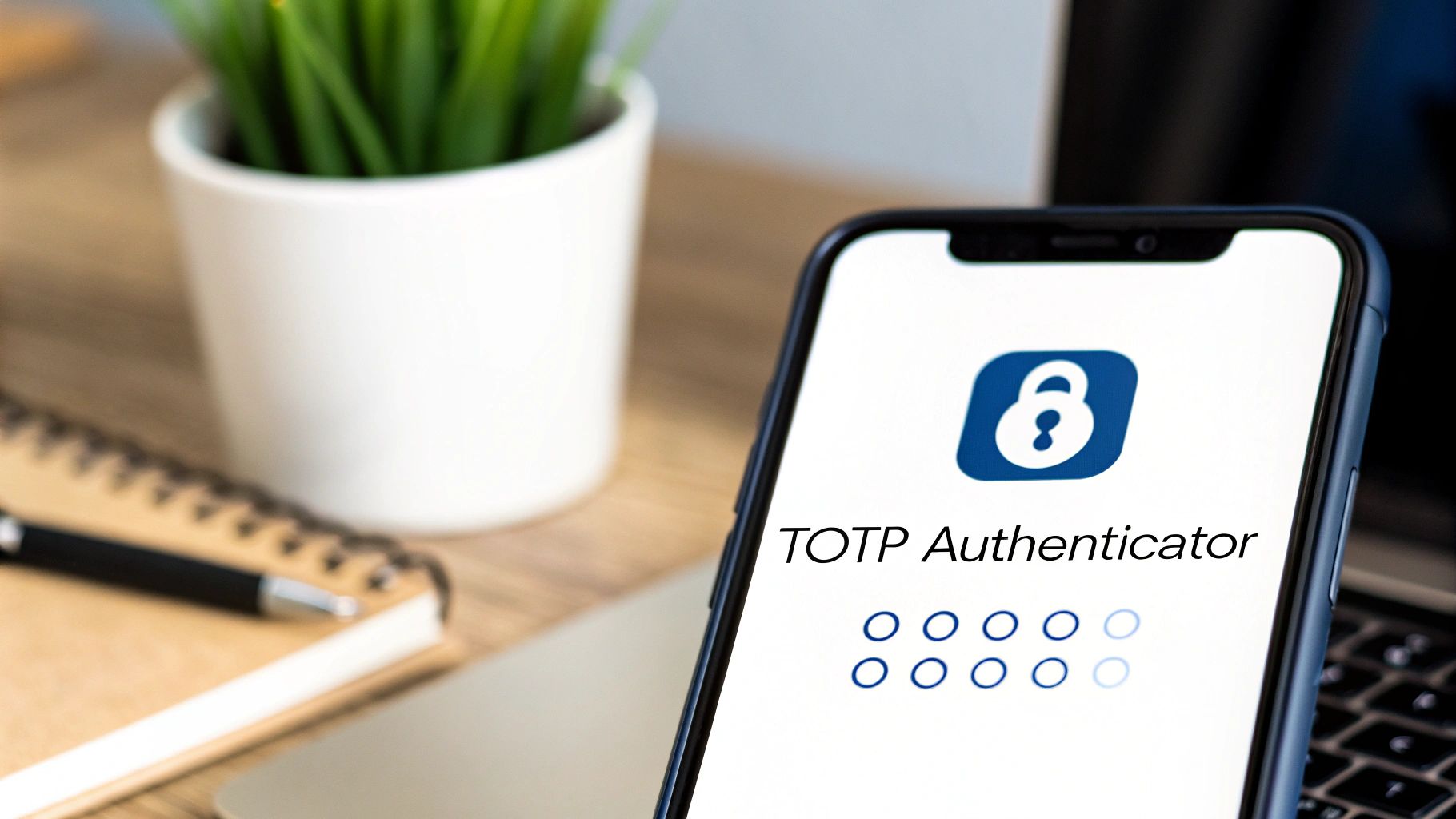
While hardware keys offer the highest level of security, a practical and widely adopted multi factor authentication best practice for your entire team is to establish Time-Based One-Time Passwords (TOTP) as the mandatory minimum. This software-based method provides a significant security upgrade over passwords alone and strikes a great balance between robust protection and user convenience.
TOTP works by using a shared secret and the current time to generate a temporary, 6-digit code that refreshes every 30-60 seconds. This code is generated on a user's trusted device, typically a smartphone, using an authenticator app. Because the code is time-sensitive and generated offline, it effectively protects against password reuse attacks, where an old, stolen password is used to breach an account. An attacker would need both the password and the real-time code to get in.
Why TOTP is a Foundational Standard
For most SMBs, TOTP is the ideal starting point for MFA. It's cost-effective, leveraging the smartphones your employees already own, and is supported by nearly every major cloud service, from Microsoft 365 and Google Workspace to your financial platforms and CRM. This wide compatibility makes it a versatile and scalable solution that can be implemented across your entire business.
Key Insight: TOTP is a powerful deterrent against remote attacks. Since the code is generated on a local device and is not sent via SMS, it is not vulnerable to SIM-swapping attacks—a common and dangerous method cybercriminals use to intercept text-based MFA codes.
Actionable Implementation Steps
Deploying TOTP effectively requires clear communication and well-defined support processes. Follow these steps to ensure a smooth and secure rollout:
-
Standardize Authenticator Apps: Recommend and provide support for specific, trusted authenticator applications like Google Authenticator, Microsoft Authenticator, or Authy. This simplifies troubleshooting and training for your IT team or service provider.
-
Create Clear Setup Guides: Develop simple, step-by-step instructions with screenshots. Distribute these guides during onboarding and make them easily accessible on your company intranet or shared drive.
-
Establish Backup and Recovery Procedures: Instruct users to save their one-time recovery codes in a secure location, like a password manager or a locked file cabinet, immediately upon setup. Define a secure process for your IT team to verify a user's identity and reset their MFA if they lose their device and backup codes.
-
Mandate Enrollment: Set a clear deadline for all employees to enroll in TOTP. Use your administrative dashboards in platforms like Microsoft 365 to track enrollment and follow up with users who have not yet enabled it.
3. Disable SMS and Voice Call Authentication
While once considered a major step forward, authentication methods relying on SMS text messages and voice calls are now viewed as a significant security risk. These methods transmit one-time codes over public telephone networks, which are inherently insecure and can be intercepted. This makes them a weak link in your security chain and a target for motivated attackers, deviating from modern multi factor authentication best practices.
The core vulnerability lies in the telecommunications infrastructure itself. Attackers can exploit weaknesses through techniques like SIM swapping, where they trick a mobile carrier into transferring a user's phone number to a device they control. Once they have control of the number, they can intercept any MFA codes sent via SMS or voice, bypassing this crucial security layer entirely.
Why SMS and Voice are No Longer Secure
High-profile security incidents have repeatedly shown the dangers of relying on telecom-based MFA. For an SMB, an attacker using this method could take over a key executive's email, leading to fraudulent wire transfers or a devastating data breach. The National Institute of Standards and Technology (NIST) has formally recommended against using SMS as a primary authentication method for these reasons.
Key Insight: The fundamental flaw of SMS and voice MFA is that it relies on a separate, insecure system you don't control: the global telephone network. An attacker doesn't need to breach your systems if they can simply hijack the communication channel used for your second factor.
Actionable Implementation Steps
For any SMB, moving away from SMS and voice is a critical step to reduce risk. Here’s a practical plan for making the change:
-
Communicate the Change: Announce a clear timeline for phasing out SMS and voice authentication. Explain why this change is necessary in simple terms, focusing on the security risks of SIM swapping and how stronger methods better protect both company and personal data.
-
Provide a Clear Migration Path: Don't just disable the old method; actively guide users to more secure alternatives like authenticator apps (TOTP) or hardware security keys. Offer brief training sessions or simple how-to guides for setting up the new methods.
-
Audit and Monitor Usage: Before disabling the option, use your admin tools to see which users are still relying on it. Proactively reach out to these individuals to ensure they have a new, more secure method configured and ready to use.
-
Update Recovery Procedures: Ensure your account recovery workflows do not depend on SMS or voice calls. Instead, use pre-configured backup codes, a secondary hardware key, or a verified in-person identity check for your helpdesk.
By methodically phasing out these vulnerable options, you close a common entry point for attackers and strengthen your overall security posture, a key component in a layered strategy for phishing attack prevention.
4. Implement Passwordless Authentication with Biometrics
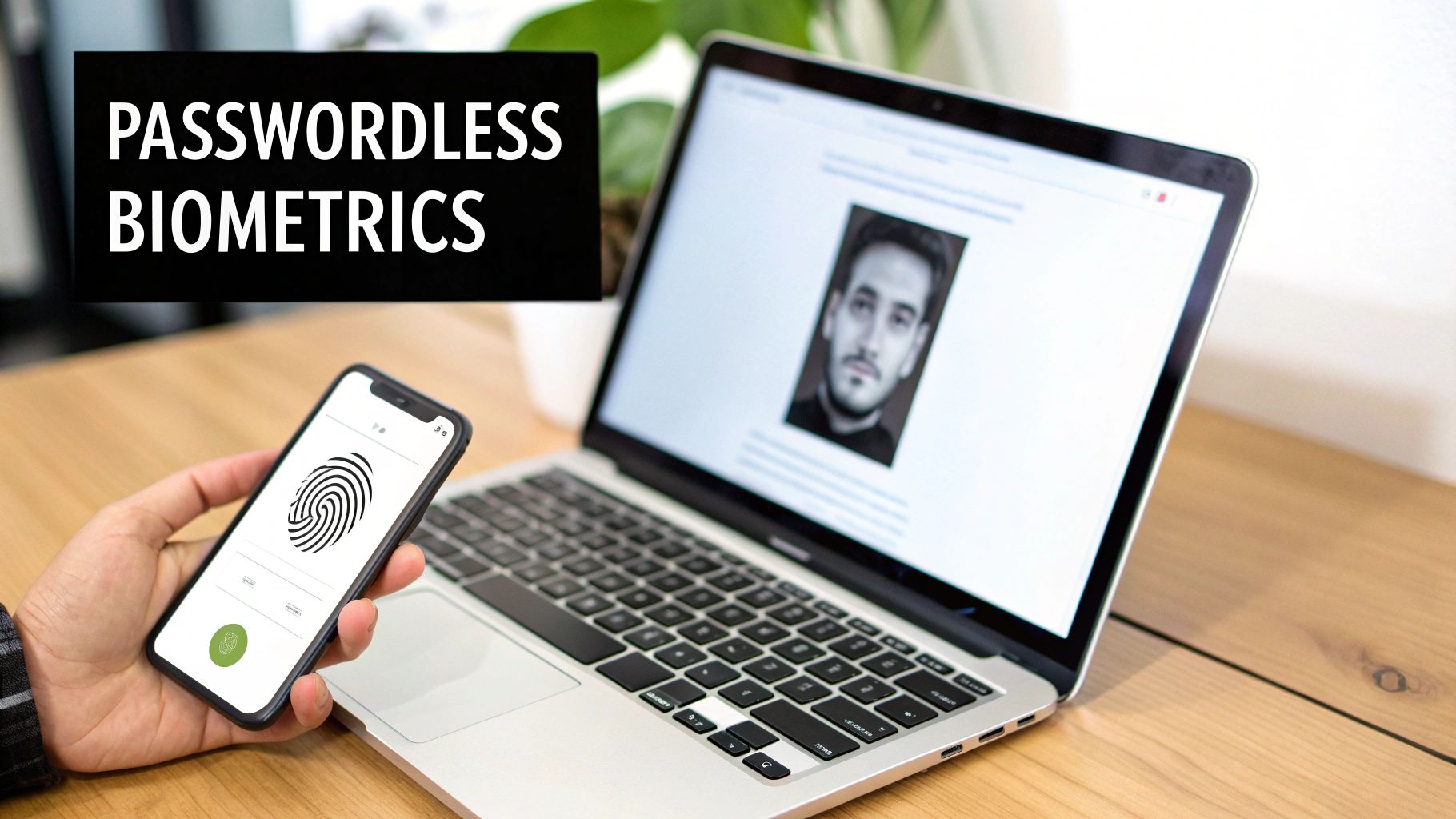
The next evolution in securing user access is to remove the weakest link entirely: the password. Passwordless authentication using biometrics leverages unique biological traits like a fingerprint or facial scan to verify identity. This method, often built directly into modern devices, provides a seamless and highly secure login experience, making it a powerful component of multi-factor authentication best practices.
Instead of a user remembering a complex password, their device confirms their identity locally using its built-in sensors (like a fingerprint reader or camera). This verification then unlocks a cryptographic key stored securely on the device, which is used to sign in to the service. The user's actual biometric data never leaves their personal device, ensuring both privacy and security.
Why Biometrics Enhance Security and Usability
The widespread adoption of this technology by major platforms underscores its effectiveness. Systems like Windows Hello for PCs, Apple's Face ID on iPhones, and Android's biometric framework have made passwordless logins mainstream. These solutions are not just convenient; they are fundamentally more secure because they tie authentication to a physical device and a unique individual, making remote credential theft nearly impossible. To significantly reduce fraud and enhance security, adopting a proactive stance is key. Consider exploring a biometric-first approach to authentication for reducing fraud risk to strengthen your defenses.
Key Insight: Passwordless biometrics solve the user experience problem that often plagues security. By making the login process faster and easier than typing a password, you increase the likelihood of employee adoption and consistent use, thereby strengthening overall security without sacrificing productivity.
Actionable Implementation Steps
For SMBs, leveraging the biometric capabilities already present in employee devices is a cost-effective security upgrade. Here's how to integrate this method:
-
Audit Device Capabilities: Determine which company-owned or employee-owned devices support modern biometric standards like Windows Hello or Face ID.
-
Configure Your Identity Provider: Enable passwordless sign-in options within your primary identity platform, such as Microsoft 365 (Azure AD) or Google Workspace. Configure policies that allow or require biometric authentication for specific applications or user groups.
-
Provide Fallback Options: Always have a secure, non-biometric recovery method, such as a hardware security key or a time-based code, for users whose primary device is lost or for whom biometrics may not be suitable.
-
Educate on Liveness Detection: Briefly explain that modern systems can detect "liveness," which prevents spoofing attacks that use photos or masks. This helps build trust in the technology.
5. Enforce Adaptive and Risk-Based Authentication
Not all login attempts carry the same level of risk, so they shouldn't all be treated the same way. Adaptive, or risk-based, authentication introduces intelligence into your security process. Instead of challenging every login with MFA, this approach dynamically adjusts authentication requirements based on real-time contextual factors, making it a cornerstone of modern multi factor authentication best practices.
This smart system evaluates signals like user location, device health, time of day, and IP address reputation. If a login attempt from a recognized device at a typical time occurs, access is granted seamlessly. However, if a user tries to log in from an unfamiliar country on an unrecognized device, the system flags the attempt as high-risk and automatically triggers a stringent MFA challenge. This creates a security posture that is both strong and user-friendly, reserving friction for moments when it is truly necessary.
Why a Dynamic Approach is Superior
Major identity platforms like Microsoft, Okta, and Duo Security have championed this model because it balances security with productivity. For example, using Microsoft 365's Conditional Access policies, you can create a rule that bypasses MFA for users on your office network but requires it for all access from outside. This prevents "MFA fatigue," where users get so many prompts they start approving them without thinking, while still enforcing strict security for riskier scenarios.
Key Insight: The core value of adaptive authentication is its ability to reduce user friction without compromising security. By only stepping up verification when risk is detected, you protect your organization from threats while providing a smoother, faster login experience for your team during their day-to-day work.
Actionable Implementation Steps
For an SMB, implementing adaptive MFA is more accessible than ever with modern cloud identity providers. Here’s how to begin:
-
Start with Simple Rules: Begin by defining straightforward policies. For instance, require MFA for all logins from outside of the US or for access to highly sensitive applications like your accounting or HR software.
-
Layer in Device Trust: Progress to rules based on device state. Enforce MFA for any device that isn't managed by your company or doesn't meet your security compliance standards (e.g., is missing security updates).
-
Educate Users on Triggers: Be transparent with your team about why they might be prompted for MFA. A simple explanation like, "We ask for extra verification when you sign in from a new location to protect your account," builds understanding and cooperation.
-
Review and Tune Policies: Regularly review the logs and alerts from your adaptive MFA system. Monitor for false positives that may be frustrating users and adjust the sensitivity of your risk policies to ensure they are effective without being disruptive.
6. Establish Centralized MFA Management and Enforcement
As your business grows, managing security policies across dozens of separate applications becomes an unsustainable and risky task. Establishing a centralized Identity and Access Management (IAM) platform is a crucial best practice. This approach consolidates user identities and enforces consistent MFA policies from a single point of control, eliminating dangerous security gaps and streamlining the user experience.
An IAM solution, like Microsoft 365's Azure Active Directory, acts as a central gateway for all your cloud services. Instead of each application managing its own user list and MFA settings, they all connect to your central identity provider. This ensures every employee, from the CEO to a new hire, is subject to the same rigorous authentication standards, regardless of which application they are trying to access.
Why a Centralized Approach is Essential
This centralized model provides a unified dashboard where your IT team or service provider can configure, deploy, and monitor MFA policies across the entire organization. This prevents a scenario where a critical cloud application is accidentally left unprotected simply because its local security settings were overlooked.
Key Insight: Centralization transforms MFA from a per-application checklist item into a core, enforceable company security policy. It provides a single source of truth for user access, dramatically simplifying audits, employee onboarding/offboarding, and incident response.
Actionable Implementation Steps
For an SMB, adopting a centralized IAM platform is a strategic move that pays long-term dividends in security and operational efficiency.
-
Audit and Consolidate: Before implementation, take inventory of all applications that support single sign-on (SSO) integration. Prioritize your most critical applications (email, CRM, financial software) for the initial rollout.
-
Establish Clear Governance: Define your MFA policies within the IAM platform. Determine which MFA factors are allowed, create policies for different user groups (e.g., administrators vs. general staff), and set rules for when MFA is required.
-
Plan a Phased Rollout: Begin with a small pilot group, such as the IT department or leadership team, to identify any potential issues. Gradually expand the rollout to other departments to minimize disruption and provide focused support.
-
Train Your Administrators: Ensure your IT team or provider is thoroughly trained on managing the new platform. This includes user provisioning, policy enforcement, and handling helpdesk requests related to access and authentication.
7. Create and Manage Secure Backup Authentication Methods
While a primary MFA method provides robust daily security, its loss or unavailability can create a significant operational bottleneck, locking users out of essential systems. A comprehensive MFA strategy must therefore include secure and well-managed backup authentication methods. This ensures business continuity and user access without compromising security, a crucial component of multi factor authentication best practices.
Backup methods, such as one-time recovery codes or a pre-registered secondary device, provide a lifeline when a user's primary authenticator is lost, stolen, or broken. These are not for everyday use but serve as a secure "break glass" option, allowing a legitimate user to regain access and re-establish their primary MFA. Without these, account recovery can become a complex and time-consuming process for both the user and your IT support.
Why Backup Methods are Non-Negotiable
Major platforms like Microsoft 365, Google Workspace, and GitHub have long recognized the importance of recovery options. They build processes for generating and storing single-use backup codes directly into their MFA enrollment flows. This acknowledges a simple reality: devices get lost, and people need a secure, pre-planned way to recover their accounts. Ignoring this step turns a minor inconvenience into a potential crisis for your business.
Key Insight: The security of your backup methods is just as important as your primary method. Treat recovery codes like a digital master key; if they are stored insecurely (e.g., in an unencrypted file on the same device as the authenticator app), they completely defeat the purpose of MFA.
Actionable Implementation Steps
For any business, especially SMBs where IT resources are limited, a clear backup and recovery plan is vital. Here’s how to establish one:
-
Mandate Backup Code Generation: During the initial MFA setup, require every user to generate and save their set of one-time recovery codes. Don't allow them to complete enrollment until they have confirmed the codes are stored safely.
-
Educate on Secure Storage: Instruct users to store codes in a secure, separate location. Good options include a trusted password manager, a printed copy in a locked file cabinet at home, or a secure company vault. Advise against storing them on their primary computer's desktop or in their email.
-
Establish Clear Recovery Procedures: Document the exact steps an employee must take if they lose their primary MFA device. This process should involve identity verification by your IT team before a recovery method is used or a new device is registered.
-
Test the Process: Periodically run a quick drill with your IT team and a test user account to ensure the recovery workflow is smooth, secure, and effective. This prevents panic and confusion during a real emergency.
Properly managing backup authentication is a fundamental aspect of a resilient security posture. You can explore more essential security measures in our guide covering cybersecurity tips for small businesses.
8. Conduct Mandatory MFA User Training and Awareness
Deploying advanced security technology is only half the battle; the other half is ensuring your team knows how to use it correctly and understands its importance. Even the most sophisticated MFA system can be undermined by human error. This is why mandatory, practical user training is a non-negotiable component of any successful MFA rollout and a fundamental multi factor authentication best practice.
Effective training transforms your employees from potential security liabilities into an active line of defense. It goes beyond simply showing them how to approve a push notification. It must cover the why behind MFA, how to spot MFA-related phishing attempts (like "MFA fatigue" attacks where hackers spam users with prompts), and the proper procedures for managing backup codes and reporting a lost device. This education is critical for building a security-conscious culture.
Why User Education is Mission-Critical
As an SMB, your team is your biggest asset and potentially your biggest risk. A well-trained team is less likely to fall for social engineering tactics, will report suspicious activity faster, and will appreciate the security measures you've implemented to protect them and the business.
Key Insight: The goal of MFA training is not just procedural competence but also behavioral change. When users understand that MFA protects their personal information within company systems as much as it protects company data, they become active participants in the security program rather than reluctant users.
Actionable Implementation Steps
For SMBs, effective training doesn't have to be expensive or overly complex. The key is to make it consistent, engaging, and relevant.
-
Make Training Interactive: Move beyond static documents. Use live demonstrations during onboarding, short video tutorials, and interactive Q&A sessions. Real-world scenarios make the lessons more memorable.
-
Focus on Phishing Awareness: Train users to recognize MFA-specific phishing tactics, such as unexpected login approval requests or prompts to enter their MFA code on a suspicious site. The rule should be: "If you didn't initiate the login, deny the request and report it."
-
Establish Clear Reference Guides: Provide employees with a simple, one-page document they can refer to for common tasks, such as enrolling a new device or using a backup code.
-
Conduct Regular Refreshers: Security threats evolve, so your training shouldn't be a one-time event. Schedule brief, mandatory refresher sessions annually to reinforce best practices and introduce new threats.
9. Monitor and Log All MFA-Related Activities
Implementing MFA is a critical defensive step, but it is not a "set it and forget it" solution. Comprehensive logging and monitoring of all MFA-related events provide the visibility necessary to detect attacks in progress, investigate security incidents, and maintain a clear audit trail for compliance purposes. This practice transforms MFA from a simple barrier into an intelligent alarm system for your digital perimeter.
Effective monitoring involves tracking every authentication attempt—both successful and failed—as well as administrative changes like new device enrollments or the use of backup codes. By analyzing this data, your IT team or service provider can identify patterns that signal a potential compromise, such as a flurry of failed login attempts from an unusual location or a user enrolling a new device at 3 a.m.
Why Logging is a Non-Negotiable Practice
Modern identity platforms like Microsoft 365 are built with robust logging capabilities. Azure AD's sign-in logs provide granular detail on every authentication event, including the IP address, device, and MFA method used. Feeding this data into a centralized system allows for powerful analysis and rapid threat detection, which is essential for meeting compliance standards like CMMC or HIPAA.
Key Insight: Monitoring MFA activity is just as important as implementing it. Without visibility into authentication events, you are blind to sophisticated attacks that may target the MFA process itself, such as MFA fatigue attacks or attempts to exploit recovery loopholes.
Actionable Implementation Steps
For SMBs, setting up effective monitoring doesn't require a massive security operations center. Start with the tools you already have and build from there.
-
Centralize Your Logs: If possible, use a tool to collect authentication data from all your critical applications. This provides a single pane of glass for monitoring.
-
Configure High-Priority Alerts: Set up automated alerts for suspicious patterns. Key events to watch for include multiple failed MFA attempts from a single user, logins from geographically impossible locations (e.g., Pittsburgh and then Beijing 10 minutes later), and backup code usage.
-
Establish Log Retention Policies: Determine how long you need to store MFA logs based on your industry's compliance requirements and your internal incident response needs. Ensure logs are stored securely to prevent tampering.
-
Conduct Regular Reviews: Schedule time for your IT team or managed service provider to proactively review MFA logs, even in the absence of an alert. This helps identify subtle anomalies that automated systems might miss.
By actively monitoring your MFA system, you adhere to multi factor authentication best practices and gain the crucial intelligence needed to stop attackers before they can establish a foothold in your network.
10. Integrate MFA with Identity Verification and Account Recovery
A strong MFA implementation is only as secure as its weakest link, and that weak point is often the account recovery process. Integrating MFA with robust identity verification for account recovery is a critical best practice. It ensures that even if a user loses all their devices, an attacker can't simply exploit the "forgot password" workflow to bypass your security measures and seize control of the account.
This process involves requiring a user to prove their identity through separate, trusted channels before they are allowed to reset credentials or enroll a new MFA device. By doing so, you create a secure "airlock" that prevents unauthorized changes, safeguarding the integrity of the user's account even when primary authentication methods are unavailable.
Why Integrated Recovery is Essential
Think about it: if an attacker can bypass MFA by simply clicking a password reset link sent to a compromised email account, then MFA offers little real protection. This is why leading platforms have made this a standard practice. Financial services, for example, often require rigorous identity verification, sometimes involving a government-issued ID, to regain account access.
Key Insight: The account recovery process is a high-value target for attackers. Without strong identity verification, it becomes a backdoor. A simple "forgot password" email link can completely undermine the security provided by even the most advanced MFA methods.
Actionable Implementation Steps
For SMBs, securing the recovery process is just as important as the initial MFA rollout. Here’s how to strengthen this critical workflow:
-
Establish a Multi-Step Verification Policy: Define a clear, multi-step process for account recovery. This could involve an IT administrator verifying information from an HR record over the phone or via a video call with the user before manually resetting their MFA.
-
Leverage Platform-Native Tools: Utilize the built-in recovery features within your identity provider, such as Microsoft 365 or Google Workspace. These platforms often include options for pre-configured recovery codes and trusted devices.
-
Document and Train: Create detailed documentation for both your end-users and your IT support team. Users should know what to expect during a recovery event, and your helpdesk staff must have a clear, secure script to follow to prevent being tricked by an attacker.
-
Test Recovery Scenarios: Regularly test your account recovery procedures. Run drills where a "user" has lost all their factors. This helps identify gaps in your process and ensures your support team can execute it securely and efficiently under pressure.
By treating account recovery with the same seriousness as primary authentication, you close a frequently overlooked vulnerability. This is a key aspect of building a comprehensive defense as part of your cybersecurity risk management strategy.
Top 10 MFA Best Practices Comparison
| Approach | Implementation complexity | Resource requirements | Expected outcomes | Ideal use cases | Key advantages |
|---|---|---|---|---|---|
| Implement Hardware Security Keys as Primary MFA Method | Moderate–High (provisioning, platform integration, recovery planning) | Purchase keys, key inventory/management, user training, support processes | Very high phishing-resistant authentication; fewer account takeovers | Privileged accounts, enterprise admins, high-risk users | Phishing-resistant, offline, immune to SIM swap, fast |
| Enforce Time-Based One-Time Passwords (TOTP) as Minimum Standard | Low–Moderate (authenticator integration, onboarding) | No hardware, authenticator app support, user documentation, support staff | Improved security over passwords; reduced SMS dependency | General workforce, low-cost SaaS deployments, broad user base | Low cost, widely supported, works offline |
| Disable SMS and Voice Call Authentication | Low (policy change + migration planning) | Communication plan, alternative MFA options, migration support | Reduces SIM‑swap and SS7 interception risk; requires fallback methods | Organizations hardening MFA or complying with NIST guidance | Eliminates weak vector, improves overall security posture |
| Implement Passwordless Authentication with Biometrics | High (device support, liveness, privacy/legal controls) | Biometric-capable devices, platform integration, privacy/compliance controls | Better UX and adoption; eliminates password-related attacks | Consumer/mobile-first apps, organizations prioritizing UX | Fast, user-friendly, removes password management |
| Enforce Adaptive and Risk-Based Authentication | High (data integration, ML models, policy tuning) | Telemetry collection, analytics/ML, policy engine, cross-system integration | Dynamic friction: stronger checks only when risk detected; early anomaly detection | Large orgs, variable-risk access, sensitive data environments | Balances security and usability; reduces unnecessary MFA prompts |
| Establish Centralized MFA Management and Enforcement | High (SSO/IAM deployment, broad integration) | IAM platform, admin expertise, integration effort, governance | Consistent policies, centralized reporting, easier compliance | Enterprises with many apps/users and regulatory needs | Unified policies, simplified administration, auditability |
| Create and Manage Secure Backup Authentication Methods | Low–Moderate (procedures, secure storage, workflows) | Secure storage for backup codes/devices, recovery workflows, user training | Fewer permanent lockouts, quicker recoveries, reduced helpdesk load | All organizations; critical account owners and service admins | Prevents lockouts, supports continuity, reduces support load |
| Conduct Mandatory MFA User Training and Awareness | Moderate (program design, delivery, upkeep) | Training materials, time, simulated exercises, metrics tracking | Higher adoption, fewer user errors, improved phishing detection | Organizations with diverse users or compliance requirements | Reduces human risk, improves compliance and adoption |
| Monitor and Log All MFA-Related Activities | Moderate–High (logging, SIEM, analytics, alerts) | Log aggregation/SIEM, storage, analysts, alerting rules | Early detection, forensic evidence, compliance-ready audits | Regulated industries, SOC-driven environments | Visibility into attacks, supports investigations and tuning |
| Integrate MFA with Identity Verification and Account Recovery | High (verification services, multi-step workflows) | Identity-proofing services, integration, manual review capabilities | Safer recovery flows, reduced fraud during account recovery | Financial, crypto, or high‑value services needing strong recovery | Prevents recovery abuse, layered verification, reduces fraud |
Make Your MFA Strategy a Business Asset, Not a Burden
Moving beyond a simple username and password is no longer an optional security upgrade; it's a fundamental requirement for operating a business in today's digital landscape. As we've explored, implementing multi-factor authentication is not a one-size-fits-all, "set it and forget it" task. A truly effective strategy requires careful planning, thoughtful execution, and continuous management. Simply turning on MFA is the start, but mastering a layered, intelligent approach is what separates a vulnerable organization from a resilient one.
The journey from basic security to a robust defense framework involves a series of deliberate choices. It means prioritizing phishing-resistant methods like hardware keys for your most sensitive accounts. It involves establishing a strong baseline with TOTP authenticator apps while progressively exploring passwordless solutions to enhance both security and user experience. Each of the multi factor authentication best practices detailed in this guide serves as a crucial building block in constructing this defense.
From Checklist to Culture: Key Takeaways
Your goal should be to transform your MFA strategy from a technical checklist into an ingrained part of your security culture. This shift in perspective is what makes security a business asset rather than an operational burden.
-
Prioritize Resistance, Not Just Presence: Not all MFA is created equal. Your primary focus should be on eliminating common attack vectors. This means actively moving away from SMS and voice verification and championing methods like hardware security keys that are inherently resistant to phishing.
-
Intelligence Over Inconvenience: Modern MFA is smart. By leveraging adaptive and risk-based authentication, you can create a security system that is both stronger and less intrusive. This maintains a frictionless workflow for legitimate users while erecting formidable barriers for attackers.
-
Empowerment Through Preparation: A successful MFA rollout hinges on your team's adoption and preparedness. This requires comprehensive training that explains the "why," clear documentation for self-service, and a well-defined process for handling lockouts. When your team understands their role in protecting the company, they become your first line of defense.
Your Actionable Next Steps
Translating these concepts into action is the final, most important step. Don't let the complexity lead to inaction. Start today with a clear, focused plan.
-
Audit Your Current State: Identify every application and service that stores sensitive data. Which ones have MFA enabled? What methods are currently allowed? This inventory is your strategic starting point.
-
Define Your Policy: Based on your audit, create a clear, written MFA policy. Specify which methods are approved, required, and forbidden. Outline the enrollment process, exception handling, and recovery procedures.
-
Implement in Phases: You don't have to overhaul everything overnight. Start with your most critical systems, like email, financial software, and core business applications. A phased rollout allows you to gather feedback, refine your process, and build momentum.
-
Monitor and Adapt: Cybersecurity is a dynamic field. Continuously monitor MFA logs for suspicious activity, review your policies annually, and stay informed about emerging threats and new authentication technologies.
By following these multi factor authentication best practices, you are not just adding a layer of security. You are building a more resilient, efficient, and trustworthy business prepared to face the challenges of the modern digital world with confidence.
Implementing and managing a sophisticated MFA strategy can be a complex task, especially for SMBs with limited IT resources. Eagle Point Technology Solutions specializes in deploying and managing layered cybersecurity frameworks for businesses in Western Pennsylvania and Eastern Ohio, ensuring you're protected by best-in-class security without the operational headache. If you're ready to secure your organization with a robust, professionally managed MFA solution, contact us for a no-obligation cybersecurity consultation today.


