For small and midsize businesses in Western Pennsylvania and Eastern Ohio, managing technology can feel like a constant balancing act. Every laptop, server, software license, and cloud subscription is a critical asset, yet keeping track of them all is a growing challenge. Without a clear system, you risk overspending on unused software, facing security threats from unpatched devices, and making reactive, costly decisions when hardware fails unexpectedly.
This isn't just an organizational headache; it's a direct threat to your budget, security, and productivity. Effective IT asset management (ITAM) turns this potential chaos into a strategic advantage, ensuring every dollar spent on technology delivers maximum value and minimal risk. It’s about knowing what you have, where it is, how it’s being used, and when it needs to be replaced—before it becomes a problem.
This guide cuts through the complexity. We provide a clear roadmap of the top 10 IT asset management best practices designed specifically for the unique resource constraints and operational needs that SMBs face. For a deeper dive into the foundational elements of effective asset management, consider these valuable insights on 10 IT Asset Management Best practices.
We'll explore actionable strategies that transform your technology from a chaotic expense into a well-managed, secure, and predictable resource. You will learn how to implement systems for:
- Automated discovery and inventory.
- Lifecycle planning for both hardware and software.
- Secure decommissioning of old assets.
- Strategic vendor and contract management.
Each practice is broken down into practical steps you can take to gain control, improve security, and make smarter technology investments.
1. Automated Asset Discovery and Inventory Management
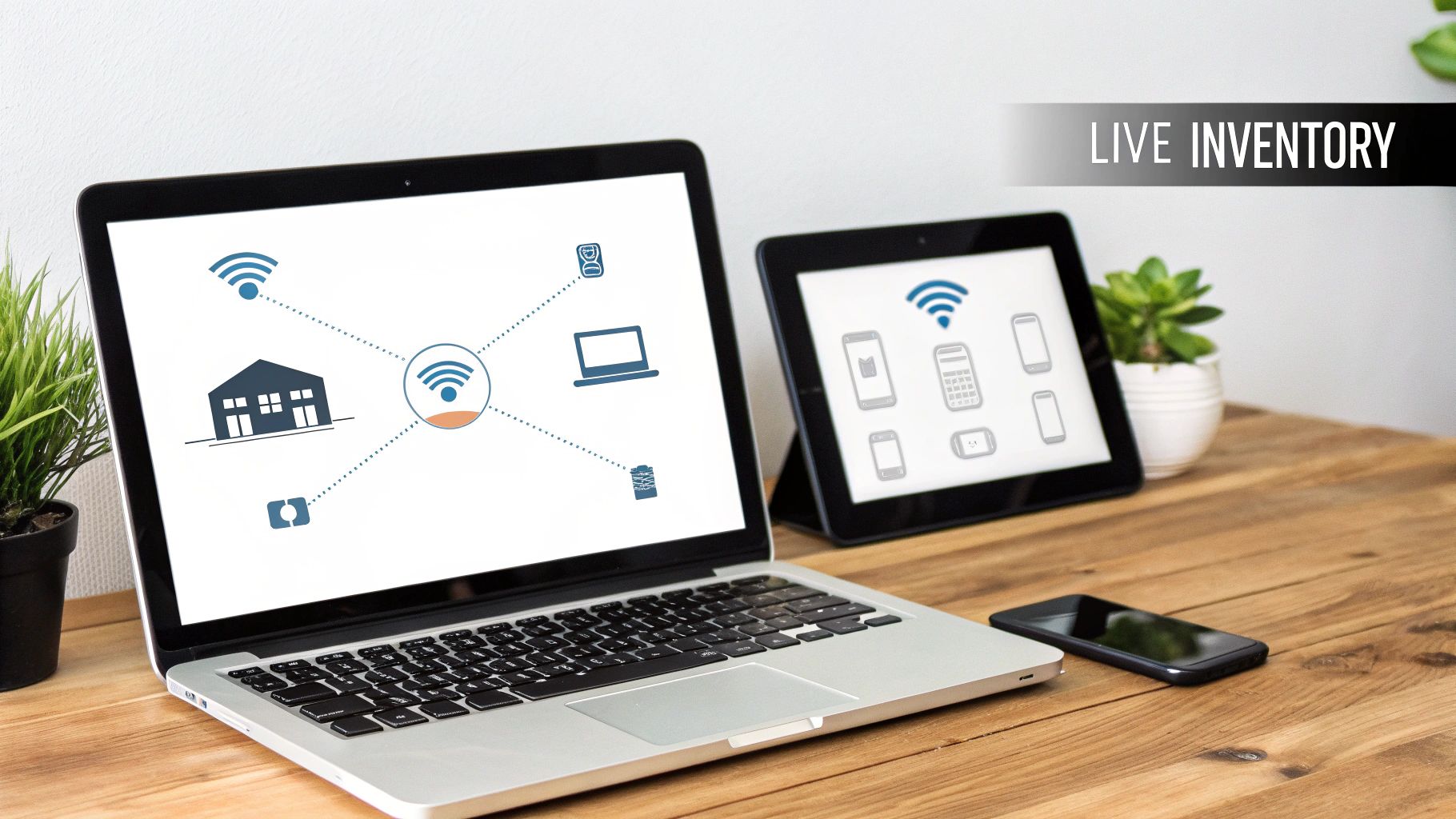
Effective IT asset management best practices begin with a single source of truth: knowing exactly what assets you have. Manual spreadsheets are error-prone and quickly become outdated, leaving you blind to security risks and inefficient spending. Automated asset discovery solves this by using specialized tools to continuously scan your network and catalog every connected device, software installation, and cloud resource. This creates a dynamic, real-time inventory that serves as the foundation for all other IT management activities.
For small and midsize businesses, maintaining an accurate inventory is not just about counting computers. It's about understanding your complete IT footprint to make informed decisions. An automated system provides the detailed data needed for security, compliance, and strategic planning without requiring hours of manual labor from an already busy IT team.
Why It's a Foundational Practice
Automated discovery is the starting point for proactive IT management. It eliminates guesswork and provides the clarity needed to secure your network, manage software licenses, and plan hardware refreshes. Without it, you are managing your IT environment with incomplete information, which can lead to compliance failures, security vulnerabilities from unpatched devices, and wasted budget on unused software.
Key Insight: You cannot protect, manage, or budget for what you cannot see. Automated discovery turns unknown assets into managed, secure components of your IT infrastructure.
How to Implement Automated Discovery
Getting started with automated discovery tools is a straightforward process when planned correctly. As a business owner or IT leader, you want to ensure this adds value without disrupting operations.
- Define Scope: Initially, configure scanning tools to focus on critical production networks. You can exclude guest or test networks to keep the initial data clean and relevant.
- Schedule Scans: Run discovery scans during off-peak hours, such as overnight or on weekends, to prevent any impact on network performance for your team.
- Integrate and Validate: Connect your discovery tool to your IT helpdesk system. This allows support tickets to be automatically linked to specific assets, speeding up troubleshooting. Schedule a monthly review to validate newly discovered assets and ensure data accuracy.
For a deeper dive into evaluating your current systems, you can begin with our IT infrastructure audit checklist to identify gaps that an automated discovery tool can help fill.
2. Standardized Asset Classification and Tagging System
Once you know what assets you have, the next step is to organize them logically. A standardized asset classification and tagging system creates a consistent framework for categorizing every piece of hardware and software by its type, owner, location, and business criticality. This taxonomy transforms a simple inventory list into a strategic tool for making informed decisions across your entire organization.
For SMBs, this practice is crucial for managing costs and risks effectively. By classifying assets, you can apply uniform policies for maintenance, security, and depreciation, ensuring that your most critical systems receive the attention they deserve. This structured approach is a cornerstone of mature it asset management best practices.
Why It's a Foundational Practice
A standardized classification system brings order and clarity to your IT environment. It allows you to quickly filter, report on, and analyze your assets, making it easier to manage budgets, plan for hardware refreshes, and demonstrate compliance. Without a consistent system, teams struggle to prioritize tasks, leading to inefficient resource allocation and increased risk from mismanaged critical assets.
Key Insight: Asset classification is not just about labeling; it's about assigning business context to your technology so you can align IT activities directly with organizational priorities.
How to Implement Asset Classification and Tagging
Implementing a classification system doesn't have to be overly complex. The goal is to start simple and build upon the system as your business needs evolve.
- Define Core Categories: Begin with 5-10 essential categories such as asset type (laptop, server, switch), department owner, location, and lifecycle stage (in use, in storage, retired).
- Establish Criticality Tiers: Classify assets based on their impact on business operations, not just their cost. A tier-one asset might be a critical server that runs your core business application, while a tier-three asset could be a rarely used office printer. This helps prioritize security and maintenance efforts.
- Use Physical and Digital Tags: Apply physical barcode or QR code labels to hardware for quick scanning during audits. Ensure the corresponding digital tag in your asset management software contains all relevant classification data for easy reporting.
3. Hardware Lifecycle Planning and Refresh Cycles
Running hardware until it fails is a recipe for downtime, unexpected costs, and security risks. Proactive hardware lifecycle planning shifts this model from reactive replacement to a strategic, predictable schedule. This practice involves defining refresh cycles for computers, servers, and network equipment based on their warranties, performance, and total cost of ownership (TCO). This ensures your team has reliable tools and that your infrastructure remains secure and performant.
For SMBs, this approach transforms capital expenditures from an unpredictable emergency into a planned, manageable operating expense. Instead of scrambling when a critical server dies, you budget for its replacement in advance, preventing operational disruptions and protecting your business from the hidden costs of aging technology, like decreased productivity and increased support tickets.
Why It's a Foundational Practice
A structured hardware lifecycle is essential for budget stability, security, and performance. Relying on outdated hardware exposes you to security vulnerabilities that manufacturers no longer patch, and the mounting maintenance costs can quickly surpass the price of a replacement. A planned refresh cycle ensures that your technology assets support your business goals rather than holding them back. It's a core component of effective IT asset management best practices.
Key Insight: Proactive hardware refreshes are not just an IT expense; they are an investment in business continuity, security, and employee productivity.
How to Implement Hardware Lifecycle Planning
Building a predictable refresh cycle helps align your technology with your business objectives and budget.
- Calculate Total Cost of Ownership (TCO): Annually review the TCO for each asset class (e.g., laptops, servers). When the cost of support and lost productivity exceeds the cost of a new device, it's time to schedule a refresh.
- Establish Refresh Cohorts: Instead of replacing all assets at once, phase your replacements. For example, plan to refresh 25% of your laptops each year on a four-year cycle. This smooths out capital spending and simplifies deployment for your limited IT staff.
- Align with Business Needs: Coordinate hardware refreshes with software upgrades or new business initiatives. This ensures new systems are deployed with the necessary resources and minimizes disruption to your team.
4. Software License Lifecycle Management and Compliance
Managing software licenses is far more complex than simply paying an invoice. Effective IT asset management best practices demand a full lifecycle approach, tracking software entitlements from procurement and deployment through renewal or retirement. This discipline is crucial for preventing costly penalties from vendor audits, eliminating wasteful spending on unused "shelfware," and ensuring your business remains legally compliant with all software agreements.
For SMBs, the shift to subscription models like Microsoft 356 and other SaaS tools has made license tracking even more critical. Without active management, it's easy to over-provision seats or continue paying for software long after an employee has left. A formal management process transforms software from an unmanaged expense into a strategic, optimized asset.
Why It's a Foundational Practice
Proactive software license management is a core component of both financial stewardship and risk mitigation. Failing to comply with vendor terms can result in fines that far exceed the original cost of the software. Furthermore, without clear oversight, organizations often waste 20-30% of their software budget on underutilized licenses. A structured approach provides the visibility needed to control costs and prove compliance at a moment's notice.
Key Insight: Software is an operational asset, not just a line-item expense. Managing its lifecycle actively reduces legal risk and unlocks significant savings by aligning procurement with actual usage.
How to Implement Software License Management
Implementing a robust software license management process doesn't require an enterprise-level budget. It starts with establishing clear policies and leveraging the right tools.
- Conduct an Annual Audit: Perform a comprehensive audit of all installed software against your purchase records. This establishes a baseline of your current compliance status and identifies immediate opportunities for cost savings.
- Centralize Procurement: Route all software requests through a single point of contact or department. This prevents duplicate purchases, improves negotiating power for volume discounts, and maintains a clean record of all entitlements.
- Implement a Request Process: Create a formal process where new software requests are checked against a pool of available licenses before any new purchase is made. This simple step is key to maximizing the value of existing investments. For practical use cases on managing and reducing software expenditure, explore strategies for optimizing software licenses to see how this can be put into practice.
5. Preventive Maintenance and Condition-Based Monitoring
Waiting for an asset to fail before fixing it is a reactive approach that leads to costly downtime and emergency repairs. A core principle of effective IT asset management best practices is shifting from reactive to proactive. This is achieved through a dual strategy of preventive maintenance (PM) and condition-based monitoring, which ensures assets are serviced before they break down, extending their lifespan and maximizing reliability.
For SMBs, where a single server failure can halt operations, this proactive stance is critical. By scheduling routine checks and using tools to monitor asset health in real time, you can address potential issues during planned maintenance windows, preventing unexpected disruptions that impact productivity and revenue. This method turns your IT infrastructure into a consistently reliable business tool.
Why It's a Foundational Practice
A proactive maintenance strategy directly reduces operational risk and controls costs. It prevents the cascading failures that often result from a single component malfunction and minimizes the high expenses associated with emergency repairs and data recovery. This discipline ensures business continuity and transforms IT from a cost center into a stable, predictable operational asset.
Key Insight: Proactive maintenance is an investment in stability. It costs far less to service an asset on your schedule than to repair it during a business-critical failure.
How to Implement Proactive Maintenance
Integrating preventive and condition-based maintenance is achievable for SMBs with a structured plan and the right tools.
- Establish Baselines: For critical assets like servers and network switches, document baseline performance metrics (CPU usage, memory, disk I/O). This data is essential for identifying deviations that signal a potential problem.
- Schedule PM Tasks: Create a maintenance calendar for routine tasks like applying security patches, cleaning server fans, and testing backup systems. Schedule these activities during off-peak hours or planned maintenance windows to avoid disrupting your team.
- Implement Monitoring Tools: Deploy monitoring software to track asset health automatically. Configure tiered alert thresholds (e.g., "Warning" at 80% disk capacity, "Critical" at 95%) to get advance notice without creating alert fatigue for your IT team.
To effectively monitor your most critical hardware, it's important to choose the right software. You can explore a curated list of the best server monitoring software to find a solution that fits your business needs and budget.
6. Secure Asset Decommissioning and Data Destruction
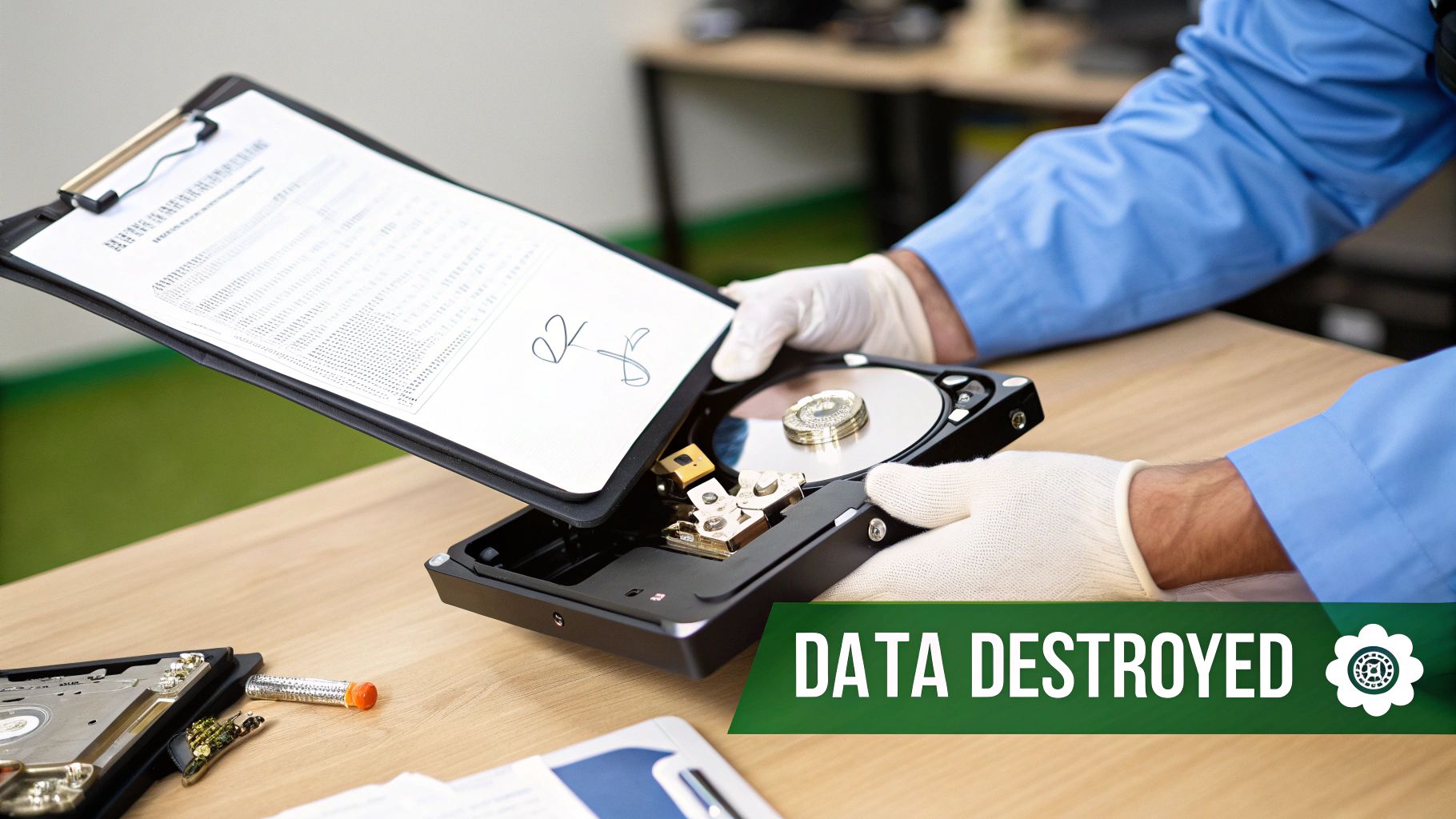
Proper IT asset management best practices must address the entire lifecycle, including the final stage: decommissioning. This process involves retiring outdated or failed equipment responsibly, ensuring all sensitive company and customer data is permanently destroyed. Simply deleting files or reformatting a drive is not enough; data can often be recovered, posing a significant security risk. Secure decommissioning protects your business from data breaches long after an asset leaves your possession.
For SMBs, a single improperly disposed-of hard drive can lead to devastating compliance penalties (like under HIPAA or CMMC) and reputational damage. Adhering to standards like those from NIST ensures data is unrecoverable, while certified e-waste recycling handles the physical hardware in an environmentally compliant manner. This final step closes the loop on an asset's journey, providing a verifiable audit trail for accountability.
Why It's a Foundational Practice
Decommissioning is a critical security control, not an administrative afterthought. A forgotten server in a closet or a donated PC with residual data creates a massive vulnerability. For manufacturing, healthcare, or professional services firms, documented secure disposal is a requirement for protecting intellectual property and customer data. A formal process mitigates legal risks, protects your company's proprietary information, and upholds your commitment to customer data privacy.
Key Insight: An asset's security risk does not end when it is unplugged. Secure decommissioning is the final, non-negotiable step in protecting your data and reputation.
How to Implement Secure Decommissioning
Establishing a clear, repeatable process for asset retirement is essential for any business managing sensitive information.
- Create a Decommissioning Policy: Document the steps for every asset retirement, including data sanitization methods (e.g., cryptographic erase, physical destruction) and required approvals. Ensure this process is recorded in your central asset inventory.
- Partner with Certified Vendors: Establish a relationship with a certified e-waste recycler (such as an R2 or e-Stewards certified provider) before you need their services. Always require a Certificate of Data Destruction for every device they handle.
- Leverage Remote Wipe Capabilities: Use your Mobile Device Management (MDM) or endpoint management tools to remotely wipe data from laptops and mobile devices before they are physically collected for disposal. This provides an immediate layer of security for lost, stolen, or retiring assets.
7. Technology Roadmap, Capacity Planning, and Right-Sizing Analysis
Effective IT asset management best practices extend beyond tracking what you currently own; they involve strategically planning for what you will need. This practice combines long-term technology roadmapping with detailed capacity and right-sizing analysis. This ensures that every hardware, software, and cloud investment is perfectly aligned with your business goals, timed correctly, and provisioned to meet both current and future demand without overspending.
For SMBs, this strategic foresight is a competitive advantage. It transforms IT from a reactive cost center into a proactive business enabler. By forecasting needs and right-sizing resources, you can create a predictable IT budget, avoid surprise capital expenditures, and ensure your infrastructure can support growth without being oversized and wasteful.
Why It's a Foundational Practice
A technology roadmap provides the "why" and "when" for future IT investments, while capacity planning and right-sizing provide the "how much." Without this combined approach, businesses often purchase assets that are either too powerful and expensive or underpowered and quickly obsolete. This strategic planning ensures that every dollar spent on technology directly supports a business objective, from improving operational efficiency to launching new services.
Key Insight: Strategic IT planning prevents wasted resources. Right-sizing your infrastructure based on a clear roadmap ensures you pay only for what you need, when you need it.
How to Implement Strategic IT Planning
Integrating roadmapping and capacity analysis into your IT asset management program is a key function of a vCIO (Virtual Chief Information Officer). This process aligns technical decisions with executive vision.
- Develop a Tiered Roadmap: Create a detailed 1-year plan for specific projects and a high-level 2-3 year directional plan. This balances immediate needs with long-term goals while allowing for flexibility.
- Establish Baselines: Use monitoring tools to collect at least six months of utilization data for critical systems like servers and cloud instances. This historical data is essential for accurately forecasting future needs.
- Involve Key Stakeholders: Include leaders from finance, operations, and other business units in planning sessions. Their input ensures the IT roadmap supports the entire organization’s objectives and priorities.
- Review and Adjust Quarterly: Business conditions change quickly. Re-evaluate your capacity needs and roadmap priorities every quarter to adjust for new projects, market shifts, or changes in growth projections.
8. CMDB Integration and Configuration Management
While a real-time asset inventory tells you what you have, a Configuration Management Database (CMDB) tells you how everything is interconnected. A CMDB is a central repository that maps the relationships between all your IT components, including servers, software, and network devices. This detailed map is crucial for understanding how a change to one asset might impact others across your organization.
For SMBs, integrating a CMDB elevates IT asset management from a simple list into a strategic tool. It transforms your inventory into a dynamic model of your IT environment, enabling smarter change management, faster incident resolution, and clearer risk analysis. This practice provides the "single source of truth" for your infrastructure's configuration.