Email serves as the operational backbone for most businesses, yet it remains the primary attack vector for cybercriminals. For small and midsize businesses, this vulnerability is particularly acute. Threats like ransomware, business email compromise (BEC), and increasingly sophisticated phishing attacks powered by AI have made a reactive security posture dangerously inadequate. Protecting your organization’s cloud-based data, finances, and reputation demands a proactive, multi-layered cybersecurity strategy that fortifies this essential communication tool. A casual approach to email security is an open invitation to threat actors seeking to exploit your most valuable assets.
This guide moves beyond generic advice to provide a comprehensive roundup of the 10 most critical email security best practices your SMB must implement. We will detail the specific technical controls and strategic policies that form a robust defense, transforming your email from a significant liability into a secure and resilient cloud solution. Readers will gain actionable insights into crucial technologies like DMARC and AI-driven threat protection, understand the non-negotiable role of user training, and learn how to harden their email infrastructure against modern threats.
From implementing Multi-Factor Authentication (MFA) to deploying Data Loss Prevention (DLP) policies, each practice is broken down into practical, digestible steps. We will cover the setup and maintenance of vital protocols like SPF and DKIM, the necessity of both transport and end-to-end encryption, and the value of regular phishing simulations. Following these guidelines will provide a clear roadmap for securing your digital communications and significantly reducing your cybersecurity risk profile.
1. Multi-Factor Authentication (MFA)
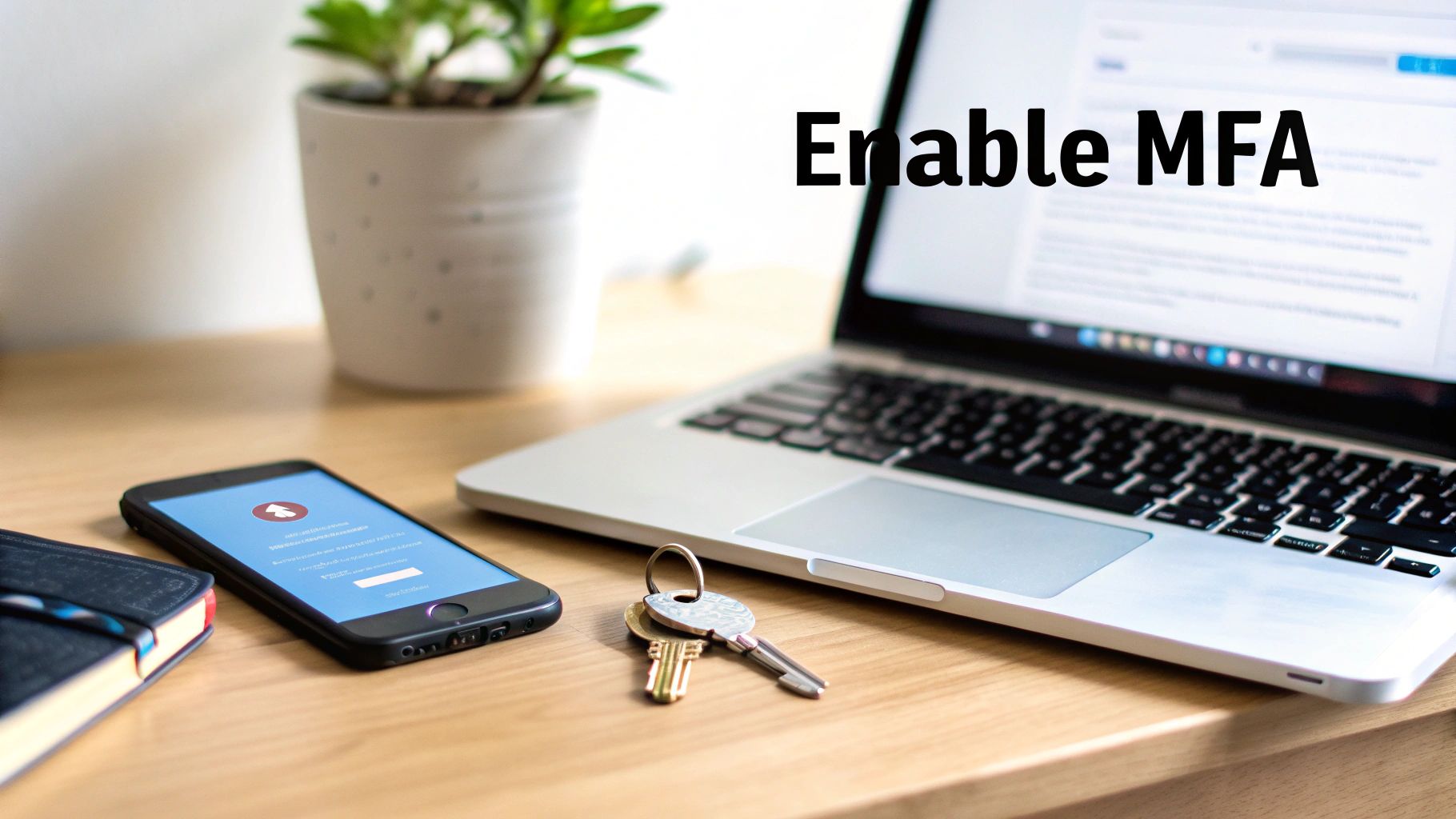
Multi-Factor Authentication (MFA) is your first and most critical line of defense against unauthorized account access, especially for cloud services. It moves beyond a simple password-only system by requiring users to provide two or more verification factors to gain access to their email. This layered approach means that even if a threat actor steals a password, they cannot access the account without the additional factor. This is an indispensable element of modern email security best practices for any small to midsize business.
The core principle of MFA combines different types of credentials: something you know (like a password), something you have (like a mobile phone app or a hardware token), and something you are (like a fingerprint or facial scan). For SMBs relying on cloud platforms, implementing MFA is one of the single most effective steps to significantly reduce the risk of a breach.
How to Implement MFA Effectively
Implementing MFA doesn't have to be a major disruption. Leading cloud solutions like Microsoft 365 and Google Workspace have robust, built-in MFA capabilities that can be configured to balance security and user convenience.
Start with a Phased Rollout: Begin with app-based authenticators (like Google Authenticator or Microsoft Authenticator), which are more secure than SMS-based codes. You can later introduce more advanced options like physical security keys (e.g., YubiKey) for high-privilege accounts.
Establish Clear Policies: Create and distribute a clear policy explaining why MFA is being implemented and how it works. Provide users with backup codes and establish a straightforward process for recovery if they lose their primary authentication device.
Leverage Conditional Access: For platforms that support it, like Microsoft 365, use Conditional Access policies. This AI-driven feature allows you to create risk-based MFA rules. For example, you can require MFA only when a user logs in from an unfamiliar network or a new device, reducing friction for employees.
Educate and Train: Teach your team to be vigilant against MFA fatigue attacks, where an attacker repeatedly sends push notifications hoping the user will accidentally approve one. User awareness is a key component of any successful MFA deployment.
DMARC is an essential email authentication protocol that prevents cybercriminals from spoofing your business domain, a common tactic in phishing and business email compromise (BEC) attacks. It acts as a policy layer on top of two other authentication standards, SPF (Sender Policy Framework) and DKIM (DomainKeys Identified Mail), telling receiving mail servers what to do with emails that fail these checks. By implementing DMARC, you take control of your domain's reputation and protect your brand, partners, and customers from fraudulent emails originating from any cloud service.
The protocol works by aligning SPF and DKIM results, ensuring that the domain in the "From:" address that users see is the same domain that is authenticated. This alignment is critical because it closes a loophole that attackers exploit. DMARC is not just a technical control; it's a statement of email authenticity that major cloud email providers like Google rely on to prevent impersonation, making it one of the most vital email security best practices for any business.
How to Implement DMARC Effectively
Proper DMARC implementation is a gradual process that requires careful monitoring to avoid disrupting legitimate email communications. The goal is to move from a monitoring-only policy to a full enforcement policy that blocks unauthorized emails.
Start with a Monitoring Policy: Begin by publishing a DMARC record with a p=none policy. This setting will not affect your email delivery but will allow you to receive reports on all email traffic claiming to be from your domain, including legitimate and fraudulent sources.
Analyze DMARC Reports: Use the reports to identify all legitimate cloud services sending email on your behalf (e.g., marketing platforms, CRM systems, HR software). You must then ensure each of these services is properly configured with SPF and DKIM so they pass authentication checks.
Gradually Increase Enforcement: Once you are confident that all authorized senders are aligned, you can move to a p=quarantine policy, which sends unauthenticated emails to the recipient's spam folder. After further monitoring, you can advance to a p=reject policy, which instructs receiving servers to block unauthorized emails outright.
Continuously Monitor and Refine: DMARC is not a "set it and forget it" solution. Regularly review your reports to catch new sending services or potential spoofing attempts. To ensure your DMARC records are correctly implemented and actively protecting your domain, consider using a reliable DMARC checker to validate your configuration.
3. Email Encryption (End-to-End & Transport)
Email Encryption is a fundamental process that converts your message content and attachments into an unreadable, scrambled format, protecting them from interception and unauthorized access. This practice is essential for safeguarding sensitive information, both while it's traveling across the internet (in transit) and while it's stored on a cloud server (at rest). Implementing robust encryption is a core component of any serious email security best practices strategy, ensuring that private communications remain private.
There are two primary forms of email encryption. Transport Layer Security (TLS) encrypts the connection between email servers, like a secure tunnel, protecting the message from eavesdropping as it moves from sender to recipient. End-to-End Encryption (E2EE) goes further, encrypting the message on the sender's device and ensuring it can only be decrypted by the intended recipient. This means even the cloud email service providers cannot read the content. For businesses handling sensitive data like PII, financial records, or intellectual property, combining both methods is crucial.
How to Implement Email Encryption Effectively
Modern cloud platforms have made implementing encryption more accessible for small and midsize businesses. Cloud solutions like Microsoft 365 Message Encryption and add-ins like Virtru for Google Workspace provide user-friendly ways to secure communications without complex workflows.
Configure Opportunistic TLS: Ensure your email server is configured to use modern TLS (version 1.2 or higher) by default. This encrypts the vast majority of your email traffic automatically as it travels between servers that support it.
Deploy an E2EE Solution for Sensitive Data: For communications requiring the highest level of confidentiality, use a dedicated encryption tool. This can be integrated directly into Outlook or Gmail, allowing users to encrypt specific messages with a single click.
Establish Clear Encryption Policies: Define what types of information must always be encrypted, such as financial data, client records, or health information. Use data loss prevention (DLP) rules to automatically apply encryption to emails containing keywords or patterns that match this sensitive data.
Train Your Team: Educate employees on when and how to use encryption. Provide simple instructions for sending and receiving encrypted messages, including how external recipients can access them. Regular training ensures that this critical security control is used correctly and consistently.
4. Advanced Threat Protection (ATP) & Sandboxing
Advanced Threat Protection (ATP) solutions go beyond traditional antivirus and spam filters, using artificial intelligence and machine learning to proactively identify and neutralize sophisticated threats. These systems are essential for defending against zero-day malware, ransomware, and targeted phishing attacks that standard security might miss. A core component of ATP is sandboxing, which automatically isolates and executes suspicious attachments or links in a secure, virtual cloud environment to analyze their behavior before they can reach an employee's inbox. This proactive, AI-driven analysis is a cornerstone of modern email security best practices.
How to Implement ATP Effectively
Deploying an ATP cloud solution like Microsoft Defender for Office 365 or Mimecast provides a dynamic shield against emerging cyber threats. Proper configuration is key to maximizing its protective capabilities without disrupting business workflow.
Layer with Gateway Filtering: Use ATP as a specialized layer of defense in conjunction with your existing secure email gateway. This creates a multi-layered cybersecurity posture where the gateway handles known threats, allowing the AI-powered ATP system to focus its resources on unknown and sophisticated attacks.
Configure "Safe Links" and "Safe Attachments": Actively configure policies to rewrite URLs and scan links in real-time when a user clicks them. For attachments, set up the dynamic delivery or sandboxing policy to analyze files for malicious code. This prevents users from inadvertently accessing weaponized documents or malicious sites.
Integrate with Endpoint Protection: Connect your ATP solution to your Endpoint Detection and Response (EDR) platform. This integration allows for a coordinated response; if a threat is detected in an email, the EDR can automatically isolate the affected endpoint to prevent the malware from spreading across your network.
Review Threat Reports Regularly: Don't just "set it and forget it." Regularly analyze the threat intelligence reports generated by your ATP service. These reports provide valuable insights into the types of attacks targeting your organization, helping you fine-tune your security policies and focus user training efforts. You can explore more about comprehensive cybersecurity solutions for businesses that incorporate these advanced tools.